TL;DR
AI text generation can streamline product title and description creation, but sellers must follow platform-specific rules to avoid disapprovals. Google requires the structured_title attribute with digital_source_type set to trained_algorithmic_media for AI-generated titles. Amazon Sponsored Products campaigns benefit from accurate, keyword-rich titles. Image workflows must ensure high-quality, compliant visuals. This guide provides a repeatable process to combine AI text with product images, covering Google Shopping, Amazon Ads, and global selling considerations.
Introduction
Ecommerce sellers face a constant challenge: producing accurate, compelling product titles and descriptions at scale while maintaining high-quality images. Manual creation is slow and inconsistent, leading to missed sales and policy violations. AI text generation offers speed, but platforms like Google and Amazon have strict rules about how AI-generated content must be labeled and formatted. Ignoring these rules can result in disapproved ads, limited eligibility, or account suspensions.
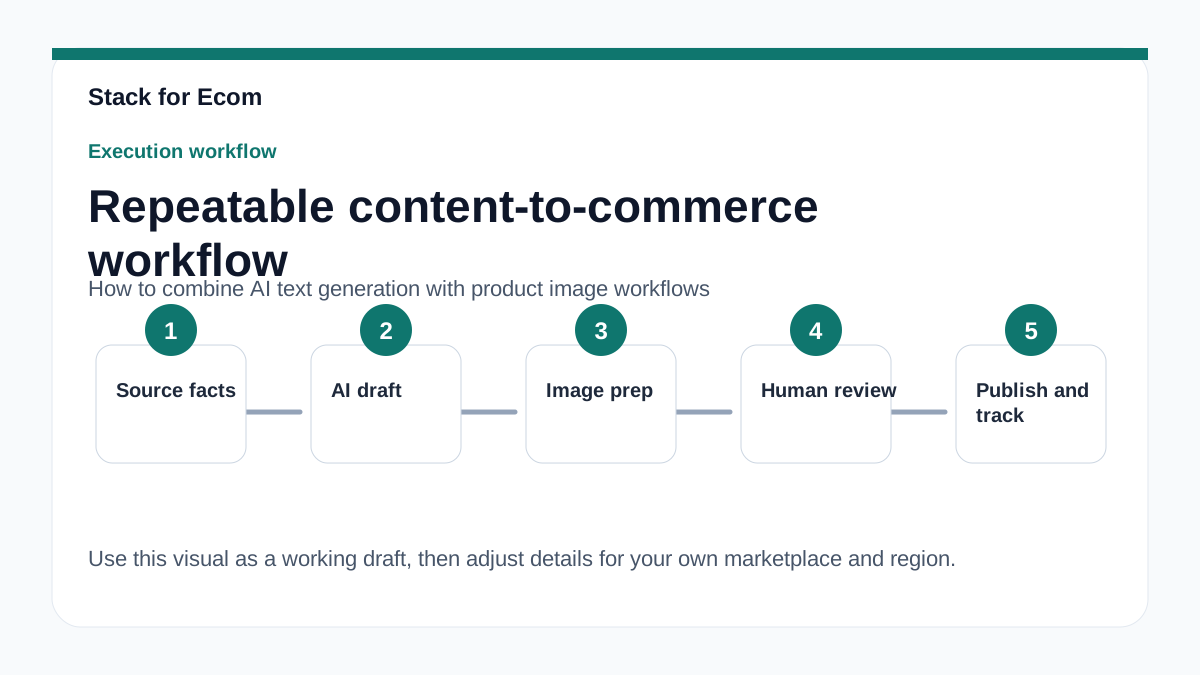
This article walks you through a practical workflow that combines AI text generation with product image processes. You will learn how to structure titles for Google Merchant Center, set up Amazon Sponsored Products campaigns with AI-enhanced copy, and ensure your images meet platform standards. Use this as a step-by-step reference to avoid common pitfalls and keep your listings active.
Main Content
1. Google Merchant Center Requirements for AI-Generated Titles
Google requires product data to be accurate and correctly formatted to prevent disapprovals, limited eligibility, or display issues in Merchant Center. Common problems include incorrect google_product_category or gtin values, missing variant attributes, low-quality images, or conflicting data between feed and website. When using generative AI to create titles, sellers must use the structured_title attribute with digital_source_type set to trained_algorithmic_media; otherwise, use the standard title attribute. The structured_title attribute has two sub-attributes: optional digital_source_type (default or trained_algorithmic_media) and required content (title text, max 150 characters). The title attribute must be plain text, max 150 characters, accurately describe the product, match the landing page title, and avoid promotional text or all caps.
For example, if you use an AI tool to generate a title like "Premium Stainless Steel Water Bottle 32oz – Leakproof & Insulated," you must submit it via the structured_title attribute with digital_source_type: trained_algorithmic_media. This tells Google the title was algorithmically generated, which is now mandatory in regions with AI disclosure regulations. Failure to do so may lead to disapprovals or enforcement actions.
2. Integrating AI Text with Image Workflows
Combining AI-generated text with product images requires a coordinated workflow. First, generate titles and descriptions using an AI tool (e.g., ChatGPT, Jasper) based on product attributes like material, size, color, and use case. Then, ensure the image set includes high-resolution, well-lit photos that match the description. Google and Amazon both require images to accurately represent the product. For Google Shopping, images must be at least 100x100 pixels, but 250x250 or larger is recommended. Amazon requires images to be at least 1000 pixels on the longest side for zoom functionality.
A practical example: For a "Portable Bluetooth Speaker," your AI might generate a title like "Waterproof Bluetooth Speaker 20W – 12-Hour Battery, IPX7." Pair this with images showing the speaker in use, its size relative to a hand, and underwater (if truly waterproof). Use a consistent naming convention for image files (e.g., SKU_angle.jpg) to match feed entries. Automate this by using a product information management (PIM) tool that syncs AI-generated text with image uploads.
3. Amazon Sponsored Products and AI-Generated Content
Amazon Sponsored Products are self-service, cost-per-click ads for individual product listings. Amazon recommends new advertisers start with Sponsored Products and use automatic targeting or manual keyword/product targeting. For a first Sponsored Products campaign, Amazon recommends a minimum daily budget of $10 USD for the United States marketplace. They also recommend running campaigns without an end date and using automatic targeting for the first campaign to let Amazon match ads to shopping queries based on product information.
When using AI-generated titles for Amazon, ensure they include relevant keywords that match customer search queries. For example, if you sell a "Yoga Mat," your AI-generated title might be "Non-Slip Yoga Mat 6mm – Eco-Friendly TPE, Exercise & Pilates Mat." This title includes keywords like "non-slip," "yoga mat," and "exercise mat." For manual keyword targeting, Amazon recommends targeting at least 30 keywords and starting with broad match, then focusing on top performers with phrase or exact match. Your AI can help generate a keyword list by analyzing top-selling competitor titles and customer reviews.
4. Global Selling and Compliance Considerations
Amazon Global Selling allows sellers based in the US to sell to customers in other countries, and sellers outside the US to sell to US customers on Amazon.com. The basic steps include creating a North America and Brazil unified account and any other regional or country-specific accounts, selecting products, completing tax and compliance requirements, listing products, shipping inventory, and managing the business with Amazon tools. Sellers can use a North America and Brazil unified account to reach customers in the US, Canada, Mexico, and Brazil; a Europe account to reach 28 countries; country-specific accounts for Australia, India, and Japan; and country-specific accounts for the United Arab Emirates, Saudi Arabia, and Egypt.
When combining AI text generation with images for global selling, you must localize content. For example, a product title generated in English for the US market may need translation and cultural adaptation for Japan or Germany. AI can help with translation, but ensure it complies with local regulations. For instance, AI regulations in the European Union, India, and New York require disclosures or labels for ads with certain AI-generated or edited assets, effective gradually from July in Google advertising products. Sellers can add AI labels directly to creatives or use the AI label setting in Google Ads, Display & Video 360, Campaign Manager 360, Merchant Center, and Ads Editor. However, using the AI label setting does not guarantee compliance with specific regulations; sellers must seek legal guidance and ensure ads follow local legal obligations.
Step-by-step checklist
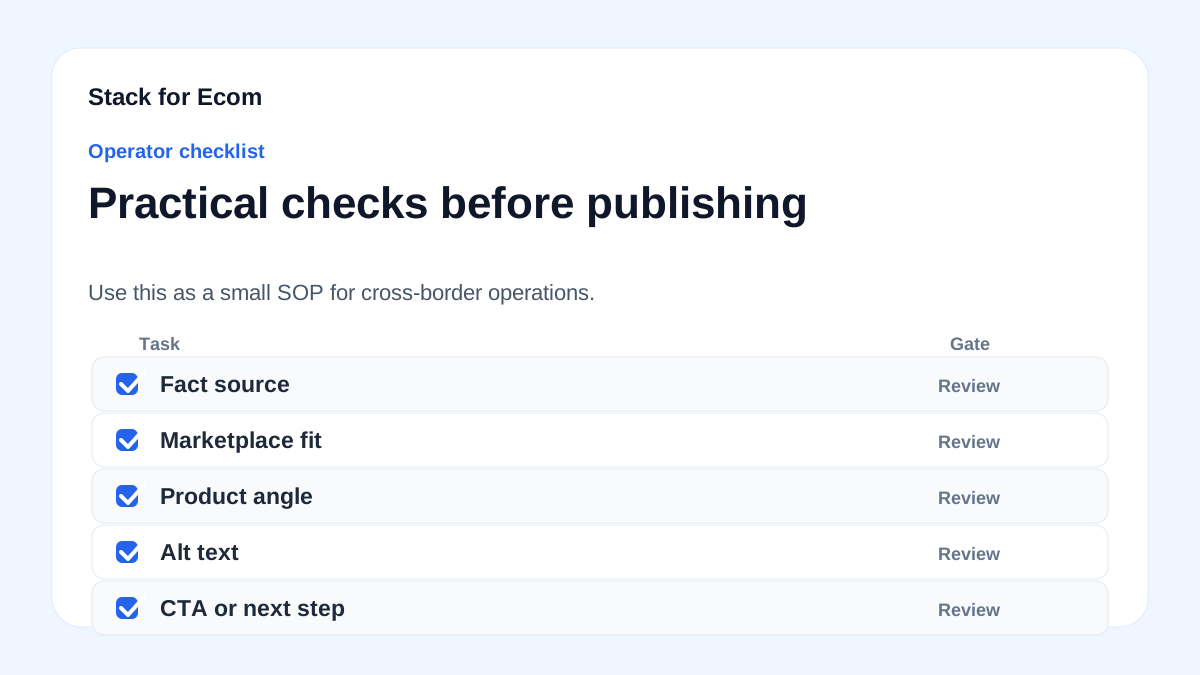
- [ ] Audit current product titles: Review existing titles for compliance with Google and Amazon requirements (max 150 characters, no promotional text, accurate).
- [ ] Set up
structured_titlein Google Merchant Center feed: For AI-generated titles, add thestructured_titleattribute withdigital_source_type: trained_algorithmic_media. - [ ] Generate AI titles for each product: Use an AI tool to create titles based on product attributes, keywords, and target market. Keep under 150 characters.
- [ ] Validate AI-generated titles: Check that titles match the landing page title and do not contain all caps or promotional language.
- [ ] Prepare product images: Ensure images are high-resolution (at least 1000px for Amazon, 250px for Google), show the product clearly, and match the description.
- [ ] Link image files to product SKUs: Use a consistent naming convention (e.g., SKU_main.jpg, SKU_angle.jpg) and update your feed or listing template.
- [ ] Upload feed to Google Merchant Center: Submit product data at least every 30 days and check for errors in the Diagnostics tab.
- [ ] Set up Amazon Sponsored Products campaign: Create a campaign with automatic targeting, a minimum daily budget of $10 USD, and no end date.
- [ ] Add AI labels for regulated regions: If selling in EU, India, or New York, use the AI label setting in Google Ads or Merchant Center to disclose AI-generated content.
- [ ] Review global selling compliance: For each target country, check taxes, regulations, product compliance, and listing requirements using tools like Manage Your Compliance.
- [ ] Localize AI text and images: Translate titles and descriptions for non-English markets, and adapt images to cultural norms (e.g., showing product in local context).
- [ ] Monitor performance and adjust: After 2-4 weeks, review click-through rates and conversion rates. For Amazon, refine keywords from broad to phrase/exact match.
Potential pitfalls
- Missing AI disclosure: If you use AI-generated titles without setting
digital_source_type: trained_algorithmic_mediain Google Merchant Center, your products may be disapproved. Prevention: Always usestructured_titlefor AI-generated titles.
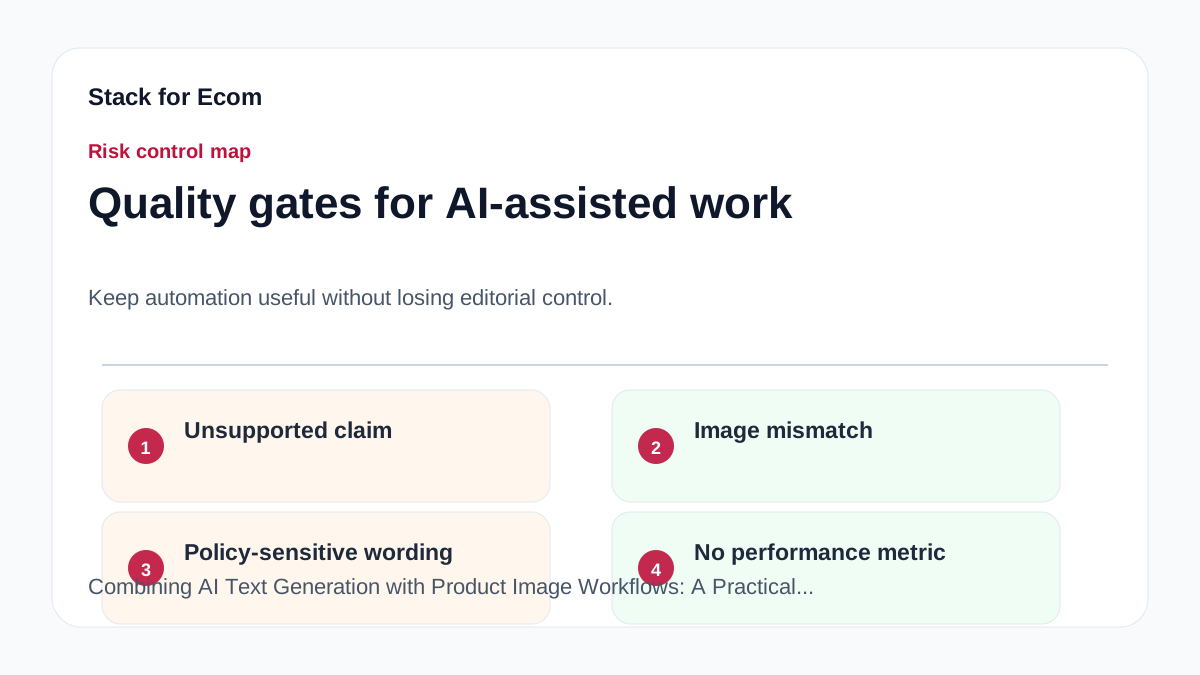
- Inconsistent image quality: Low-resolution or irrelevant images can lead to poor ad performance or Amazon listing suppression. Prevention: Use a minimum of 1000px images for Amazon and 250px for Google, and ensure they match the product description.
- Keyword stuffing in titles: Overloading titles with keywords may violate Google's plain text requirement and Amazon's style guide. Prevention: Keep titles natural and under 150 characters, focusing on key attributes.
- Ignoring regional AI regulations: Failing to label AI-generated ads in the EU, India, or New York can result in fines or ad removal. Prevention: Use the AI label setting in Google Ads and Merchant Center, and consult legal counsel.
- Outdated product data: Not submitting product data every 30 days can cause disapprovals. Prevention: Set up automated feed updates or reminders.
- Mismatch between feed and website: Conflicting data (e.g., title on feed differs from landing page) leads to display issues. Prevention: Ensure AI-generated titles match the product page title exactly.
- Incorrect global selling setup: Using a single account for multiple regions without proper tax and compliance review can block listings. Prevention: Create separate accounts per region and use Amazon's Compliance Reference tool.
Suggested visuals
- Flowchart: A diagram showing the workflow from AI text generation → feed creation → image upload → platform submission → compliance check.
- Table: Comparison of Google Merchant Center
titlevsstructured_titleattributes, including required fields and examples. - Screenshot: Google Merchant Center Diagnostics page showing how to check for errors related to AI-generated titles.
- Image example: Side-by-side comparison of a low-quality product image (blurry, small) vs a high-quality image (1000px, well-lit) with annotations.
- Checklist infographic: A one-page visual of the step-by-step checklist above, suitable for printing.
- Map: Global regions requiring AI disclosure (EU, India, New York) with effective dates.
Who this helps / Who should avoid
Who this helps:
- Ecommerce sellers using Google Shopping or Amazon Sponsored Products who want to scale product listing creation with AI.
- Small operations teams with limited resources looking for a repeatable, compliant workflow.
- Exporters expanding to multiple markets who need to localize product content efficiently.
Who should avoid:
- Sellers who manually create all product content and have no interest in AI tools.
- Businesses that do not sell on Google or Amazon platforms (e.g., only on Shopify or Etsy).
- Companies with very few products (under 10) where manual creation is faster than setting up an AI workflow.
Conclusion
Combining AI text generation with product image workflows can save time and improve consistency, but it requires careful attention to platform rules. For Google Merchant Center, use structured_title with digital_source_type: trained_algorithmic_media for AI-generated titles. For Amazon Sponsored Products, focus on keyword-rich, accurate titles and high-quality images. When selling globally, localize content and comply with regional AI disclosure laws. By following the checklist and avoiding common pitfalls, you can maintain compliant listings and improve ad performance.
References
- https://support.google.com/merchants/answer/7052112
- https://support.google.com/google-ads/answer/6275312
- https://advertising.amazon.com/library/guides/getting-started-with-sponsored-ads
- https://sell.amazon.com/global-selling
- https://ads.tiktok.com/help/article/about-catalogs
- https://ads.tiktok.com/help/article/get-started-tiktok-ads-manager