TL;DR
- Use structured email templates to maintain professionalism and clarity in supplier and buyer follow-ups.
- Always include accurate cargo descriptions and CBP declaration forms to avoid seizure or fines.
- Leverage the ITA Global Business Navigator Chatbot for general export process info, but verify its responses against official sources.
- Buyers become importers and are responsible for compliance; sellers must avoid misleading shipping documents.
- This article provides ready-to-use templates, a step-by-step checklist, and common pitfalls to avoid.
Introduction
Foreign trade communication often breaks down due to vague emails, missed follow-ups, or non-compliance with customs regulations. For small export teams and cross-border sellers, each email can make or break a deal. A poorly worded reply may delay shipment, cause misunderstandings about payment terms, or even lead to legal issues if shipping documents contain inaccurate descriptions.
This article provides practical email reply templates for supplier and buyer follow-up, grounded in U.S. import/export regulations. It also explains how to use the ITA Global Business Navigator Chatbot (a beta AI tool) to get general process information, while emphasizing that you must double-check its responses. Use these templates as a starting point, then customize them with accurate product details and compliance checks.
Main Content
1. Understanding the Buyer’s Role as Importer
When a U.S. buyer purchases goods from a foreign supplier, they become the importer of record. This means they are responsible for ensuring the merchandise complies with all state and federal regulations, including safety, health, and quota restrictions. U.S. Customs and Border Protection (CBP) can seize goods that violate import regulations, such as dairy products from certain countries without a permit. The buyer must also pay any applicable duties, regardless of whether the purchase was from an established business or an individual in an online auction.
For example, a small business importing handmade ceramics from Mexico must verify that the clay and glazes meet U.S. safety standards. If the supplier provides a vague description like "ceramic bowls," the buyer risks customs delays. Your follow-up email should request a detailed product description and country of origin to include on the CBP declaration form.
2. Essential Elements of a Compliant Shipping Document
CBP requires that all imported merchandise be accompanied by a declaration form and invoice. The form must include a full and accurate description in English, seller’s name and address, quantity, purchase price in U.S. dollars, weight, and country of origin. Superfluous information like personally identifiable information (PII) or packaging details must not be transmitted in the commodity description field.
For instance, instead of writing “electronics,” the description should be “lithium-ion battery charger, model X123, black plastic casing, dimensions 10x5x3 inches.” This level of detail helps CBP assess duties and identify potential risks. If a supplier sends a vague description, your reply template should ask for clarification and remind them of the legal requirement.
3. Using the ITA Global Business Navigator Chatbot for Export Guidance
The Global Business Navigator Chatbot is a beta AI tool from the International Trade Administration (ITA) designed to provide general exporting process information for new and experienced U.S. exporters. It is trained on ITA’s export-related content using Microsoft Azure AI services and can understand non-expert language and foreign languages. However, as a beta product, it may produce inaccurate or incomplete information. Its knowledge is limited to public information on the Export Solutions web pages of Trade.gov, and it cannot provide responses specific to a company’s product or a specific foreign market.
For example, if you ask the chatbot about duty rates for bamboo furniture from Vietnam, it may give a general answer but not the exact tariff code. You must verify its response by checking the Export Solutions web pages or consulting a customs broker. Never enter personally identifiable information (PII), sensitive, or proprietary data into the chatbot. Use it only for initial research, then cross-check with official sources.
4. Email Templates for Supplier Follow-Up
When a supplier sends a quote or shipping confirmation, your reply should confirm key details and request compliance documents. Use this template as a base:
Subject: Order Confirmation and Shipping Document Request – [Order Number]
Body: Dear [Supplier Name],
Thank you for your prompt response. We confirm receipt of your quote dated [Date] for [Product Name/Quantity]. To proceed with shipment, please provide the following documents:
- Commercial invoice with full, plain-language description of each item (e.g., “cotton t-shirt, size M, color blue, 100% cotton”)
- Packing list with weight and dimensions
- Certificate of origin (if applicable)
- CBP declaration form with accurate value in USD
Please ensure that the cargo description is detailed enough for U.S. Customs to identify size, shape, and characteristics. Avoid generic terms like “miscellaneous goods.”
We look forward to your confirmation.
Best regards, [Your Name]
5. Email Templates for Buyer Follow-Up
When following up with a buyer who has expressed interest, your email should clarify import responsibilities and payment terms. Example:
Subject: Follow-Up on Your Inquiry – [Product Name]
Body: Dear [Buyer Name],
Thank you for your interest in [Product Name]. As the importer of record, you are responsible for ensuring compliance with U.S. import regulations, including duty payment and customs clearance. We will provide a commercial invoice with a full description and country of origin to facilitate this.
Please confirm your shipping address and preferred incoterms (e.g., FOB, CIF). We can arrange shipment once we receive your purchase order and payment.
If you have questions about the import process, you may consult the ITA Global Business Navigator Chatbot for general guidance, but please verify its responses with official sources.
Best regards, [Your Name]
Step-by-step checklist
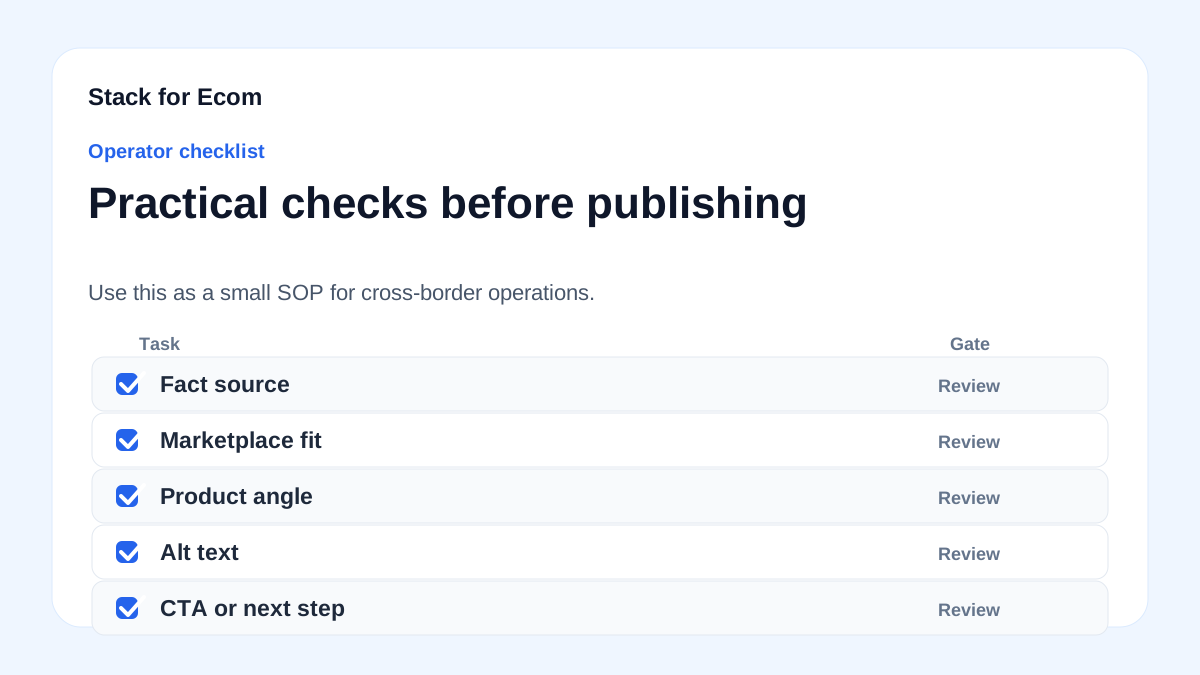
- Identify the email purpose: supplier follow-up, buyer follow-up, or document request.
- Use a clear subject line with order number or product name.
- Open with a polite greeting and reference previous communication.
- State the specific request: confirm order, request documents, or clarify terms.
- Include required document list: commercial invoice, packing list, certificate of origin, CBP declaration form.
- Specify that cargo description must be in plain language, detailed enough for customs identification.
- Remind the recipient of import responsibilities (buyer is importer, duties apply).
- Close with a call to action: “Please reply by [date]” or “Confirm receipt.”
- Attach any relevant templates or links to official resources (e.g., CBP website).
- Proofread for accuracy of numbers, dates, and product descriptions.
Potential pitfalls
- Vague cargo descriptions: Using terms like “general merchandise” can lead to seizure or forfeiture. Prevention: Always request a detailed, plain-language description.
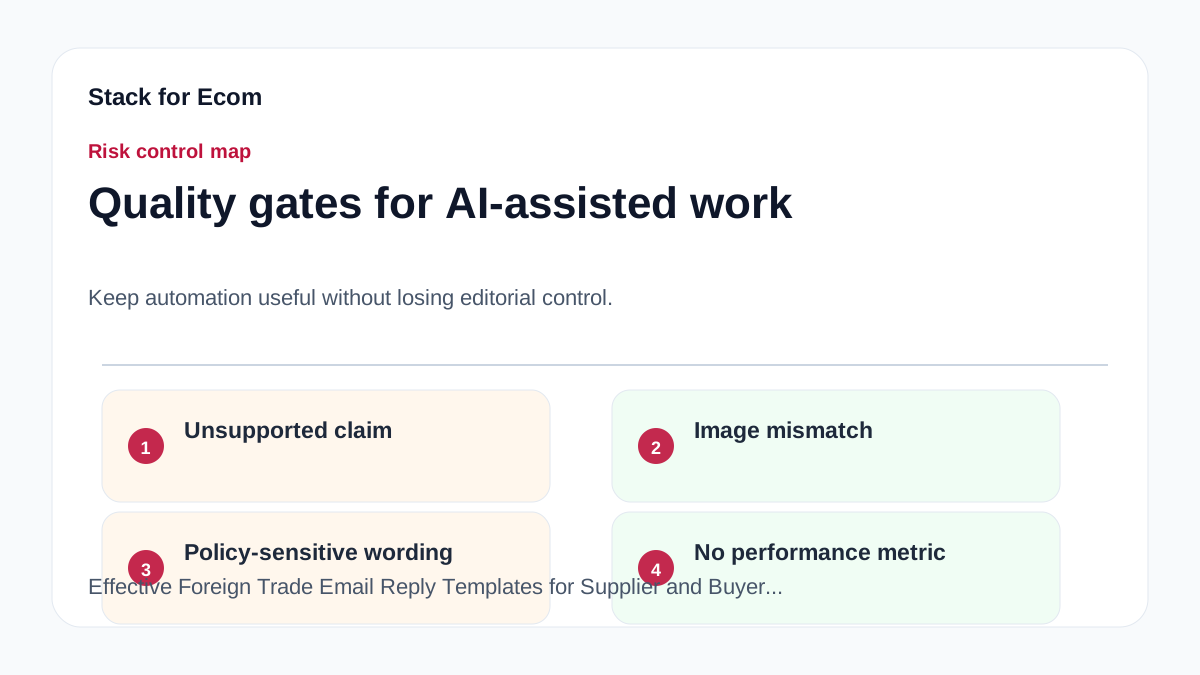
- Incorrect declaration value: Understating value to avoid duties is illegal and can result in fines. Prevention: Use actual transaction value in USD.
- Ignoring import regulations: Buyers may assume the seller handles customs. Prevention: Clearly state buyer’s responsibilities in the email.
- Over-reliance on AI chatbot: The ITA chatbot may give incomplete information. Prevention: Verify all chatbot responses against Export Solutions web pages or consult a professional.
- Entering PII into chatbot: The chatbot does not collect user info, but entering sensitive data is risky. Prevention: Never share personal or proprietary data in the chatbot.
- Missing country of origin: CBP requires this for duty assessment. Prevention: Include a line in your email template requesting country of origin.
Suggested visuals
- Flowchart: Email workflow for supplier follow-up, from initial quote to shipment confirmation.
- Table: Comparison of required fields on CBP declaration form vs. common mistakes.
- Screenshot: Example of a compliant cargo description in a commercial invoice.
- Infographic: Step-by-step process of using the ITA Global Business Navigator Chatbot safely.
- Checklist graphic: Visual checklist of 10 steps for email follow-up.
- Diagram: Roles and responsibilities of buyer (importer) vs. seller (exporter) in cross-border trade.
Who this helps / Who should avoid
- Helps: Small export teams, cross-border ecommerce sellers, freelance trade consultants, and U.S. importers who need structured communication templates. Also helps those new to exporting who want to use the ITA chatbot for initial research.
- Should avoid: Large corporations with dedicated legal and compliance teams may find these templates too basic. Also, anyone expecting the chatbot to provide product-specific or market-specific advice should avoid relying on it alone.
Conclusion
Effective email follow-up in foreign trade requires clarity, compliance, and professionalism. By using the templates and checklist provided, you can reduce misunderstandings and avoid customs pitfalls. Remember that the buyer is the importer and must ensure accurate documentation. The ITA Global Business Navigator Chatbot can help with general export process questions, but always double-check its answers. Customize these templates to fit your product and market, and consult official sources for specific regulations.
References
- https://www.trade.gov/export-solutions
- https://www.trade.gov/ecommerce
- https://www.cbp.gov/trade/basic-import-export/internet-purchases
- https://www.cbp.gov/trade/basic-import-export/e-commerce