TL;DR
- Facebook ad copy for cross-border ecommerce must balance persuasive language with legal compliance, especially regarding import regulations and product data accuracy.
- Use the provided templates to structure ad copy for product launches, focusing on clear value propositions, urgency, and trust signals.
- Ensure product data (titles, descriptions, IDs) meets platform requirements to avoid disapprovals, and stay informed about AI labeling rules in regulated regions.
- Import regulations (e.g., CBP rules) affect ad claims—avoid promising delivery times or duty-free status unless verified.
- This article includes a repeatable checklist, common pitfalls, and suggested visuals for your ad campaigns.
Introduction
Launching a cross-border product on Facebook ads often feels like juggling two separate worlds: creative marketing and strict import compliance. You need ad copy that grabs attention, drives clicks, and converts shoppers across time zones, while also ensuring your product data and claims don’t violate platform policies or customs regulations. A single misstep—like a misleading delivery promise or a product title that doesn’t match the landing page—can lead to ad rejection, chargebacks, or even seized shipments.
This article cuts through the complexity by providing ready-to-use Facebook ad copy templates tailored for cross-border product launches. We’ll cover how to structure your ad for maximum impact, align your product data with Google Merchant Center requirements (since many sellers use Shopping ads alongside Facebook), and navigate U.S. Customs and Border Protection (CBP) rules that affect your ad claims. Whether you’re a solo seller or part of a small export team, you’ll walk away with a practical SOP and actionable examples.
Use this guide as a reference when building your next campaign. The templates are designed to be adapted for different product categories—fashion, electronics, home goods—and can be paired with automation tools to scale your efforts. We’ll also flag potential pitfalls that have tripped up experienced sellers, so you can avoid costly mistakes.
Main Content
1. Core Components of a Cross-Border Facebook Ad Copy
A winning Facebook ad copy for cross-border launches must include four essential elements: a hook that addresses the buyer’s pain point, a clear value proposition (e.g., price, quality, exclusivity), social proof (reviews, ratings, or scarcity), and a compliance-friendly call-to-action (CTA). For example, instead of “Buy Now – Free Shipping Worldwide,” use “Shop Now – Check Shipping to Your Country” to avoid implying free delivery to all destinations (which may not be true due to customs fees).
Product data accuracy is critical. According to Google’s Merchant Center guidelines, titles must be plain text, up to 150 characters, and accurately describe the product without promotional text like “free shipping” or all caps. For variant products (e.g., a dress available in multiple colors), include distinguishing features in the title. This data feeds into Facebook’s catalog ads if you use a product feed, so consistency between your ad copy and the product page is non-negotiable.
Example: For a cross-border launch of a portable charger, your ad copy could be: “Power Up Anywhere – 20,000mAh Portable Charger for Travelers. Lightweight, fast-charging, and TSA-approved. Ships from our US warehouse. Order now.” This avoids promises about duty or delivery timelines while highlighting a key benefit (TSA approval) that builds trust.
2. Templates for Different Launch Stages
Pre-launch (Teaser): Use this to build anticipation. Copy: “Coming Soon: [Product Name] – The [Unique Feature] You’ve Been Waiting For. Sign up for early access and get 10% off your first order. Limited quantities available.” This template creates urgency without making unverified claims. Ensure your landing page captures email addresses for follow-up.
Launch Day (Urgency): “Just Launched: [Product Name] – [Key Benefit]. For the next 48 hours, enjoy free shipping to the US and Canada. Hurry – only 100 units in stock.” Note: Free shipping claims must be true for the stated regions. If you’re shipping from overseas, factor in actual costs and customs handling. CBP rules state the buyer becomes the importer and is responsible for duties, so avoid promising “no duties” unless you have a verified duty-paid arrangement.
Post-launch (Social Proof): “Over 500 customers love [Product Name]! See why it’s trending. Read reviews and get yours with fast, trackable shipping. Satisfaction guaranteed.” This template leverages user-generated content and reduces purchase anxiety. Ensure your product page includes genuine reviews and clear return policies.
3. Aligning Ad Copy with Product Data for Compliance
Your Facebook ad copy must match the product data you submit to platforms like Google Merchant Center or Facebook Catalog. For instance, if your ad says “Premium Organic Cotton T-Shirt,” but your product feed lists the title as “Cotton T-Shirt – Regular Fit,” the mismatch can trigger ad disapproval. Google’s guidelines require that titles accurately describe the product and match the landing page. Use the same language throughout your feed—attribute names and values (e.g., condition: new) must be in English for supported values.
Also, be aware of AI regulations. In the European Union, India, and New York, ads with certain AI-generated assets require disclosure labels. Google’s AI label setting will roll out gradually in July across platforms including Merchant Center. If you use AI tools to generate ad copy or images, ensure you comply with these labeling requirements to avoid penalties.
4. Handling Import Regulations in Your Ad Copy
Cross-border sellers must understand that the buyer becomes the importer when purchasing goods from foreign sources (CBP). Your ad copy should never claim that the buyer is exempt from duties or that the product will clear customs without issues. Instead, use language like “Duties and taxes may apply upon delivery. Check your country’s customs policy.” This protects you from liability and sets accurate expectations.
CBP also requires a precise cargo description for shipments—plain language detailing size, shape, and characteristics. While this isn’t directly part of your ad copy, it affects your fulfillment process. If your ad promises “fast delivery,” ensure your logistics partner can consistently meet that timeline, considering potential customs delays like quota restrictions on linen products from certain countries (CBP). Storage charges for delayed shipments can be expensive.
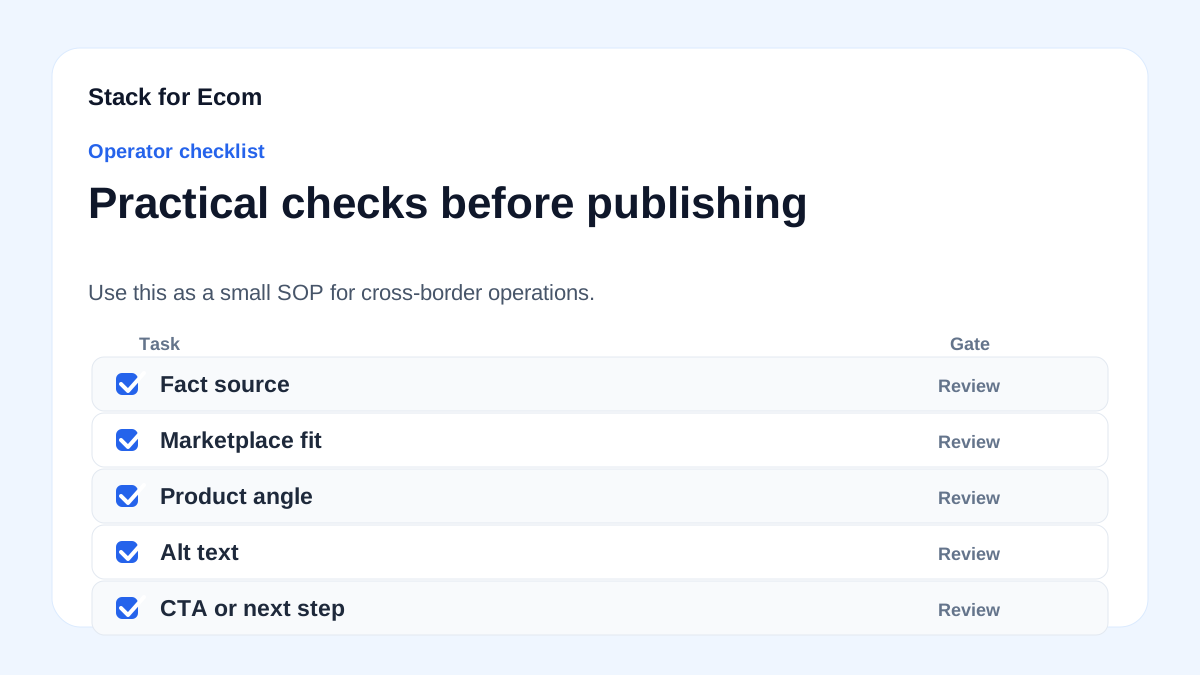
Step-by-step checklist
- Define your target audience – Identify the country, language, and cultural nuances. Use Facebook’s audience insights to refine.
- Write a hook – Start with a problem or benefit relevant to cross-border shoppers (e.g., “Tired of high shipping costs?”).
- Craft the value proposition – Highlight price, quality, exclusivity, or unique features. Avoid superlatives unless verified.
- Add social proof – Include a review snippet or star rating. If new, use a pre-order or early access angle.
- Include a compliance CTA – Use “Shop Now,” “Learn More,” or “Get Offer” instead of “Buy Now” if duties are unclear.
- Check product data alignment – Ensure the ad copy matches the product title, description, and images in your feed. Use the same SKU as the ID attribute.
- Verify shipping claims – Only promise free shipping to specific regions if you can fulfill. Mention estimated delivery times (e.g., “5-10 business days to the US”).
- Review for prohibited content – Remove all caps, promotional text like “free shipping” in titles, and gimmicky characters. Ensure no PII in descriptions.
- Test with a small budget – Run A/B tests with two variations (e.g., one with urgency, one with social proof). Monitor CTR and conversion rates.
- Update feed regularly – Submit product data at least every 30 days to avoid disapprovals. For variant products, include item_group_id, color, and size.
- Comply with AI labeling rules – If using AI-generated copy or images, enable the AI label setting in Merchant Center (rolling out July).
- Monitor for policy changes – Check CBP and platform guidelines quarterly, especially for de minimis thresholds and import restrictions.
Potential pitfalls
- Misleading delivery promises – Claiming “free shipping worldwide” when duties or remote area surcharges apply. Prevention: Use region-specific shipping tables and clearly state “duties may apply.”
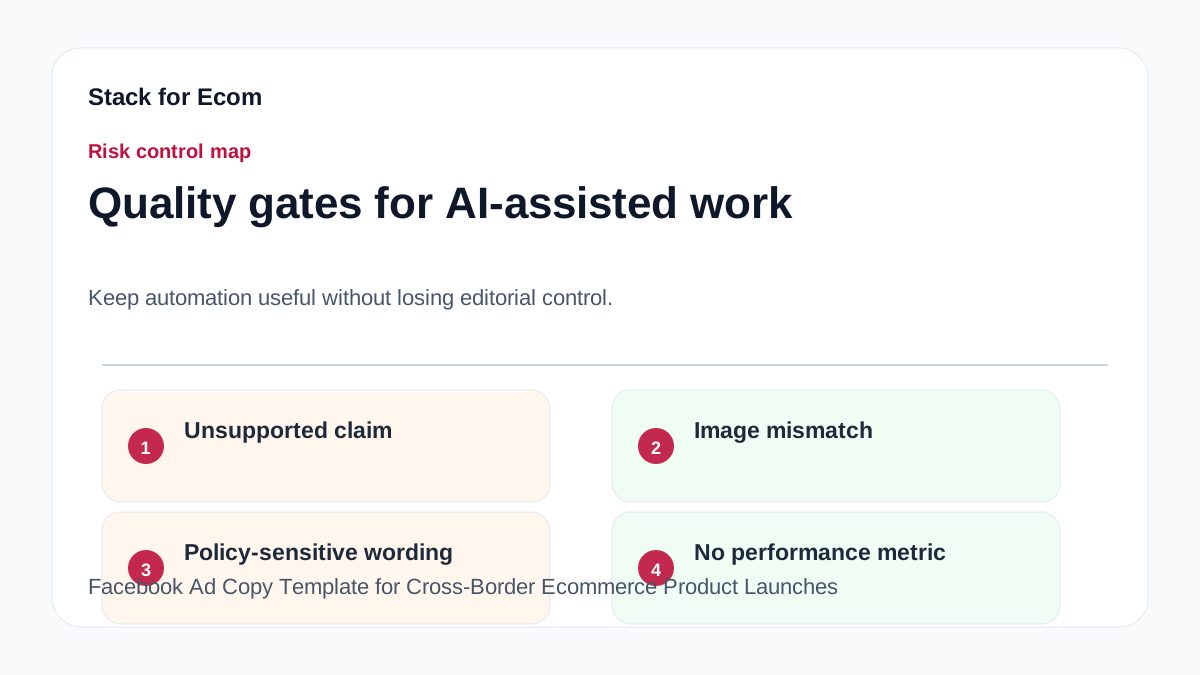
- Product data mismatch – Ad copy says “leather wallet” but feed says “vegan leather wallet.” Prevention: Keep product titles and descriptions consistent across all channels.
- Ignoring AI disclosure requirements – Running ads with AI-generated assets in the EU, India, or New York without labels. Prevention: Enable the AI label in Merchant Center and review regional laws.
- Overlooking customs compliance – Advertising a product that violates import regulations (e.g., dairy products from restricted countries). Prevention: Research CBP restrictions for your product category and origin country.
- Using prohibited characters in titles – Adding emojis or all caps to Facebook ad copy that feeds into catalog ads. Prevention: Follow Google’s title guidelines—plain text, 150 characters max, no promotional text.
- Neglecting de minimis thresholds – Assuming all low-value shipments are duty-free. Prevention: Check current de minimis values (e.g., $800 for the US) and adjust pricing or shipping strategies accordingly.
- Failing to update variant attributes – Missing item_group_id for color/size variants leads to disapprovals. Prevention: Use your SKU as the ID and include variant-specific attributes in the feed.
Suggested visuals
- Ad copy template comparison table – A side-by-side table showing pre-launch, launch, and post-launch templates with key elements (hook, value prop, CTA).
- Product data alignment flowchart – A diagram illustrating how ad copy, product feed, and landing page must match, with examples of correct vs. incorrect data.
- CBP import compliance checklist infographic – A visual list of do’s and don’ts for ad claims related to shipping, duties, and customs.
- Screenshot of a Facebook ad with annotations – Highlighting the hook, value proposition, social proof, and CTA, with notes on compliance.
- Chart of de minimis trends – A line graph showing the increase in de minimis BOLs from 2020 to 2025 (based on CBP data), to illustrate the scale of cross-border ecommerce.
- AI disclosure label mockup – An example of what an AI-generated content label might look like in a Facebook ad or Merchant Center listing.
Who this helps / Who should avoid
Helps:
- Cross-border ecommerce sellers launching new products on Facebook Ads.
- Small export teams managing product feeds and ad campaigns.
- Dropshippers and private label sellers who need compliant ad copy.
- Marketing managers in companies selling to the US, EU, or other regulated markets.
Should avoid:
- Sellers who only run domestic campaigns (no cross-border logistics).
- Brands with established compliance teams that already have custom templates.
- Advertisers who rely solely on automated copy without human review (AI-generated copy still needs oversight).
Conclusion
Crafting Facebook ad copy for cross-border product launches is a balancing act between persuasive marketing and strict compliance. By using the templates provided, aligning your product data with platform requirements, and understanding import regulations, you can create ads that convert without risking disapprovals or legal issues. The checklist and pitfalls outlined here serve as a repeatable SOP for your team. As regulations evolve—especially around AI disclosures and de minimis thresholds—stay proactive by reviewing CBP and platform guidelines quarterly. Start with one template, test it, and refine based on performance data. Your next successful launch is just a well-written ad away.
References
- https://ads.tiktok.com/help/article/get-started-tiktok-ads-manager
- https://ads.tiktok.com/help/article/about-catalogs
- https://support.google.com/google-ads/answer/6275312
- https://www.cbp.gov/trade/basic-import-export/internet-purchases
- https://www.cbp.gov/trade/basic-import-export/e-commerce
- https://support.google.com/merchants/answer/7052112