TL;DR
This article provides a structured workflow for using Facebook Ads to test cross-border ecommerce products before scaling. It covers campaign setup, budget allocation, targeting strategies, and compliance with import regulations. Key takeaways: start with a low daily budget (e.g., $10–$20), use automatic targeting initially, monitor key metrics, and ensure your product descriptions meet U.S. Customs requirements to avoid seizure. The workflow integrates best practices from Amazon Sponsored Products and Google Shopping campaigns, adapted for Facebook’s platform.
Introduction
Cross-border ecommerce sellers often face a critical challenge: how to test new products quickly and cost-effectively without risking large ad budgets. Many rely on Facebook Ads for its broad reach and precise targeting, but without a structured testing workflow, campaigns can burn cash on unprofitable products or even violate import regulations. The business impact is significant—wasted ad spend, delayed market entry, and potential legal issues with customs.
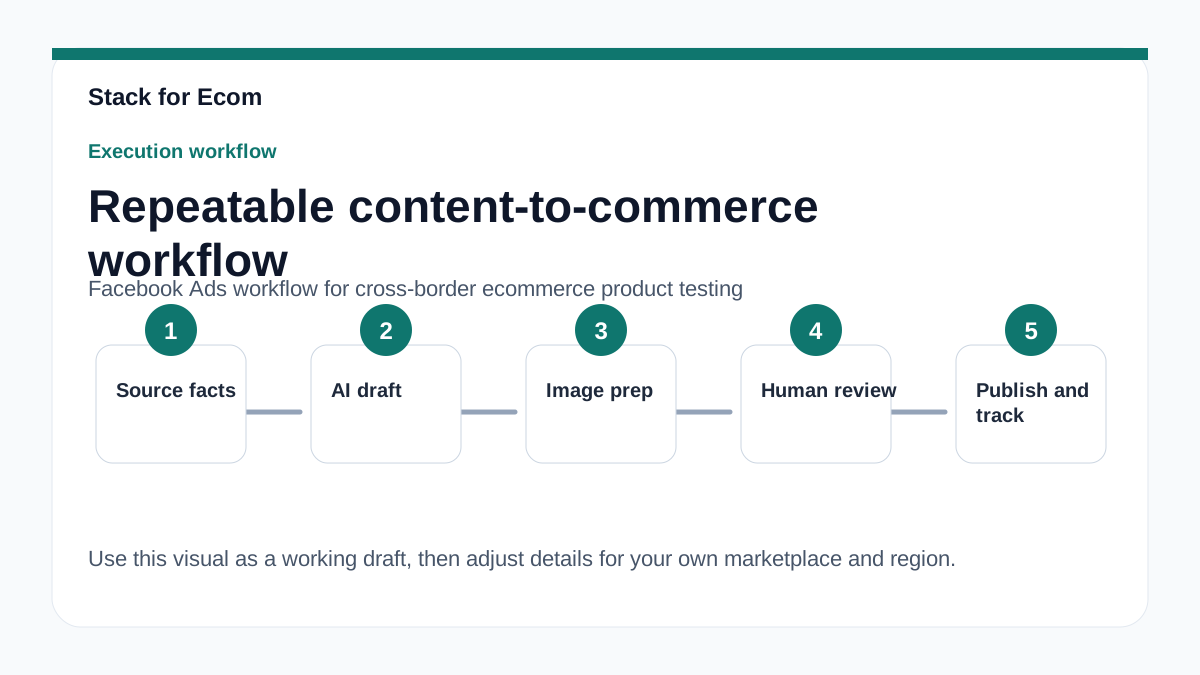
This article offers a practical, step-by-step workflow for testing cross-border products using Facebook Ads. It draws on proven principles from Amazon Sponsored Products (e.g., budget recommendations, automatic targeting) and Google Shopping campaigns (e.g., product data requirements), while incorporating U.S. Customs and Border Protection (CBP) compliance tips. By following this SOP, you can validate product demand, optimize ad performance, and ensure your shipments clear customs smoothly.
Use this guide as a repeatable checklist for each new product test. It’s designed for small teams and solo sellers who need a lean, data-driven process.
Main Content
1. Pre-Campaign Setup: Product Selection and Compliance Checks
Before launching any Facebook Ads, verify that your product is eligible for cross-border sale. According to CBP, all imported merchandise must comply with U.S. rules and regulations, and the buyer becomes the importer responsible for compliance (source: CBP internet purchases guide). Ensure your product is not prohibited (e.g., certain dairy products without permits) and that you have accurate descriptions for customs declarations.
Create a product data sheet that includes: detailed English description, quantity, purchase price in U.S. dollars, weight, and country of origin. This matches CBP’s requirement for a “precise, specific cargo description in plain language” (source: CBP e-commerce page). Misrepresenting value or nature can lead to seizure or fines.
For Facebook Ads, you’ll need a catalog feed if you’re running dynamic ads. Although Facebook’s catalog setup differs from Google Merchant Center, the principle is similar: product data must be submitted and updated regularly. Google recommends submitting product data at least every 30 days (source: Google Shopping ads help). Apply the same discipline to your Facebook catalog.
2. Campaign Structure and Budget Allocation
Start with a single campaign per product test. Use a low daily budget—Amazon recommends $10 USD minimum for Sponsored Products in the U.S. (source: Amazon Sponsored Products guide). For Facebook, a similar baseline works: $10–$20 per day to gather meaningful data without overspending.
Set up automatic targeting initially. Amazon advises launching with automatic targeting to let the platform match ads to relevant queries (source: Amazon Sponsored Products guide). On Facebook, this means using “Automatic Placements” and letting the algorithm optimize for conversions. This reduces manual guesswork and identifies high-performing audiences.
If you prefer manual targeting, start with broad interest-based audiences, then refine using Facebook’s reporting. Amazon recommends targeting at least 30 keywords for manual campaigns (source: Amazon Sponsored Products guide). Adapt this to Facebook by selecting 30+ relevant interests or behaviors.
3. Ad Creative and Landing Page Optimization
Your ad creative must clearly communicate the product’s value and comply with Facebook’s ad policies. Use high-quality images or short videos showing the product in use. Include a clear call-to-action (e.g., “Shop Now” or “Learn More”).
Landing pages should be optimized for mobile and load quickly. For cross-border sales, ensure the page displays prices in the target currency (e.g., USD) and includes shipping information. CBP requires accurate declarations; your checkout page should capture the buyer’s details for customs forms.
Test multiple ad variations (e.g., different headlines, images) within the same campaign. Facebook’s A/B testing feature can help identify winning creatives. Monitor click-through rates (CTR) and conversion rates (CVR) to determine which ads resonate.
4. Monitoring, Reporting, and Scaling Decisions
After 7–10 days, review campaign performance. Key metrics: cost per acquisition (CPA), return on ad spend (ROAS), and add-to-cart rate. Amazon offers several reports for Sponsored Products, including search term report and performance over time report (source: Amazon Sponsored Products guide). Facebook provides similar reports under Ads Manager (e.g., “Performance” and “Breakdowns”).
If CPA is within your target margin (e.g., 20–30% of product price), consider scaling by increasing budget or expanding targeting. If performance is poor, pause the campaign and analyze why—low CTR may indicate weak creative, while high CPA may signal wrong audience or high product price.
Remember that cross-border sales involve customs duties. Factor these into your cost calculations. CBP’s de minimis threshold (under $800 USD for U.S. imports) may exempt some shipments from duties, but this is subject to change (source: CBP e-commerce data). Always check current thresholds.
Step-by-step checklist
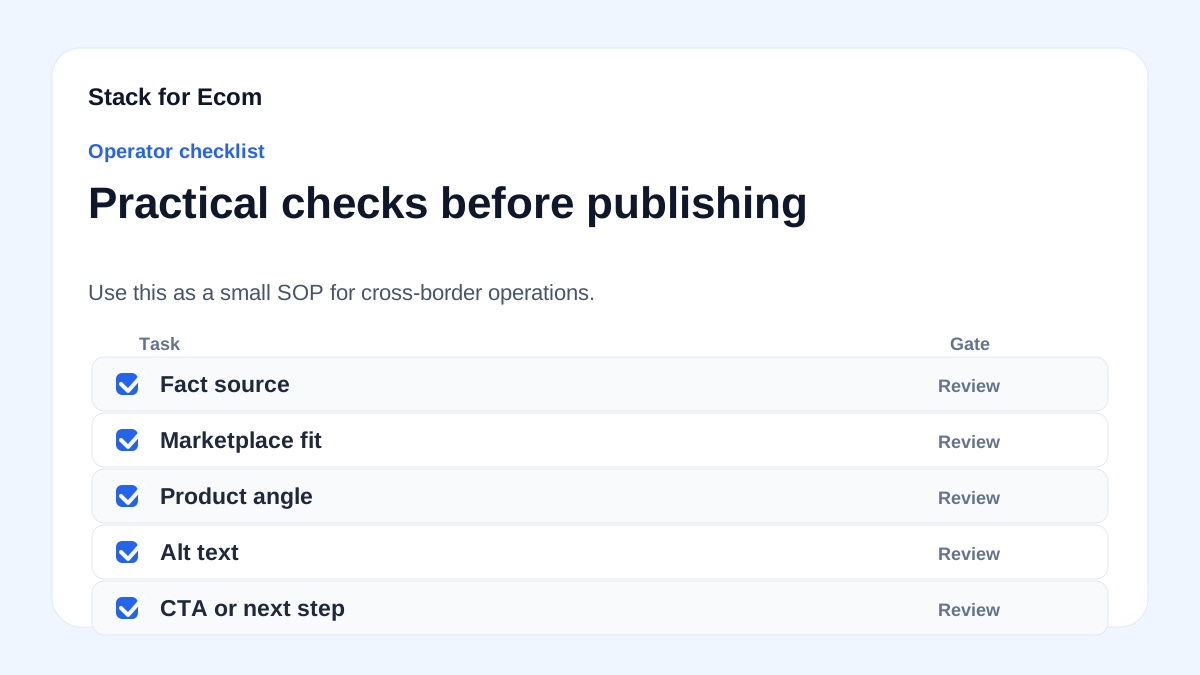
- Verify product compliance – Check if your product is allowed in the target country (e.g., U.S.). Review CBP’s import regulations and ensure no restrictions apply.
- Prepare product data – Create a detailed product description in English, including weight, value, and country of origin. This will be used for customs declarations and ad feed.
- Set up Facebook catalog – Upload product data to Facebook Business Manager. Update at least every 30 days to keep inventory accurate.
- Create a single campaign – Name it clearly (e.g., “Test – Product X – US”). Set daily budget to $10–$20 USD.
- Choose automatic targeting – Enable Automatic Placements and optimize for conversions (e.g., “Purchase” or “Add to Cart”).
- Design 3–5 ad creatives – Use high-resolution images or videos. Write compelling copy that highlights benefits and includes a clear CTA.
- Set up tracking – Install Facebook Pixel on your website. Create conversion events for purchases, add-to-cart, and page views.
- Launch and monitor – Run the campaign for 7–10 days. Check metrics daily: CTR, CVR, CPA, ROAS.
- Analyze reports – Use Facebook Ads Manager reports to identify top-performing audiences and creatives. Compare with search term reports if using manual targeting.
- Decide to scale or kill – If CPA ≤ 30% of product price and ROAS ≥ 3x, scale budget by 20% every 3 days. If not, pause and test a different product or creative.
Potential pitfalls
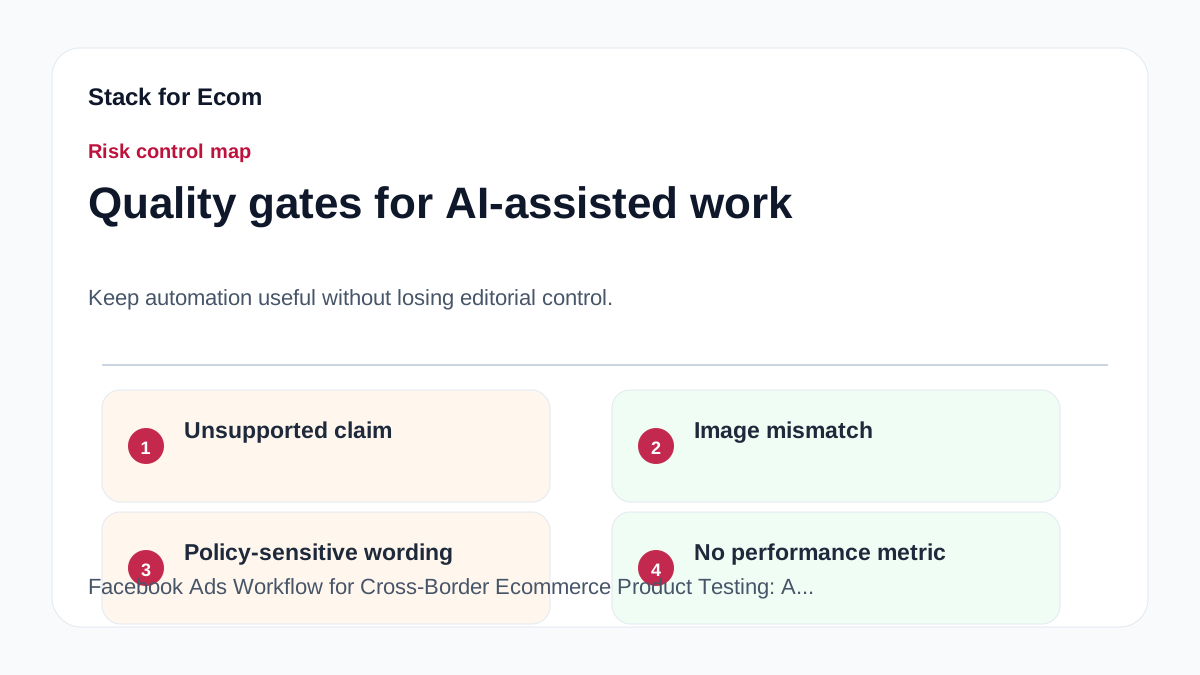
- Ignoring customs compliance – Selling products that violate import regulations can lead to seizure or fines. Always verify your product’s legality in the target market. Prevention: consult CBP’s guidelines and use a customs broker if needed.
- Underestimating budget – A $5 daily budget may not generate enough data to make decisions. Prevention: start with at least $10/day as recommended by Amazon.
- Using manual targeting too early – Manual targeting without data can waste budget on wrong audiences. Prevention: begin with automatic targeting for the first 7–10 days.
- Neglecting product feed updates – Stale product data can cause ad disapproval or poor performance. Prevention: update your Facebook catalog every 30 days, similar to Google’s requirement.
- Overlooking shipping and duty costs – High shipping fees or unexpected duties can kill margins. Prevention: include estimated duties in your pricing and test with a small batch first.
- Misrepresenting product value on customs forms – This is illegal and can lead to legal action. Prevention: always declare the actual purchase price in USD and provide accurate descriptions.
Suggested visuals
- Workflow diagram – A flowchart showing the product testing process: Product Selection → Compliance Check → Campaign Setup → Launch → Monitor → Scale/Kill.
- Budget comparison table – A table comparing daily budget recommendations from Amazon ($10 USD), Google (no specific min, but $10+ typical), and Facebook ($10–$20).
- Screenshot of Facebook Ads Manager campaign setup – Highlighting the “Automatic Placements” and “Conversion” optimization options.
- Sample product data sheet – A table with columns: Product Name, Description, Price (USD), Weight, Country of Origin. Useful for customs and feed.
- Performance metrics dashboard – A mockup of Facebook Ads Manager showing CTR, CPA, and ROAS for a test campaign.
- CBP compliance checklist – A simple infographic listing key requirements: accurate description, English language, purchase price, weight, and country of origin.
Who this helps / Who should avoid
Helps:
- Small ecommerce sellers testing new products for cross-border markets (especially U.S.).
- Dropshippers who need a low-cost validation method before bulk ordering.
- Export managers in small teams who want a repeatable process for product launches.
Should avoid:
- Sellers targeting countries with strict import bans (e.g., certain food or cosmetics). Check CBP restrictions first.
- Brands with large budgets who can afford to run multiple campaigns simultaneously; this workflow is designed for lean testing.
- Sellers using only organic traffic; this article assumes paid ads are the primary channel.
Conclusion
A structured Facebook Ads workflow for cross-border product testing can save you time, money, and legal headaches. By combining proven ad strategies from Amazon and Google with CBP compliance requirements, you can confidently test new products in foreign markets. Start with a low budget, use automatic targeting, and always prioritize accurate product data. Monitor performance reports to make data-driven scaling decisions. Remember: compliance is not optional—missteps with customs can cost you your inventory. Apply this SOP to your next product launch and iterate based on results.
References
- https://advertising.amazon.com/library/guides/getting-started-with-sponsored-ads
- https://support.google.com/google-ads/answer/6275312
- https://www.cbp.gov/trade/basic-import-export/internet-purchases
- https://www.cbp.gov/trade/basic-import-export/e-commerce