TL;DR
Product images are critical for marketplace listings and ad campaigns. This guide covers image requirements for Amazon, Google Shopping, and TikTok, including size, format, background, and compliance rules. Follow the step-by-step checklist to avoid disapprovals and improve click-through rates. Key takeaways: use high-resolution images, plain backgrounds, and accurate representations. Avoid promotional text, watermarks, and low-quality visuals. Regularly audit your image feed.
Introduction
When a potential buyer scrolls through search results on Amazon, Google Shopping, or TikTok, the product image is often the first—and sometimes only—element that captures attention. Poor image quality or non-compliance with platform specifications can lead to ad disapprovals, low click-through rates, and wasted ad spend. For cross-border sellers, the challenge multiplies: different marketplaces have distinct rules, and a single image error can block listings across regions.
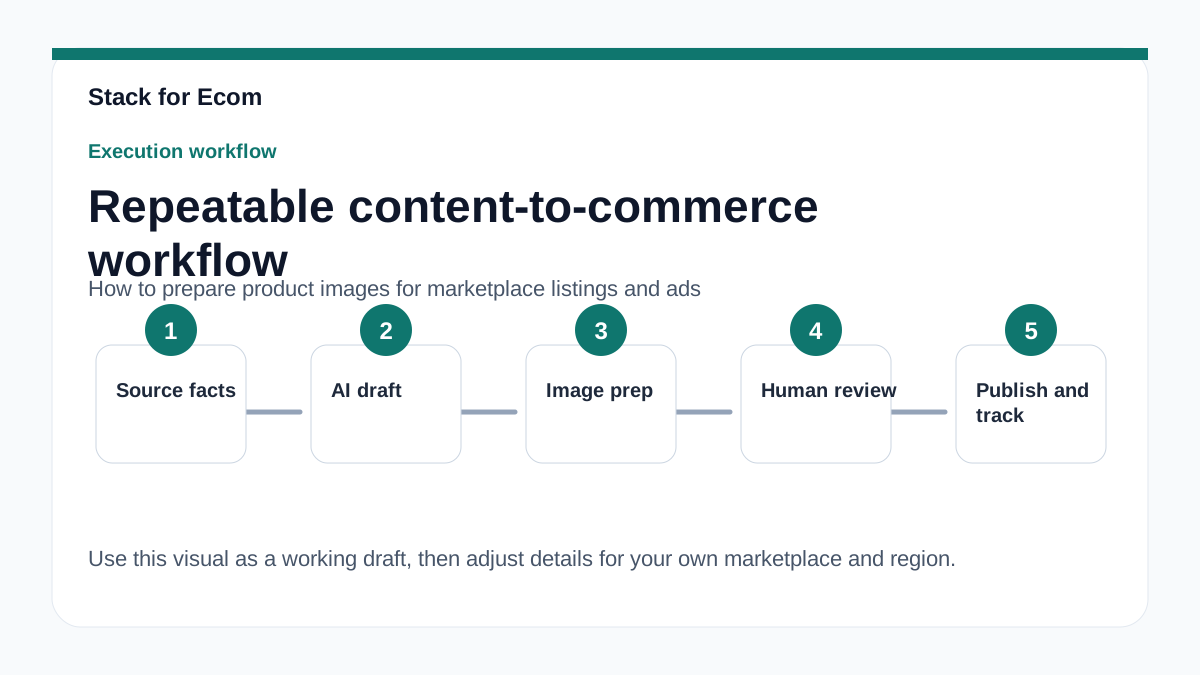
This article provides a practical, platform-by-platform guide to preparing product images for listings and ads. You will learn the exact technical requirements for Amazon, Google Merchant Center, and TikTok Catalogs, plus common pitfalls and a repeatable SOP. Use this as a reference before uploading any new product image.
Main Content
Amazon Product Image Requirements
Amazon’s image guidelines are strict because product photos directly influence buyer trust and conversion. For Sponsored Products ads—which are cost-per-click ads appearing in shopping results and on product detail pages—the main image must meet specific criteria. The primary image must be on a pure white background (RGB 255,255,255) and fill at least 85% of the image frame. Acceptable formats are JPEG, TIFF, or PNG. The image must be at least 500 pixels on the longest side, but 1000 pixels is recommended to enable zoom functionality.
For cross-border sellers using Amazon Global Selling, note that image requirements are consistent across marketplaces like US, Canada, Mexico, UK, Germany, and Japan. However, cultural preferences may vary—for example, lifestyle images showing local context can improve conversion in certain regions. Amazon also prohibits watermarks, logos, or promotional text on the main image. For variant products (e.g., different colors), each variant must have its own distinct image.
Google Merchant Center Image Specifications
Google Shopping ads and free listings rely on product data submitted via Merchant Center. Low-quality images are a common reason for disapprovals. According to Google’s guidelines, product images must be submitted as a URL link, in JPEG, PNG, or GIF format, and must be at least 100x100 pixels. However, for best results, use images at least 800x800 pixels. The image must accurately represent the product and match the landing page. Do not use placeholder images, watermarks, or promotional overlays like “free shipping” or “sale.”
For variant products, each variant must have its own image showing the specific color or size. Google also requires that the product title (max 150 characters, plain text) and description (max 5000 characters, plain text) align with the image. If you use generative AI to create titles, you must use the structured_title attribute instead of the title attribute. Regularly update your feed—Google requires product data submission at least every 30 days.
TikTok Catalog Image Guidelines
TikTok’s catalog feature enables advertisers to showcase products in ads and organic listings. While the specific image requirements are not detailed in the provided source (the page failed to load), general best practices apply: use high-resolution images (at least 800x800 pixels), avoid text overlays that obscure the product, and ensure the image is clear and well-lit. TikTok’s platform favors authentic, lifestyle-oriented visuals that resonate with a younger audience. Always check the official help center for the latest specs.
Cross-Platform Image Optimization Tips
To maintain consistency across Amazon, Google, and TikTok, adopt a unified image strategy. Use a white background for the main image on Amazon and Google, but consider adding secondary lifestyle images for TikTok and social ads. Compress images without losing quality—tools like TinyPNG can reduce file size while keeping resolution. Name your image files descriptively (e.g., “blue-widget-front.jpg”) to improve SEO. For international markets, ensure images are culturally appropriate and do not contain text that may need translation.
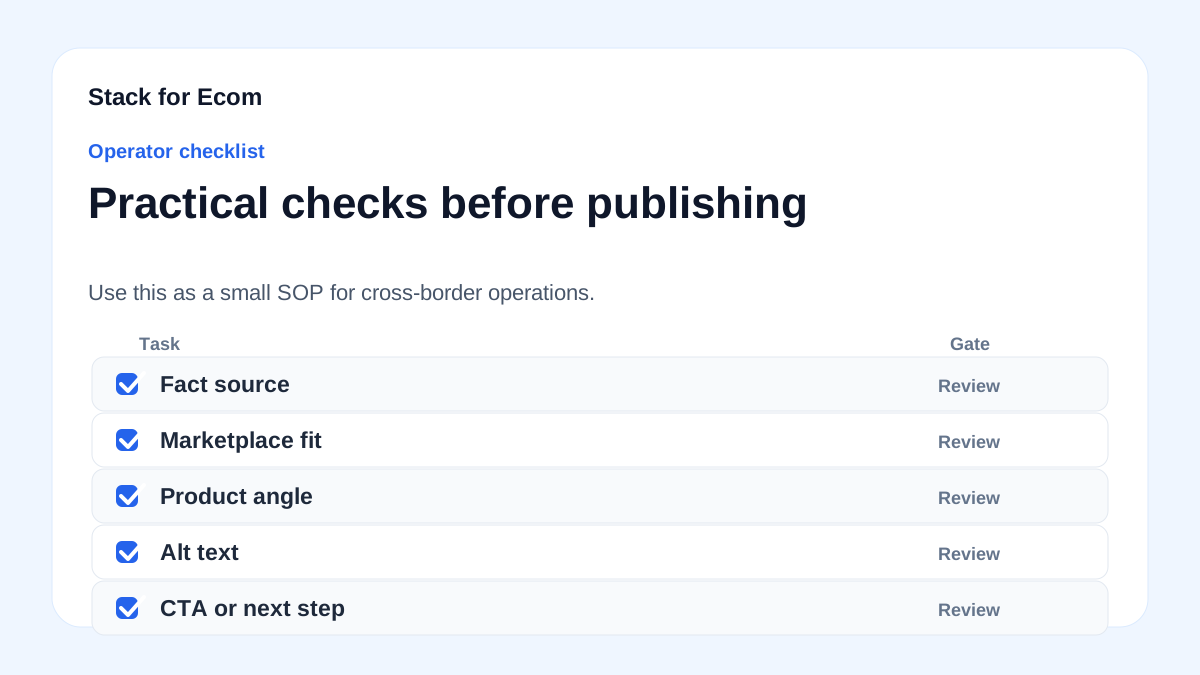
Step-by-step checklist
- Check platform-specific specs – For Amazon: white background, 1000px, JPEG/PNG. For Google: 800px minimum, no promotional text. For TikTok: verify latest guidelines.
- Use high-resolution originals – Start with at least 2000px on the longest side to allow cropping.
- Remove watermarks and logos – Main images must be clean. Logos can appear on secondary images if allowed.
- Avoid promotional text – Do not include “free shipping,” “best seller,” or sale badges in the image.
- Create variant images – For each color, size, or style, upload a distinct image showing that variant.
- Optimize file format – Use JPEG for photos, PNG for images with transparency (if allowed).
- Compress without quality loss – Keep file size under 1MB for fast loading.
- Match image to landing page – The product shown must be exactly what the customer receives.
- Add lifestyle images – Include at least one image showing the product in use (for secondary images).
- Audit feed regularly – Check Merchant Center or Amazon Seller Central for image disapproval reasons.
Potential pitfalls
- Using low-resolution images – Images under 500px may be rejected or appear blurry. Always use at least 800px.
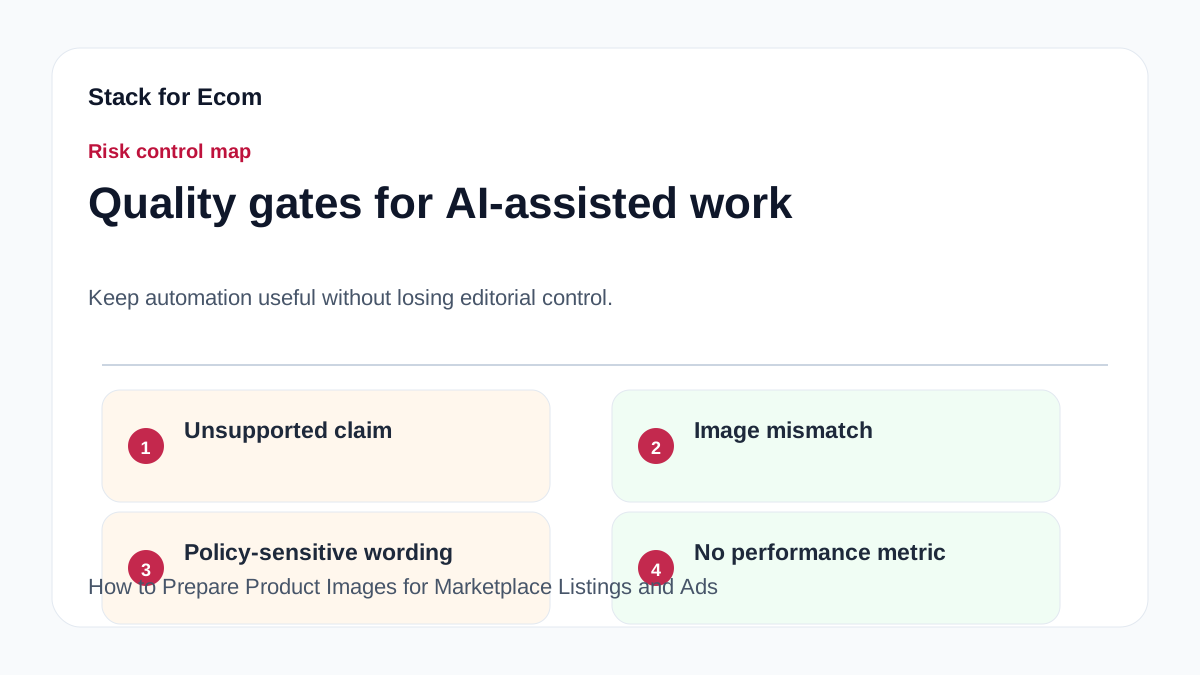
- Including text or watermarks – This violates Amazon and Google policies. Keep the main image clean.
- Mismatched product variants – If you sell a red and blue version, each must have its own image. Using the same image for both can confuse customers and lead to returns.
- Ignoring cultural differences – An image that works in the US may not resonate in Japan or Germany. Research local preferences.
- Forgetting to update images – If you change packaging or product design, update images immediately to avoid policy violations.
- Using placeholder images – Do not use “coming soon” or blurry placeholders. They will be disapproved.
Suggested visuals
- Comparison table – Side-by-side image requirements for Amazon, Google, and TikTok (size, format, background).
- Before/after example – A low-quality image vs. a high-quality image with proper lighting and white background.
- Variant image grid – Show how different colors/sizes should have distinct images.
- Lifestyle image example – A product in use on a white or natural background.
- Checklist infographic – Visual summary of the 10-step checklist.
- Disapproval reason screenshot – Example of a Google Merchant Center disapproval message for low-quality image.
Who this helps / Who should avoid
This helps:
- Ecommerce sellers listing on Amazon, Google Shopping, or TikTok.
- Cross-border exporters using Amazon Global Selling or Google Merchant Center.
- Small operations teams managing product feeds manually.
Who should avoid:
- Sellers who only use print catalogs or offline channels.
- Businesses that outsource all image creation to a professional agency (though they should still verify compliance).
Conclusion
Product images are not just decoration—they are a compliance requirement and a conversion driver. By following the specifications for Amazon, Google, and TikTok, and using the checklist provided, you can avoid costly disapprovals and improve ad performance. Start by auditing your current image set against the guidelines, then update as needed. For cross-border sellers, consistency across marketplaces is key. Remember: a great image can be the difference between a click and a scroll.
References
- https://ads.tiktok.com/help/article/about-catalogs
- https://advertising.amazon.com/library/guides/getting-started-with-sponsored-ads
- https://sell.amazon.com/global-selling
- https://support.google.com/merchants/answer/7052112
- https://support.google.com/google-ads/answer/6275312
- https://www.trade.gov/ecommerce