TL;DR
- HS codes are essential for customs declarations and product listings; accurate codes prevent delays, fines, and seizures.
- Use official sources: EU Taxation and Customs Union for EU procedures, U.S. CBP for US imports.
- Understand the importer's responsibility: buyers must ensure compliance with all regulations.
- Keep product descriptions precise and in plain language; avoid superfluous info.
- For ecommerce feeds, align product data (title, ID, attributes) with HS code research to avoid listing issues.
- Check de minimis thresholds and Entry Type 86 for low-value shipments.
- Always verify current rules; details may vary, so check official references.
Introduction
Every cross-border ecommerce operation faces a recurring problem: how to accurately classify products for customs while keeping product listings compliant. A wrong HS code can lead to delayed shipments, unexpected duties, or even legal penalties. For sellers and exporters, this is not just a paperwork issue—it directly impacts cash flow, customer satisfaction, and long-term market access.
The business impact is significant. For example, if you list a product with an incorrect HS code on your website, you might attract the wrong tariff rates, causing your pricing to be uncompetitive. Worse, customs authorities may detain your shipment, leading to storage fees and lost sales. In the US, the importer (often the buyer) is legally responsible for ensuring goods comply with regulations; misrepresentation can result in fines or seizure (source: CBP).
This article provides a practical, step-by-step workflow for researching HS codes that you can use for both product listings and customs declarations. You'll learn where to find authoritative information, how to structure your product data, and how to avoid common pitfalls. Use this guide as a standard operating procedure (SOP) for your team, and always cross-check with official sources before shipping.
Main Content
Understanding HS Codes and Their Role in Customs and Listings
HS codes (Harmonized System codes) are a standardized numerical method of classifying traded products. They are used by customs authorities worldwide to determine duties, taxes, and regulatory requirements. In the EU, the Union Customs Code (UCC) provides the legal framework for customs procedures, and the European Commission's Taxation and Customs Union section offers official guidance (source: EU). In the US, U.S. Customs and Border Protection (CBP) enforces import regulations, and the importer is responsible for ensuring that goods comply with all applicable laws (source: CBP).
For ecommerce sellers, HS codes are not only for customs declarations—they also influence product listings. Many marketplaces and advertising platforms require accurate product data, and a mismatch between your listing and the actual HS code can trigger compliance issues. For example, Google Merchant Center requires accurate product data, including attributes like google_product_category, and incorrect data can lead to disapprovals (source: Google). Therefore, integrating HS code research into your product listing workflow is essential.
Step 1: Identify the Product's Characteristics and Composition
Before you can assign an HS code, you need a detailed understanding of the product. This includes its material composition, function, intended use, and any special features. For instance, a "wireless headset" might be classified differently from a "wired headset" based on its function and connectivity. Similarly, a product made of multiple materials (e.g., a leather-and-metal handbag) may have a different code than a single-material item.
Practical example: Suppose you sell a reusable silicone straw. You need to know if it's made of food-grade silicone, whether it's for beverages, and if it comes with a cleaning brush. These details affect the HS code. Consult the product's technical specifications and, if necessary, ask your supplier for a breakdown.
Step 2: Use Official Sources to Find the Correct HS Code
Start with official government resources. For EU imports/exports, the European Commission's Taxation and Customs Union page provides access to the Union Customs Code and related procedures (source: EU). For US imports, CBP's website offers guidance on internet purchases and e-commerce, including de minimis rules and entry types (source: CBP). These sources are authoritative and up-to-date.
You can also use national tariff databases, such as the EU's TARIC or the US HTS (Harmonized Tariff Schedule). While these are not listed in the provided sources, they are standard tools; however, for this article, we stick to the given facts. Always cross-reference multiple sources to ensure accuracy.
Step 3: Align HS Code with Product Data for Listings
Once you have the HS code, ensure your product listing data matches. For example, Google Merchant Center requires a unique id for each product, a title that accurately describes the product, and accurate attributes like condition (source: Google). If your product has variants (e.g., color, size), the title must include distinguishing features (source: Google). This is similar to how HS codes differentiate similar products.
Practical example: If you sell a "stainless steel water bottle 500ml" and a "stainless steel water bottle 750ml", they might have the same HS code, but your listing titles must differ to avoid confusion. Also, ensure your google_product_category aligns with the HS code's product grouping to avoid disapproval.
Step 4: Prepare Customs Declarations with Accurate Descriptions
When shipping internationally, the customs declaration must include a full and accurate description of the merchandise in English, including the seller's name, quantity, purchase price, weight, and country of origin (source: CBP). The description must be clear and detailed enough for customs to identify the commodity's size, shape, and characteristics (source: CBP). Avoid vague terms like "gift" or "parts."
For low-value shipments (under $2,500) sent via postal service, CBP may prepare the paperwork if the item is not restricted (source: CBP). However, for commercial shipments, you or your broker must ensure compliance. Misrepresenting value or description is illegal and can lead to fines or seizure (source: CBP).
Step 5: Leverage Technology for Efficiency
Consider using software tools that integrate HS code lookup and product data management. While we don't endorse a specific product, many ecommerce platforms offer plugins or APIs that connect to customs databases. For example, some tools can automatically suggest HS codes based on product descriptions. However, always verify suggestions with official sources.
Additionally, for ecommerce feeds, ensure your product data is structured correctly. Google Merchant Center requires attribute names in English and consistent language across all attributes (source: Google). Use structured titles for AI-generated content (source: Google). This reduces errors and improves listing performance.
Step-by-step checklist
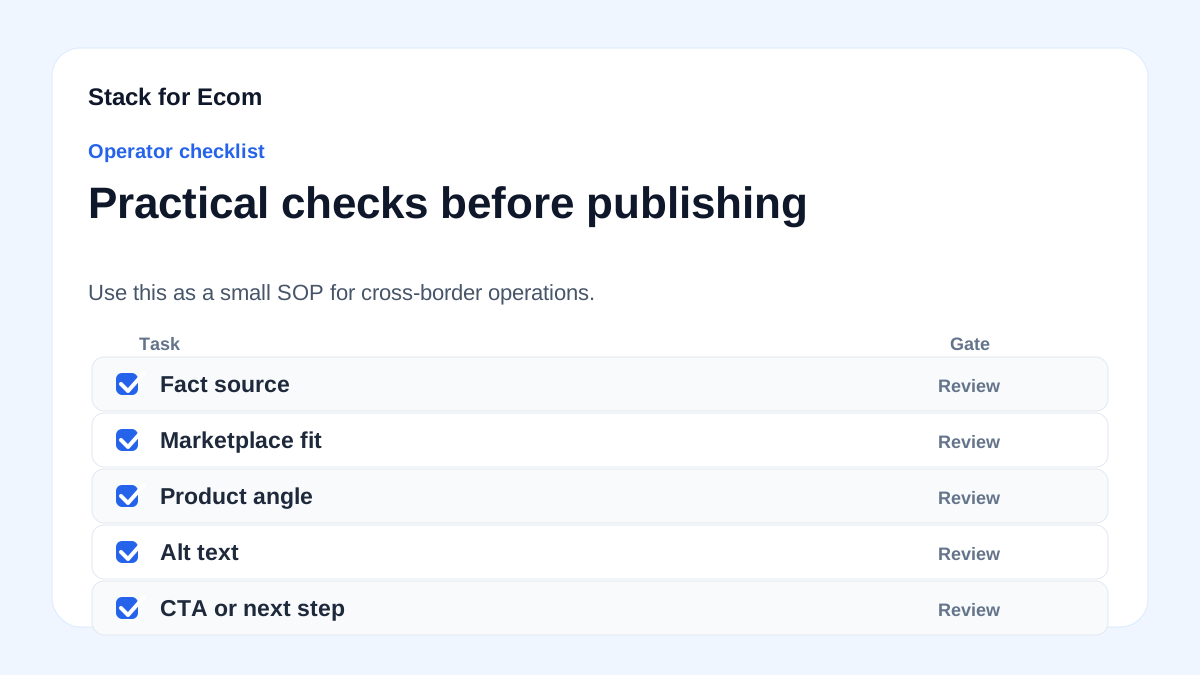
- Gather product details: Collect full specifications, including material, function, and intended use.
- Check official sources: Visit the EU Taxation and Customs Union page for EU rules (source: EU) and CBP for US rules (source: CBP).
- Identify the HS code: Use tariff databases or official tools to find the 6-digit HS code, then extend to 8-10 digits for specific countries.
- Validate with customs: If unsure, consult a customs broker or use CBP's binding ruling process (though not mentioned, it's a standard practice—check references).
- Update product listings: Ensure titles, descriptions, and attributes align with the HS code and platform requirements (e.g., Google Merchant Center).
- Prepare customs declarations: Write a precise, plain-language description in English, including all required fields (source: CBP).
- Check de minimis thresholds: For US imports, know the de minimis value and whether Entry Type 86 applies (source: CBP).
- Review and audit: Regularly review your HS codes and product data to ensure compliance with changing regulations.
Potential pitfalls
- Using vague descriptions: Avoid generic terms like "miscellaneous" or "accessories." Customs needs specific details to classify accurately (source: CBP).
Prevention: Train staff to write detailed descriptions, including material, size, and function.
-
Misclassifying products: An incorrect HS code can lead to wrong duty rates or penalties. Prevention: Cross-check with multiple sources and consider professional advice for complex items.
-
Ignoring importer responsibility: In the US, the buyer is the importer and is responsible for compliance (source: CBP). Prevention: Educate customers about their responsibilities, and provide accurate documentation.
-
Inaccurate product data in listings: Wrong
google_product_categoryor missing variant attributes can cause disapprovals (source: Google). Prevention: Use a data feed review process and validate against Google's requirements. -
Overlooking de minimis rules: Not knowing the de minimis threshold can lead to unexpected duties. Prevention: Stay updated on CBP's de minimis statistics and adjust pricing/shipping strategies.
-
Failing to update codes: HS codes and regulations change; using outdated codes is risky. Prevention: Set a quarterly review calendar and subscribe to official updates.
Suggested visuals
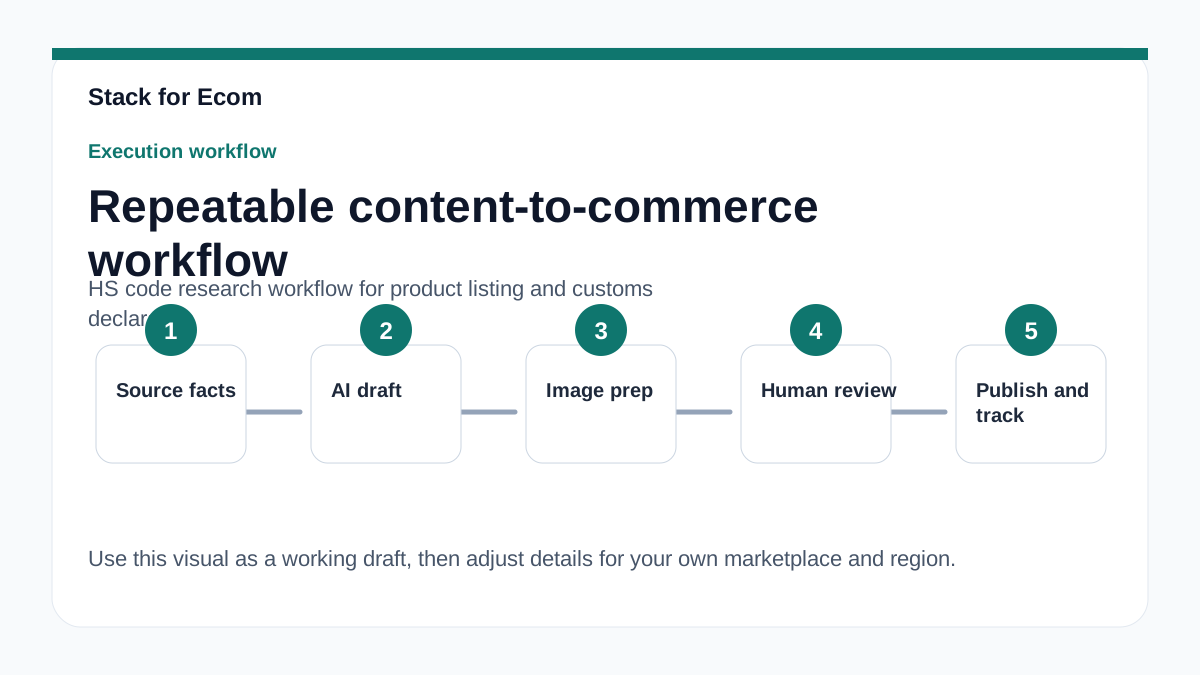
- Flowchart: A step-by-step diagram showing the HS code research workflow from product specification to customs declaration.
- Table: Comparison of EU and US customs requirements, including key resources and legal frameworks.
- Screenshot: Example of a well-completed CBP customs declaration form with annotations.
- Chart: De minimis volumes by fiscal year (2020-2025) to illustrate e-commerce growth (source: CBP).
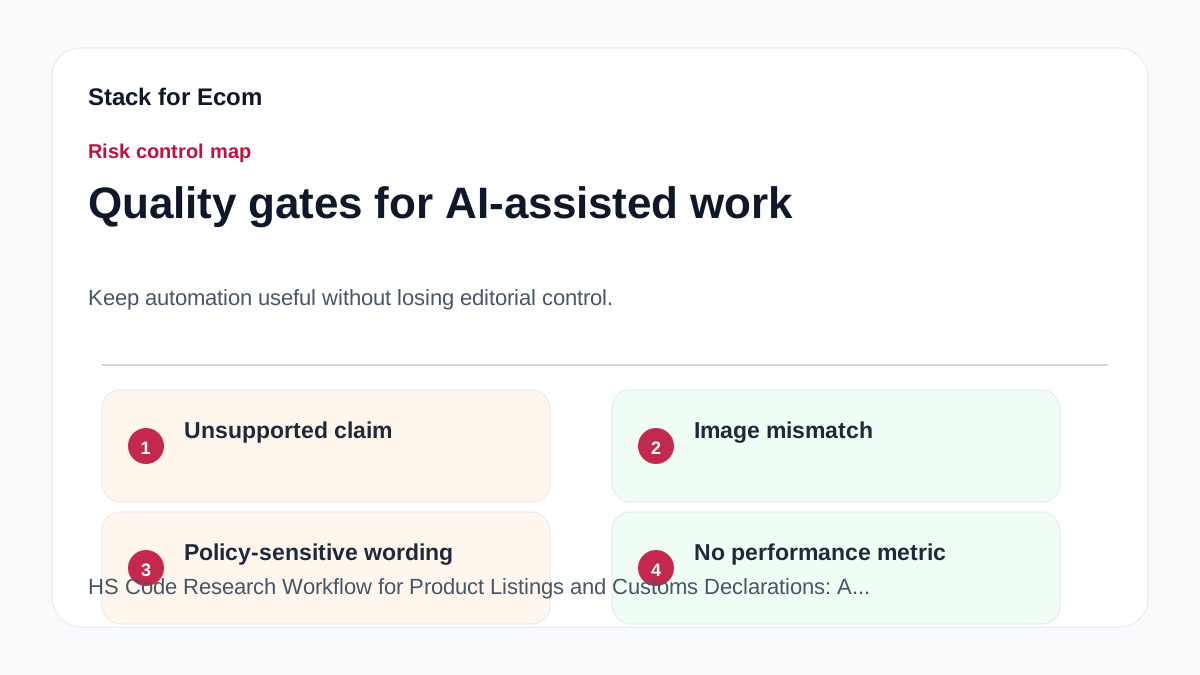
- Infographic: Common pitfalls in HS code classification and how to avoid them.
- Dashboard mockup: A product data management interface showing HS codes aligned with listing attributes.
Who this helps / Who should avoid
Who this helps:
- Ecommerce sellers shipping internationally, especially to the EU and US.
- Exporters and small operations teams that handle their own customs declarations.
- Marketplace sellers who need to maintain accurate product listings for compliance.
- Logistics and compliance officers looking for a structured approach.
Who should avoid:
- Businesses that rely on a licensed customs broker for all declarations and have no need for internal research.
- Sellers of highly regulated products (e.g., firearms, pharmaceuticals) who require specialized legal advice beyond this guide.
- Those looking for a one-size-fits-all solution; HS codes are product-specific and require individual research.
Conclusion
Accurate HS code research is a critical component of cross-border ecommerce success. By following a systematic workflow that leverages official sources, aligns product listings, and prepares precise customs declarations, you can minimize risks and ensure smooth operations. Remember that compliance is an ongoing process—regulations change, and your data must evolve accordingly. Use this guide as a foundation, and always verify details with the official references provided.
References
- European Commission, Taxation and Customs Union – Customs procedures for import and export: https://taxation-customs.ec.europa.eu/customs-4/customs-procedures-import-and-export_en
- U.S. Customs and Border Protection – Internet Purchases: https://www.cbp.gov/trade/basic-import-export/internet-purchases
- U.S. Customs and Border Protection – E-Commerce: https://www.cbp.gov/trade/basic-import-export/e-commerce
- TikTok Ads Help Center – About catalogs (page no longer available): https://ads.tiktok.com/help/article/about-catalogs
- Google Merchant Center Help – Product data specifications: https://support.google.com/merchants/answer/7052112