TL;DR
- Use a single spreadsheet template to compare marketplace fees across Amazon regions and country-specific accounts, because professional selling plan fees are separate for Americas, Europe, Asia-Pacific, and MENA accounts. If global accounts are linked, the monthly fee is the lower of USD 39.99 per month or the sum of selling plan fees for each region and country with active listings.
- Referral fees vary by product category and are calculated as a percentage of the total price or a minimum amount, whichever is greater.
- Advertising is a controllable cost line. Amazon recommends a minimum daily budget of $10 for the United States and Canada, £10 for the United Kingdom, and 10 € for Germany, France, Italy, Spain, Belgium, Ireland, and the Netherlands. For manual keyword targeting, Amazon recommends targeting at least 30 keywords and starting with broad match before focusing on top performers with phrase or exact match.
- Customs and import compliance are not optional cost lines. CBP states that imported merchandise must clear CBP and may be subject to duty payments and other regulations. Missing declaration forms and invoices can lead to seizure, forfeiture, or return to sender.
- Use the template as a repeatable SOP, not a one-time calculation. Details may vary; check references.
Introduction
Cross-border sellers often compare marketplaces using headline commission rates, then get surprised by regional selling plan fees, advertising minimums, currency conversion, and customs-related costs. The operator problem is simple: a product that looks profitable on one marketplace can become thin-margin or loss-making when you add regional account fees, category referral fees, ad spend, and import compliance costs. This template is designed to make those cost lines visible before you commit inventory.
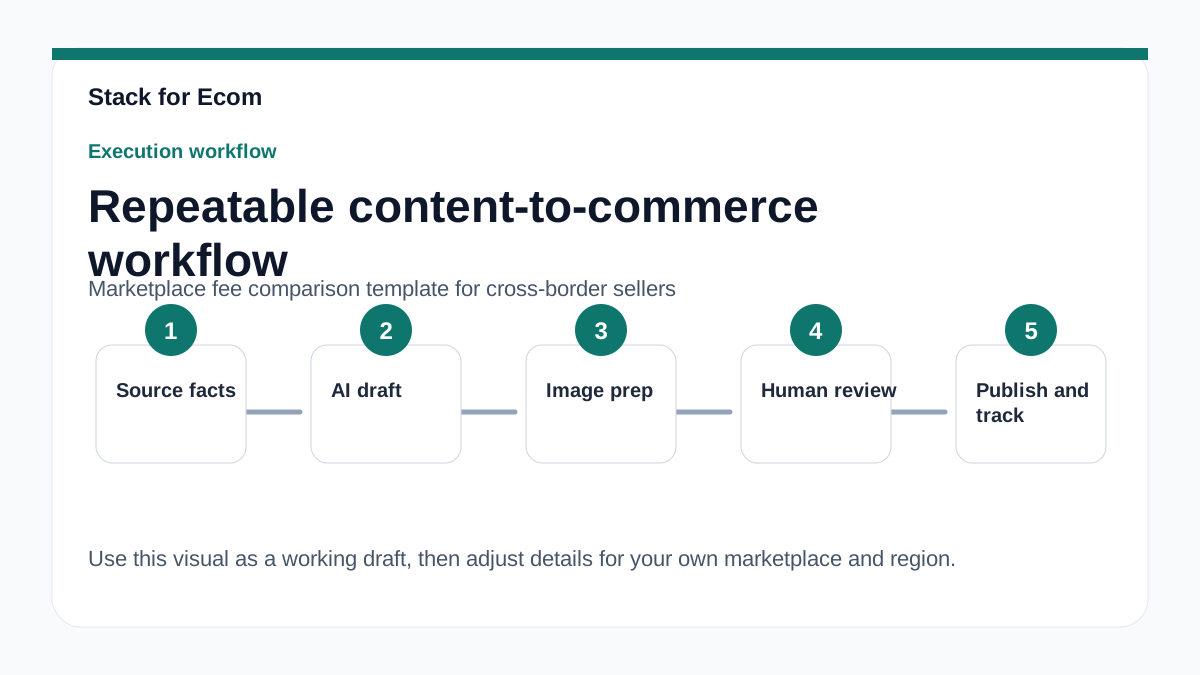
The business impact is direct. Amazon Global Selling explains that selling globally involves creating a North America and Brazil unified selling account and any other regional or country-specific accounts, selecting products per country, completing tax, regulatory, compliance, safety, and listing requirements, listing products, and shipping inventory. Each of those steps can carry a fee or a cost driver. If your comparison template only tracks referral fees, you are not comparing marketplaces; you are comparing one line item.
Use this article as a working guide. First, build the template structure described in the Main Content. Then run the Step-by-step checklist as your SOP. Finally, review the Potential pitfalls before you launch in a new region. The article uses only public source material from the International Trade Administration, Amazon Global Selling, Amazon Ads, and U.S. Customs and Border Protection. Where a specific fee or rule is not provided in those sources, the article says: Details may vary; check references.
Main Content
1. Define the marketplace scope before you compare fees
Start by listing the accounts you actually need. Amazon Global Selling states that a North America and Brazil unified account reaches Amazon customers in the US, Canada, Mexico, and Brazil. A Europe account reaches Amazon customers in 28 countries. Country-specific Asia-Pacific accounts reach Amazon customers in Australia, India, and Japan. Country-specific Middle East and North Africa accounts reach Amazon customers in the United Arab Emirates, Saudi Arabia, and Egypt. Your template should have one row per account type, not one row per country, because fees are often charged at the account level.
Next, separate account-level fees from transaction-level fees. Professional selling plan fees are separate for Americas and Europe regional accounts and for country-specific accounts in Asia-Pacific and MENA. If global accounts are linked, the monthly fee is the lower of USD 39.99 per month or the sum of selling plan fees for each region and country with active listings. That single rule can change your break-even calculation, so it belongs at the top of the template as a calculated field.
Finally, add a column for marketplace availability of advertising. Amazon Ads are available in marketplaces across North America (CA, MX, US), South America (BR), Europe (DE, FR, IE, IT, NL, PL, SE, UK), Middle East (EG, KSA, UAE), Asia Pacific (AU, IN, JP, SG), and Africa (ZA). South Africa is currently launching to domestic sellers and vendors only for Amazon advertising. If you plan to use ads to launch, that availability affects your cost model. Details may vary; check references.
2. Build the fee columns: selling plan, referral, and ads
Your template should have three core fee columns: selling plan fee, referral fee, and advertising cost. For the selling plan column, use the linked-account rule from Amazon Global Selling: the monthly fee is the lower of USD 39.99 per month or the sum of selling plan fees for each region and country with active listings. For the referral fee column, note that referral fees vary by product category and are calculated as a percentage of the total price or a minimum amount, whichever is greater. Because the percentage and minimum are category-specific, add a category lookup column and a note that says: Details may vary; check references.
For the advertising column, use Amazon's recommended minimum daily budgets as a planning floor, not a spending target. Amazon recommends a minimum daily budget of $10 for the United States and Canada, £10 for the United Kingdom, and 10 € for Germany, France, Italy, Spain, Belgium, Ireland, and the Netherlands. Convert those to your reporting currency and multiply by the number of active marketplaces where you will run Sponsored Products. Sponsored Products are self-service, cost-per-click ads for individual product listings that appear in shopping results and on product detail pages across desktop and mobile.
Add a fourth column for advertising structure. For manual keyword targeting campaigns, Amazon recommends targeting at least 30 keywords and starting with broad match before focusing on top performers with phrase or exact match. Your template can estimate cost per click by marketplace, but the source material does not provide specific CPC benchmarks. Use your own historical data and mark the cell: Details may vary; check references.
3. Add import, duty, and compliance cost lines
Marketplace fees are only part of the landed cost. When goods move from any foreign country to the United States, they are being imported and are subject to specific rules and regulations. The importer, which is the buyer when purchasing from foreign sources, is responsible for assuring that the goods comply with both state and federal government import regulations. Your template should include a compliance cost line for documentation, labeling, and any testing required by the product category.
Add a duty and clearance column. Merchandise imported into the United States, whether new or used, must clear CBP and may be subject to duty payments and other regulations governing that product. Importing goods that are unsafe, fail to meet health code requirements, or violate quota restrictions could result in fines, penalties, detention, or destruction by CBP. Those outcomes are not just cost overruns; they can remove inventory from sale.
Add a documentation checklist to the template. A U.S. Customs and Border Protection Declaration form should include a full and accurate description of the merchandise and be securely attached to the outside of the shipment. The declaration should include the seller's name and address, a description of the item(s) in English, quantity of each item type, purchase price in U.S. dollars, weight, and country of origin of the product itself. Foreign shipments not accompanied by a U.S. Customs and Border Protection declaration form and an invoice may be subject to seizure, forfeiture, or return to sender. For merchandise shipped through the international postal service valued at less than $2,500 and not subject to quota or restriction, a CBP official will usually prepare the paperwork, assess duty, and release it for delivery.
4. Use de minimis and entry-type data as a volume planning input
Your template should include a volume planning tab, because clearance method affects cost and speed. CBP publishes de minimis shipment statistics based on the number of Bills of Lading (BOLs) and their declared value at the time of import. Total de minimis shipment volume rose from 636.7 million in fiscal year 2020 to 1.36 billion in fiscal year 2024, then fell to 942.5 million in fiscal year 2025. Total de minimis declared value was $67 billion in fiscal year 2020, $43.5 billion in 2021, $46.5 billion in 2022, $54.5 billion in 2023, $64.6 billion in 2024, and $48.1 billion in 2025.
Entry Type 86 BOLs increased from 122.1 million in fiscal year 2020 to 948 million in fiscal year 2024, then decreased to 635.3 million in fiscal year 2025. These figures do not tell you your own fee, but they show that clearance volumes and declared values shift year to year. If your template assumes a fixed clearance cost per parcel, add a sensitivity row so you can test higher and lower clearance costs. Details may vary; check references.
Also add a compliance description check. 19 CFR § 4.7a, 122.48a, 123.91, 123.92, and 128.21 require a precise, specific description of merchandise regardless of value. Cargo descriptions must be clear, concise, in plain language, and detailed enough for U.S. Customs to identify the size, shape, and characteristics of the commodity; only the cargo description should be included in the transmission field. Poor descriptions can cause delays, and delays have a cost.
5. Add a research and verification layer
The International Trade Administration (ITA) operates a beta AI chatbot called the Global Business Navigator, built with Microsoft Azure AI services and trained on ITA export-related content. The chatbot's knowledge is limited to public information on the Export Solutions web pages of Trade.gov and cannot provide responses specific to a company's product or a specific foreign market. As a beta product, the chatbot may produce inaccurate or incomplete information, and users are advised to verify responses using provided references or the Export Solutions web pages on Trade.gov.
Use the chatbot for general orientation only. The chatbot's responses must not be used as legal or professional advice, and inaccurate advice from the chatbot would not be a defense to violating any export rules or regulations. The chatbot does not collect user information and does not use chat history to learn new information; all feedback is anonymous. Users are instructed not to enter personally identifiable information (PII), sensitive, or proprietary information into the chatbot. Conversations with the chatbot may be reviewed to help ITA improve the tool and address harmful, illegal, or otherwise inappropriate questions.
The chatbot supports multiple languages but is trained in English, so responses are translated and users should verify translations, as the chatbot may have difficulty with acronyms, abbreviations, and nuances in non-English languages. The Global Business Navigator is an AI chatbot from the International Trade Administration (ITA), currently in beta testing, designed to provide general information on the exporting process and resources for U.S. exporters. Your template should have a verification column that records the source URL and the date you checked each fee or rule.
Step-by-step checklist
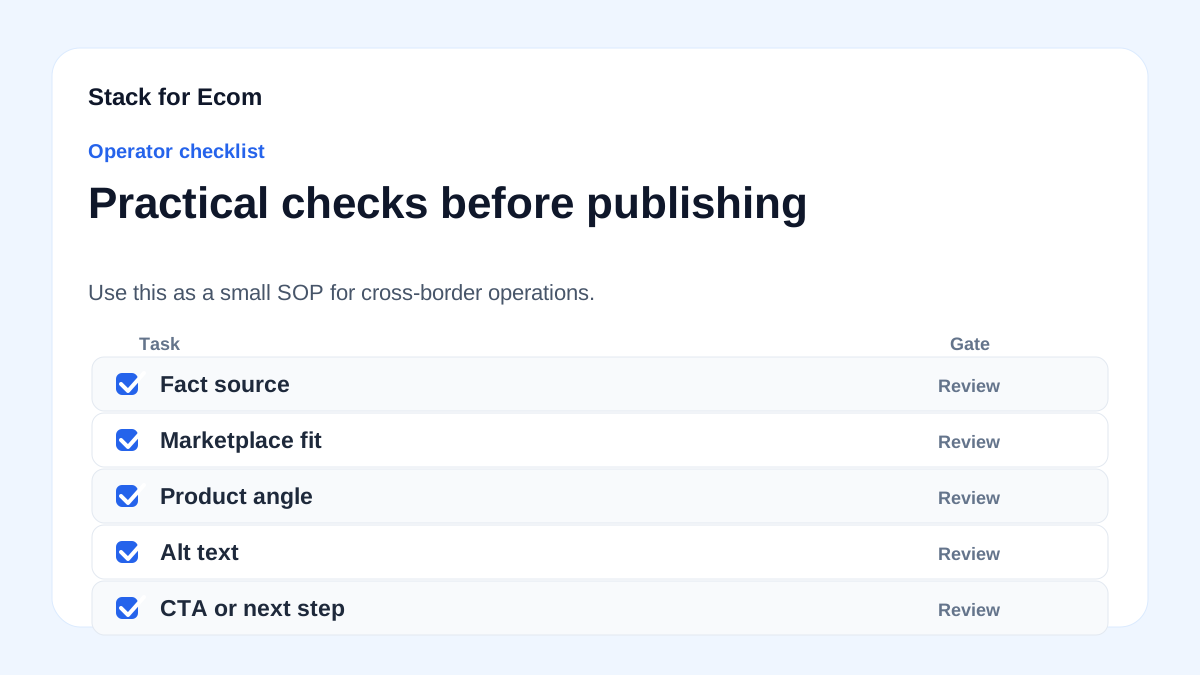
- Create one workbook with tabs for Account Fees, Referral Fees, Advertising, Import Costs, and Verification Log.
- In Account Fees, list each account type: North America and Brazil unified account, Europe account, Asia-Pacific country-specific accounts, and MENA country-specific accounts.
- Add a calculated cell for linked global accounts: the lower of USD 39.99 per month or the sum of selling plan fees for each region and country with active listings.
- In Referral Fees, add columns for product category, referral fee percentage, minimum referral fee, and total price. Note that referral fees vary by product category and are calculated as a percentage of the total price or a minimum amount, whichever is greater.
- In Advertising, add columns for marketplace, minimum daily budget, campaign type, and keyword count. Use Amazon's recommended minimum daily budgets: $10 for the United States and Canada, £10 for the United Kingdom, and 10 € for Germany, France, Italy, Spain, Belgium, Ireland, and the Netherlands.
- For manual keyword targeting, set a planning rule of at least 30 keywords and start with broad match before focusing on top performers with phrase or exact match.
- In Import Costs, add columns for duty, clearance, documentation, and compliance. Confirm that the importer is responsible for assuring that the goods comply with both state and federal government import regulations.
- Attach a documentation check: the declaration should include the seller's name and address, a description of the item(s) in English, quantity of each item type, purchase price in U.S. dollars, weight, and country of origin of the product itself.
- Add a description quality check based on 19 CFR § 4.7a, 122.48a, 123.91, 123.92, and 128.21: descriptions must be precise, specific, clear, concise, in plain language, and detailed enough for U.S. Customs to identify size, shape, and characteristics.
- In Verification Log, record the source URL and date for every fee, rule, or assumption. Mark unverified cells: Details may vary; check references.
- Review the workbook monthly and after any marketplace or customs update.
Potential pitfalls
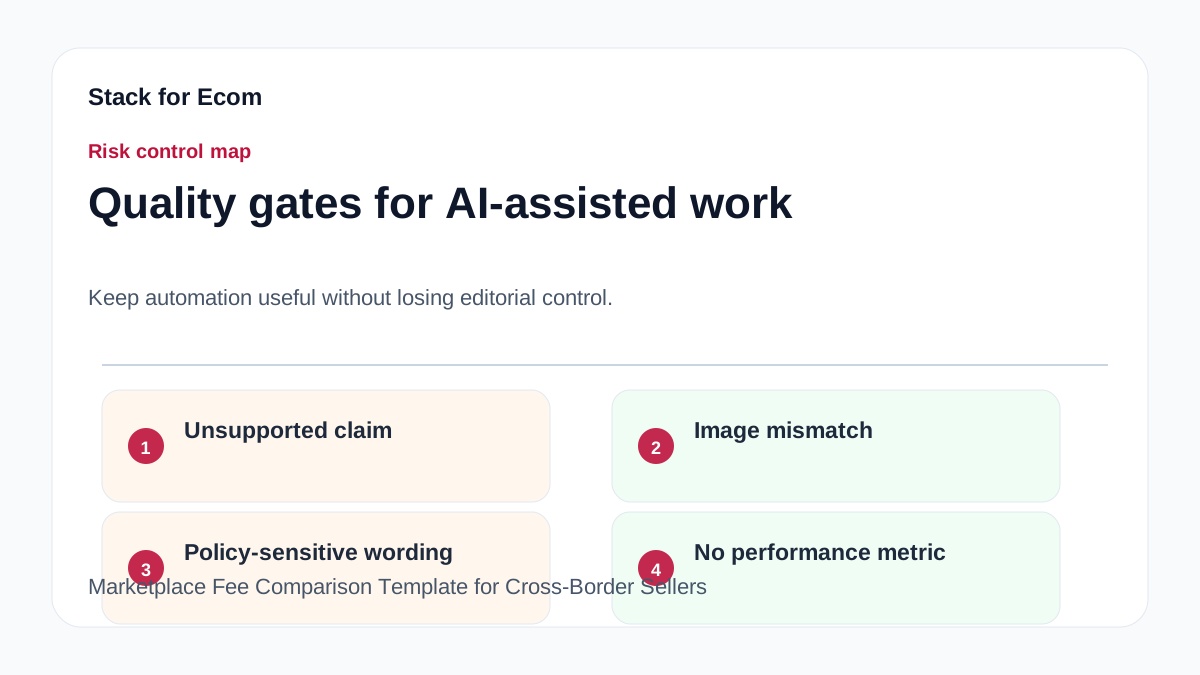
- Pitfall: Comparing only referral fees. Prevention: include selling plan fees, advertising minimums, and import costs in the same comparison.
- Pitfall: Assuming one global selling plan fee. Prevention: remember that professional selling plan fees are separate for Americas and Europe regional accounts and for country-specific accounts in Asia-Pacific and MENA, and that linked global accounts use the lower of USD 39.99 per month or the sum of selling plan fees for each region and country with active listings.
- Pitfall: Treating ad spend as a fixed cost. Prevention: use Amazon's recommended minimum daily budgets as a floor and model cost-per-click scenarios. Sponsored Products are self-service, cost-per-click ads.
- Pitfall: Ignoring customs documentation. Prevention: require a full and accurate declaration form securely attached to the outside of the shipment, with the seller's name and address, English description, quantity, purchase price in U.S. dollars, weight, and country of origin of the product itself.
- Pitfall: Using a beta chatbot as legal or compliance advice. Prevention: treat Global Business Navigator responses as general information only; responses must not be used as legal or professional advice, and inaccurate advice would not be a defense to violating any export rules or regulations.
- Pitfall: Entering sensitive data into a research tool. Prevention: do not enter personally identifiable information (PII), sensitive, or proprietary information into the chatbot.
- Pitfall: Assuming every marketplace supports the same ad formats. Prevention: check availability by marketplace and note that South Africa is currently launching to domestic sellers and vendors only for Amazon advertising.
Suggested visuals
- A screenshot-style table of the Account Fees tab, showing one row per account type and a calculated linked-account fee cell.
- A stacked bar chart comparing referral fee percentage versus minimum referral fee by product category.
- A workflow diagram showing the path from product selection to tax, regulatory, compliance, safety, and listing requirements, then to shipping inventory.
- A map or matrix of Amazon Ads availability by region: North America (CA, MX, US), South America (BR), Europe (DE, FR, IE, IT, NL, PL, SE, UK), Middle East (EG, KSA, UAE), Asia Pacific (AU, IN, JP, SG), and Africa (ZA).
- A line chart of total de minimis shipment volume and declared value from fiscal year 2020 to fiscal year 2025.
- A customs documentation checklist card showing the required declaration fields and the warning that missing forms and invoices may lead to seizure, forfeiture, or return to sender.
Who this helps / Who should avoid
This helps cross-border sellers, exporters, and small operations teams who are comparing Amazon regional accounts, country-specific accounts, referral fees, advertising budgets, and import costs. It also helps operations managers who need a repeatable SOP for marketplace expansion and a verification log for fee assumptions.
This helps teams that already sell on at least one marketplace and want to compare a second or third region using the same template. It helps sellers who ship from a foreign country to the United States and need to account for CBP clearance, duty, and documentation.
This is not for sellers looking for a guaranteed fee calculator. The source material does not provide every category-specific referral fee, every country-specific tax rate, or every clearance cost. Details may vary; check references. This is also not for anyone seeking legal, tax, or customs advice. The Global Business Navigator is a beta tool and its responses must not be used as legal or professional advice.
Conclusion
A marketplace fee comparison template is only useful if it reflects how fees are actually charged. For Amazon global selling, that means separate selling plan fees for Americas, Europe, Asia-Pacific, and MENA accounts, with a linked-account rule that uses the lower of USD 39.99 per month or the sum of selling plan fees for each region and country with active listings. It means referral fees that vary by category and are calculated as a percentage of the total price or a minimum amount, whichever is greater. It means advertising budgets that start at Amazon's recommended minimums and scale with keyword coverage.
It also means treating import compliance as a cost line. CBP states that imported merchandise must clear CBP and may be subject to duty payments and other regulations. Missing declaration forms and invoices can lead to seizure, forfeiture, or return to sender. Use the checklist in this article as your SOP, keep a verification log, and update the template when marketplace or customs rules change. Details may vary; check references.
References
- https://www.trade.gov/ecommerce
- https://sell.amazon.com/global-selling
- https://advertising.amazon.com/library/guides/getting-started-with-sponsored-ads
- https://www.cbp.gov/trade/basic-import-export/internet-purchases
- https://www.cbp.gov/trade/basic-import-export/e-commerce
- https://www.trade.gov/export-solutions