TL;DR
- EU sellers must register for VAT in each country where goods are stored or sold above thresholds.
- Amazon offers regional accounts (Europe) covering 28 countries, but tax obligations remain country-specific.
- Use tools like Manage Your Compliance and Compliance Reference on Amazon to track requirements.
- For US imports, the buyer is the importer; de minimis ($800) may apply but strict CBP rules must be followed.
- The ITA Global Business Navigator Chatbot provides general export info but is not legal advice.
Introduction
Selling across EU marketplaces like Amazon, eBay, or Zalando opens massive opportunities, but it also brings a maze of VAT and tax registration requirements. Many sellers underestimate the complexity: each EU country has its own VAT thresholds, registration procedures, and filing deadlines. Missing a registration can lead to fines, back taxes, or even account suspension. This article provides a practical, step-by-step checklist to help you stay compliant and avoid costly mistakes.
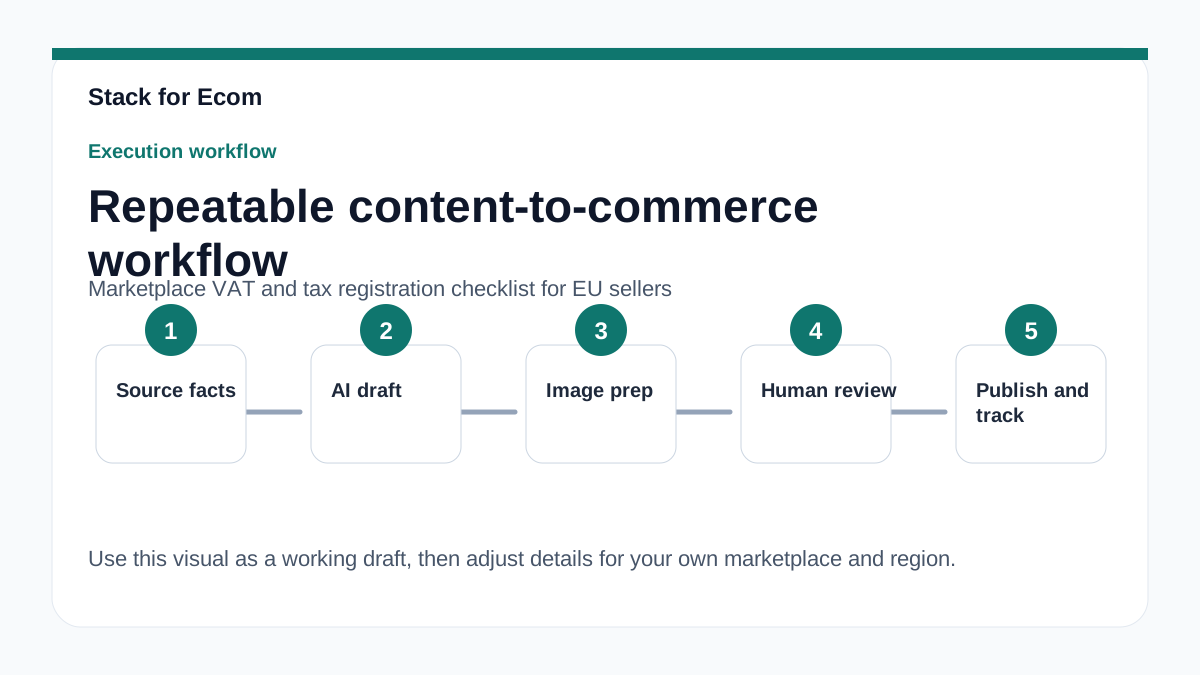
Whether you are a small team expanding from one EU country to multiple marketplaces or an established exporter entering the EU from outside, this guide covers the essential tax registration steps, common pitfalls, and tools to streamline compliance. Use this as a repeatable SOP to audit your current setup and plan new market entries.
Main Content
Understanding VAT Registration Triggers in the EU
VAT registration in the EU is triggered by several activities: storing inventory in a country (fulfillment centers), exceeding distance selling thresholds (e.g., €10,000 for most EU countries for cross-border B2C sales), or selling certain goods (e.g., electronics, luxury items). Each country has its own threshold and rules. For example, Germany requires registration if you store goods there or exceed €100,000 in annual sales to German customers. France triggers registration at €35,000 for most goods.
Amazon’s Europe account covers 28 countries, but this does not mean you have a single VAT registration. You still need to register in each country where you have a tax obligation. Amazon’s “Manage Your Compliance” tool helps identify which countries require registration based on your selling activity. However, it is your responsibility to register and file returns.
Step-by-Step VAT Registration Process
- Determine where you have a tax obligation. Use Amazon’s Compliance Reference tool or consult a tax advisor. Consider storage locations (FBA warehouses), sales thresholds, and business presence.
- Gather required documents. Typically: business registration certificate, proof of address, VAT registration form, and sometimes a power of attorney.
- Register with the local tax authority. This can be done directly or via a fiscal representative (required in some countries like Italy or Spain for non-EU sellers).
- Set up VAT compliance software or hire a tax agent. Filing frequency varies (monthly, quarterly, annually). Many sellers use automated tools like TaxJar, Avalara, or local providers.
- Update your marketplace accounts. Enter your VAT numbers in Amazon Seller Central or other platforms to ensure correct invoicing and reporting.
Import and Customs Considerations for EU Sellers
If you are importing goods into the EU from outside (e.g., from China or the US), you must clear customs and pay import VAT. The buyer (you) is the importer and responsible for compliance. Goods that fail health codes or safety standards may be detained or destroyed. Proper customs declarations are critical: provide accurate descriptions in English, quantity, value, and country of origin.
For shipments to the US from the EU, the de minimis rule ($800) allows duty-free entry for low-value shipments, but this applies only to the buyer (US consumer). If you are selling to US customers via Amazon.com, you must still comply with US import regulations. The CBP requires precise cargo descriptions; vague terms like “gift” or “sample” are not allowed.
Using the ITA Global Business Navigator Chatbot for Export Info
The International Trade Administration (ITA) offers a beta chatbot trained on export-related content. It can provide general guidance on exporting to the EU, including tax and compliance topics. However, it is not a substitute for professional advice. The chatbot may produce inaccurate information and should not be used for legal or tax decisions. Always double-check responses against official sources like Trade.gov or your tax advisor. The chatbot does not collect personal data, so avoid entering sensitive information.
Step-by-step checklist
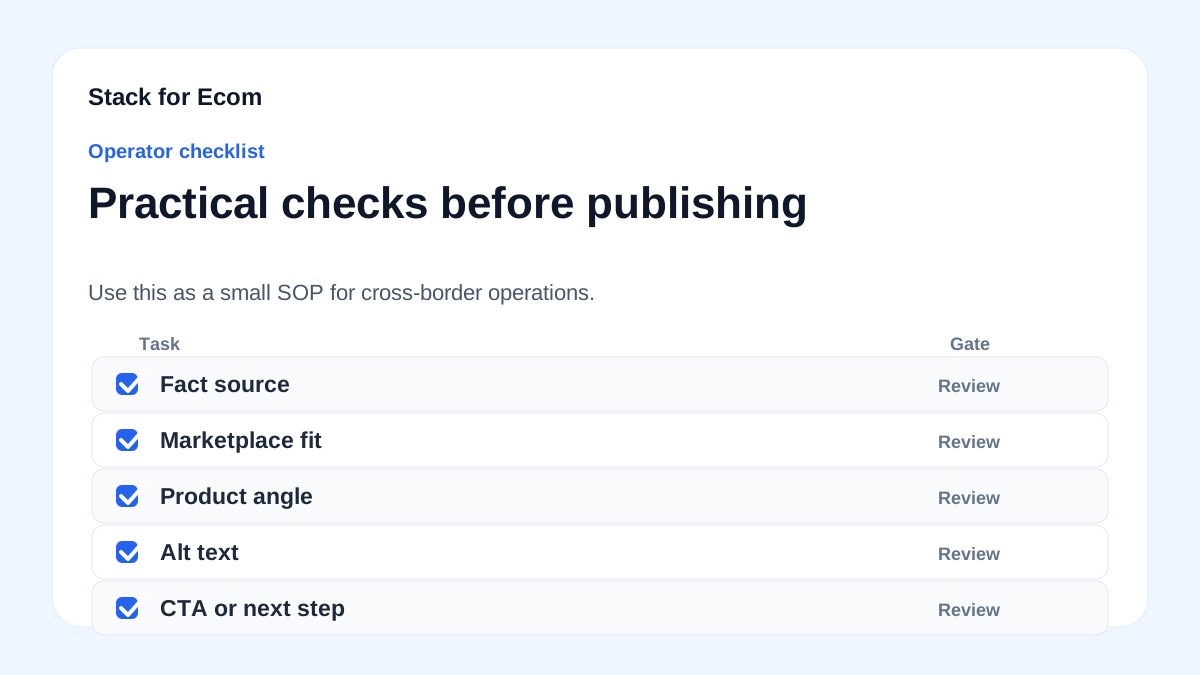
- [ ] Identify all EU countries where you have inventory stored (FBA or own warehouse).
- [ ] Check distance selling thresholds for each country (e.g., €10,000 for most EU).
- [ ] Register for VAT in each country where a threshold is exceeded or inventory is stored.
- [ ] Obtain a fiscal representative if required (e.g., Italy, Spain for non-EU sellers).
- [ ] Set up VAT filing software or hire a local tax agent for each country.
- [ ] Update your marketplace accounts with VAT numbers (Amazon, eBay, etc.).
- [ ] Ensure your customs declarations for imports into the EU are accurate and complete.
- [ ] Review Amazon’s Manage Your Compliance tool monthly for new requirements.
- [ ] For US exports, verify de minimis eligibility and proper CBP declarations.
- [ ] Keep records of all VAT returns, import documents, and correspondence for at least 6 years.
Potential pitfalls
- Assuming one EU VAT registration covers all countries. Each country requires separate registration. Failing to register in a country where you store goods can lead to penalties.
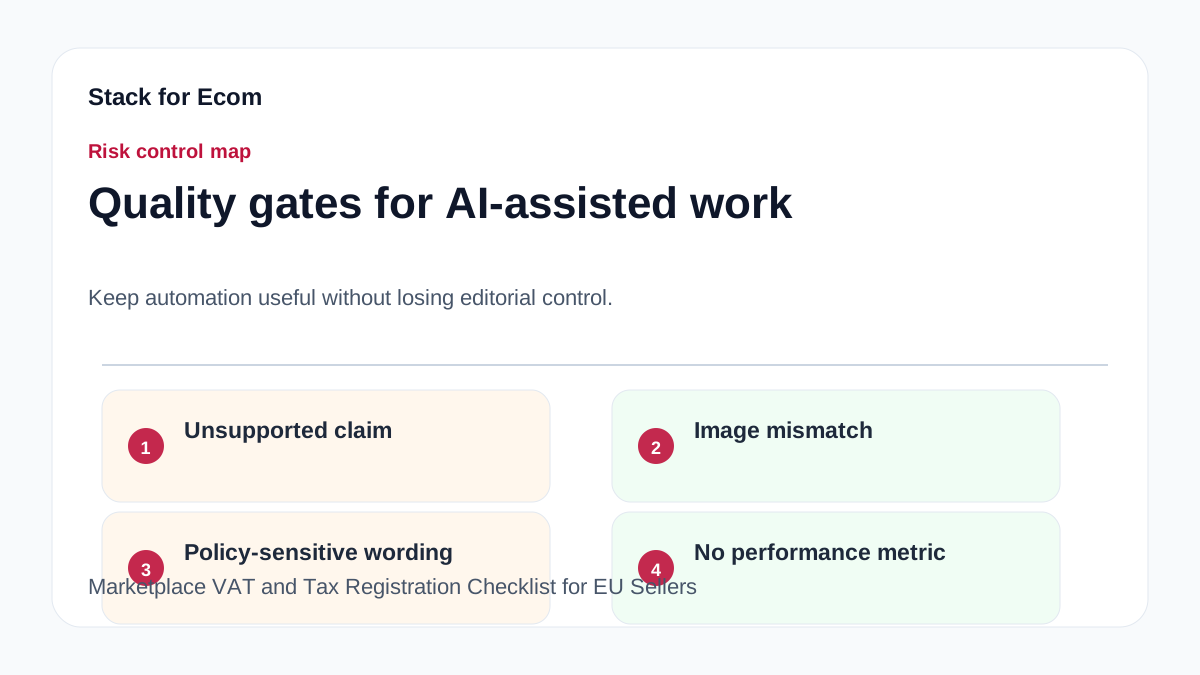
- Missing distance selling thresholds. These vary by country and can change. Monitor sales volumes per country regularly.
- Incorrect customs declarations. Vague descriptions or undervaluing goods can result in seizure, fines, or legal action. Always use precise, plain language.
- Relying solely on the ITA chatbot for tax decisions. The chatbot is a beta tool and not legal advice. Always verify with official sources or a tax professional.
- Ignoring de minimis rules for US imports. While $800 shipments may be duty-free, you must still comply with CBP declaration requirements. Misrepresenting value is illegal.
- Not updating marketplace accounts with VAT numbers. This can lead to incorrect invoicing and potential suspension of selling privileges.
Suggested visuals
- Flowchart: VAT Registration Triggers in the EU – Shows decision points: inventory storage, distance selling thresholds, and business presence.
- Table: EU Country VAT Thresholds and Registration Links – Compare thresholds for Germany, France, Italy, Spain, etc.
- Screenshot: Amazon Manage Your Compliance Dashboard – Highlight where to check required registrations.
- Infographic: Customs Declaration Requirements – Key fields: description, quantity, value, country of origin.
- Timeline: Typical VAT Registration Process – From document gathering to number issuance (2-8 weeks).
- Warning Icon: Common Pitfalls – Visual list of 5+ mistakes with prevention tips.
Who this helps / Who should avoid
Helps:
- EU-based sellers expanding to multiple EU countries via marketplaces.
- Non-EU sellers using Amazon FBA in Europe (e.g., US, China, UK).
- Small export teams managing cross-border compliance manually.
Avoid:
- Sellers only selling within one EU country (no cross-border activity).
- Businesses already using a comprehensive tax compliance service (they likely have this covered).
- Sellers looking for legal advice – this is a checklist, not a substitute for professional consultation.
Conclusion
Navigating marketplace VAT and tax registration across the EU is complex but manageable with a structured approach. Use the checklist above to audit your current compliance, register where needed, and avoid common pitfalls. Leverage tools like Amazon’s Manage Your Compliance and the ITA chatbot for general guidance, but always verify with official sources or a tax professional. Stay proactive, and your cross-border selling will be smoother and more profitable.
References
- https://www.trade.gov/ecommerce
- https://sell.amazon.com/global-selling
- https://www.cbp.gov/trade/basic-import-export/internet-purchases
- https://www.cbp.gov/trade/basic-import-export/e-commerce