TL;DR
- Use structured email reply templates to streamline supplier and buyer follow-up in foreign trade.
- Always include accurate cargo descriptions and CBP declaration forms to avoid seizure or penalties.
- Leverage the Global Business Navigator Chatbot (beta) for general export process info, but double-check all responses.
- Follow the step-by-step checklist to maintain professional communication and regulatory compliance.
- Avoid common pitfalls like vague descriptions, missing documentation, or sharing PII.
Introduction
Foreign trade email communication is a critical yet often overlooked component of cross-border ecommerce. Suppliers and buyers frequently face delays, misunderstandings, and compliance risks due to poorly crafted follow-up emails. For U.S. exporters, a single missing detail—like an incomplete cargo description or an inaccurate declaration form—can lead to goods being seized by U.S. Customs and Border Protection (CBP) or incurring heavy fines. This article provides ready-to-use email reply templates and a repeatable standard operating procedure (SOP) to help you maintain clarity, build trust, and stay compliant.
Whether you are a small operations team handling dozens of inquiries or an experienced exporter scaling your business, these templates cover common scenarios: initial supplier outreach, order confirmation, shipping updates, and post-delivery follow-up. Each template incorporates best practices from CBP regulations and the International Trade Administration’s (ITA) export resources. You can adapt them to your specific products and markets, but always verify legal and regulatory details with official sources.
Use this article as a practical guide: copy the templates, adjust them to your brand voice, and integrate the checklist into your daily workflow. By doing so, you will reduce back-and-forth emails, minimize compliance errors, and improve response rates.
Main Content
1. The Foundation: Understanding Key Regulatory Requirements
Every email you send in foreign trade should reflect an understanding of import/export regulations. According to CBP, all imported merchandise—whether from an established business or an individual in an online auction—must clear customs and may be subject to duty and applicable import rules (Source: https://www.cbp.gov/trade/basic-import-export/internet-purchases). The buyer becomes the importer and is responsible for ensuring goods comply with state and federal regulations; non-compliance can result in fines, penalties, detention, or destruction of goods.
When drafting email replies, always include accurate information about the shipment. CBP requires a full and accurate description in English, quantity, purchase price in U.S. dollars, weight, and country of origin on the CBP Declaration form (Source: https://www.cbp.gov/trade/basic-import-export/internet-purchases). Misrepresentation is illegal. For example, if you are exporting dairy products, mention the necessary permits and country-specific restrictions. In your follow-up emails, remind the buyer of these requirements and attach the correct documentation.
Additionally, CBP regulations (19 CFR §§ 4.7a, 122.48a, 123.91, 123.92, and 128.21) mandate a precise cargo description in plain language, detailed enough for U.S. Customs to identify size, shape, and characteristics of the commodity (Source: https://www.cbp.gov/trade/basic-import-export/e-commerce). Superfluous information such as PII, type of packaging, or carrier disclaimers must not be transmitted in the commodity description field. Your email templates should instruct the buyer or supplier to provide such descriptions before shipping.
2. Email Reply Template for Supplier Follow-Up (Post-Order Confirmation)
Scenario: You have placed an order with a foreign supplier and need to confirm shipping details, documentation, and compliance.
Subject: Order #[OrderNumber] – Shipping Documentation & Compliance Check
Body:
Dear [Supplier Name],
Thank you for confirming Order #[OrderNumber]. To ensure smooth customs clearance and avoid delays, please provide the following documents and confirm the details below:
- Commercial Invoice with a full and accurate description of each item in plain English (including size, shape, and characteristics).
- Packing List showing quantity, weight, and dimensions.
- Bill of Lading (BOL) – ensure the commodity description matches the invoice and is free of superfluous information (e.g., no PII or packaging details).
- CBP Declaration Form (if required) with purchase price in USD, country of origin, and weight.
Important: Please verify that the shipment complies with U.S. import regulations. For example, if your products include [specific regulated items, e.g., dairy, electronics], confirm that all necessary permits are obtained. Also, note that providing misleading information on shipping documents is illegal (Source: CBP).
Please reply with the requested documents by [Date]. If you have any questions about the requirements, refer to the CBP e-commerce guidelines or contact your freight forwarder.
Best regards, [Your Name] [Your Company]
3. Email Reply Template for Buyer Follow-Up (Shipping Update & Customs Clearance)
Scenario: You are the seller and need to update the buyer on shipment status and customs clearance steps.
Subject: Shipment Update – Order #[OrderNumber] – Customs Clearance Instructions
Body:
Dear [Buyer Name],
Your order #[OrderNumber] has been shipped via [Carrier Name] on [Date]. The estimated arrival is [Date].
What you need to do:
- As the importer of record, you are responsible for ensuring the goods comply with U.S. state and federal import regulations (Source: CBP).
- When the shipment arrives, CBP will require a CBP Declaration form with a full English description, quantity, purchase price in USD, weight, and country of origin. Please ensure the documents provided by the carrier are accurate.
- If you have questions about duty rates or prohibited items, use the Global Business Navigator Chatbot (beta) from the International Trade Administration (ITA) for general export process info (Source: https://www.trade.gov/export-solutions). However, do not rely solely on the Chatbot for product-specific or market-specific advice—always double-check with official references.
Important: Do not provide misleading information on shipping documents. Misrepresentation can lead to fines, seizure, or legal action (Source: CBP). If you need to discuss shipping methods (freight, courier, or international postal service), please reply to this email.
We are here to help. Please confirm receipt of this update.
Best regards, [Your Name] [Your Company]
4. Leveraging the Global Business Navigator Chatbot for General Guidance
The ITA’s Global Business Navigator Chatbot is a beta AI tool designed to provide general exporting process information for U.S. exporters (Source: https://www.trade.gov/export-solutions). It is trained on ITA’s export-related content using Microsoft Azure AI services and can understand non-expert language, idiomatic expressions, and foreign languages (Source: https://www.trade.gov/ecommerce). This can be a helpful resource when drafting email replies—for example, to clarify a regulation or find a template for a specific export scenario.
However, the Chatbot has limitations. As a beta product, it may produce inaccurate or incomplete information and cannot provide responses specific to a company’s product or a specific foreign market (Source: https://www.trade.gov/export-solutions). Users must double-check the Chatbot’s responses using provided references or Export Solutions web pages on Trade.gov. Also, the Chatbot does not collect user information or use chat history to learn; do not enter personally identifiable information (PII), sensitive, or proprietary data (Source: https://www.trade.gov/export-solutions). Conversations may be reviewed to improve the tool.
Practical tip: Use the Chatbot to generate a first draft of an email explanation about a regulation, but always verify the content with official CBP or ITA pages before sending. For example, if a buyer asks about de minimis thresholds, the Chatbot can give a general overview, but you should confirm current figures (e.g., FY2024 de minimis BOLs reached 1.36 billion with a total declared value of $64.6 billion, Source: CBP).
5. Email Template for Resolving Documentation Discrepancies
Scenario: CBP or the buyer flags a discrepancy in the cargo description or missing documents.
Subject: Urgent: Documentation Correction Needed – Order #[OrderNumber]
Body:
Dear [Recipient Name],
We have been notified of a discrepancy in the shipping documentation for Order #[OrderNumber]. Specifically, [describe issue, e.g., the cargo description lacks plain language details or the CBP Declaration form is missing].
Action required:
- Please provide a corrected commercial invoice with a precise commodity description in plain English (e.g., “women’s cotton t-shirts, size M, 100% cotton, packed in cartons”) as required by 19 CFR §§ 4.7a, 122.48a, 123.91, 123.92, and 128.21 (Source: CBP).
- Ensure the Bill of Lading matches the invoice and does not contain superfluous information like PII or packaging type.
- If the shipment is already in transit, contact your freight forwarder to submit an amendment to CBP.
Deadline: Please respond by [Date/Time] to avoid seizure, forfeiture, or return to sender (Source: CBP).
We apologize for any inconvenience. Let us know if you need assistance.
Best regards, [Your Name] [Your Company]
Step-by-step checklist
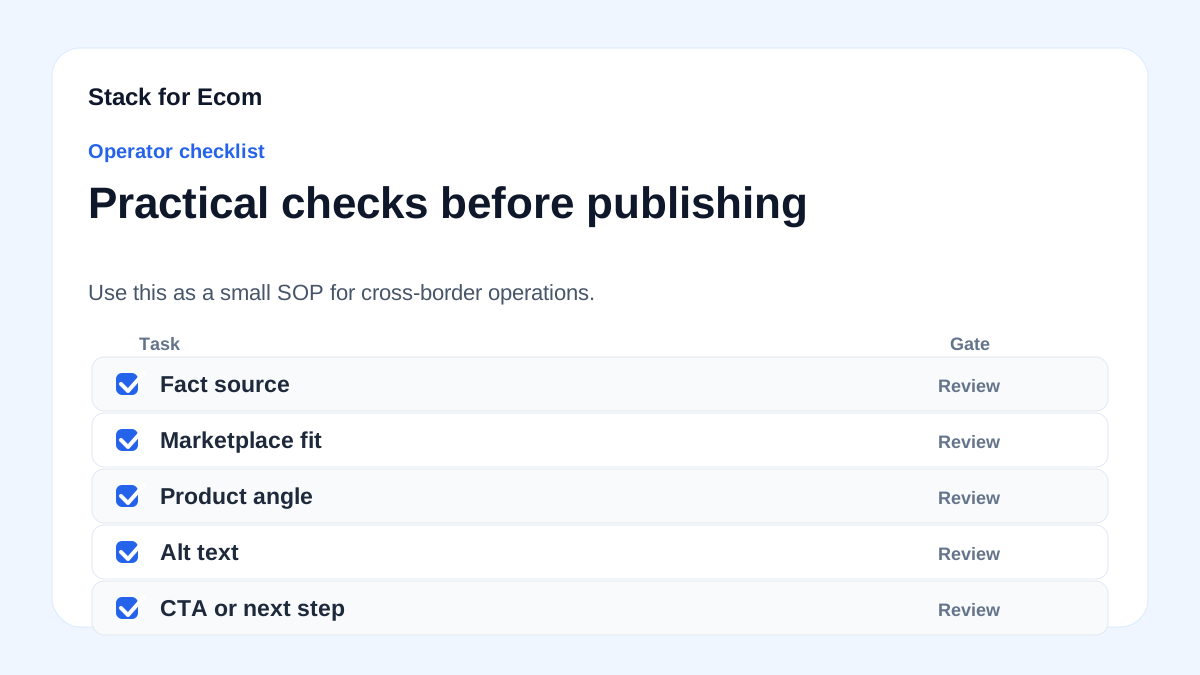
- Confirm order details – Verify product descriptions, quantities, and prices with the supplier before shipping.
- Request accurate documentation – Ask for commercial invoice, packing list, Bill of Lading, and CBP Declaration form with plain language descriptions.
- Check compliance – Ensure goods meet U.S. import regulations (e.g., permits for dairy, electronics). Refer to CBP guidelines.
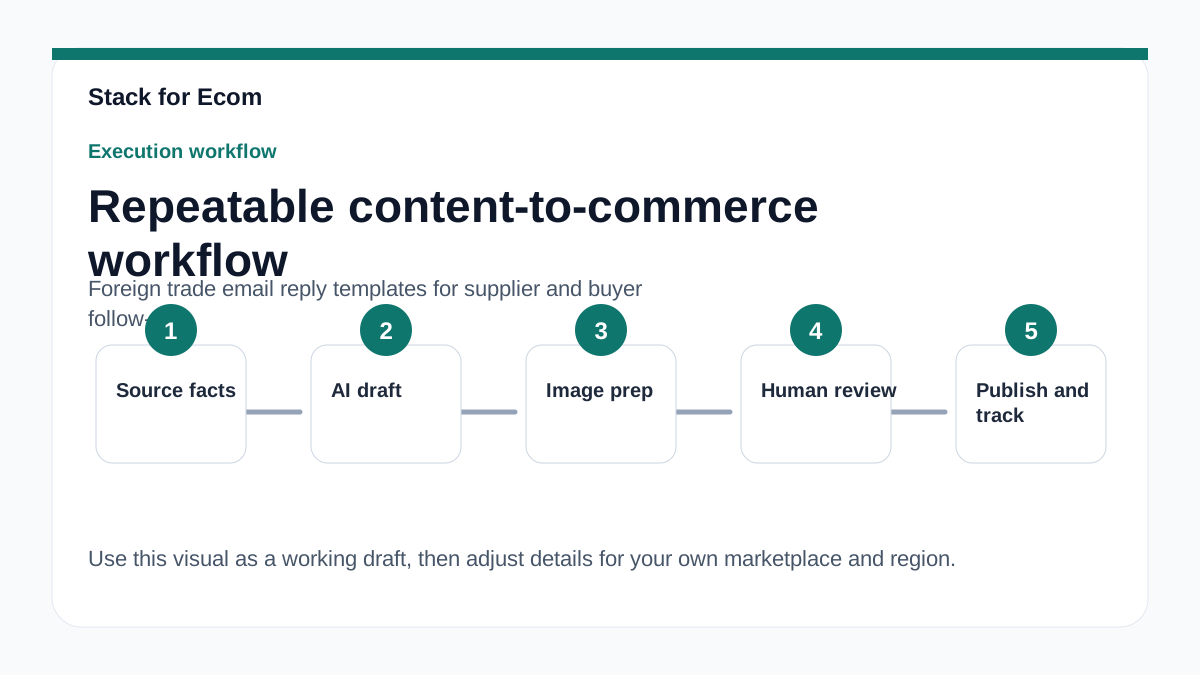
- Draft follow-up email – Use one of the templates above, customizing with order-specific details.
- Attach required forms – Include CBP Declaration form or instructions if the buyer is the importer.
- Verify shipping method – Discuss freight, courier, or postal service with the buyer to avoid unexpected costs.
- Send shipment update – Notify buyer of tracking number, estimated arrival, and customs clearance steps.
- Monitor for issues – If CBP flags a discrepancy, use the correction template immediately.
- Double-check AI-generated content – If using the Global Business Navigator Chatbot, verify all responses with official sources.
- Archive communications – Save all email threads and documents for audit purposes.
Potential pitfalls
- Vague cargo descriptions – Using generic terms like “electronics” or “clothing” can lead to CBP holds. Always describe size, shape, and characteristics (e.g., “laptop computer, 15-inch screen, 2.5 kg”).
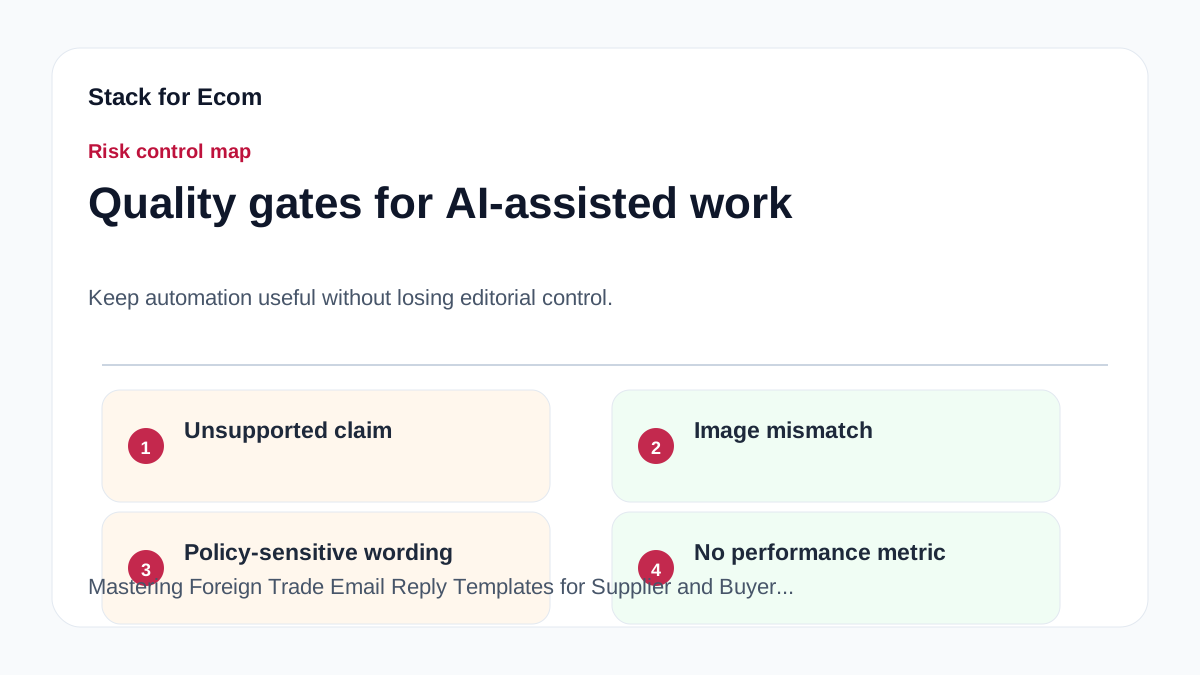
- Missing CBP Declaration form – Foreign shipments without this form may be subject to seizure, forfeiture, or return to sender (Source: CBP). Always include it in your email follow-up.
- Sharing PII in commodity fields – CBP prohibits PII in cargo descriptions. Use only product-related info.
- Over-reliance on the Chatbot – The Global Business Navigator Chatbot is beta and may produce inaccurate info. Always cross-check with Trade.gov or CBP pages.
- Ignoring de minimis thresholds – If your shipment value is below the de minimis level, you may avoid duties, but you still need accurate documentation. FY2024 saw 1.36 billion de minimis BOLs (Source: CBP).
- Not verifying translations – The Chatbot supports multiple languages, but translations may miss acronyms or nuances. Verify with a native speaker if needed (Source: ITA).
- Assuming the buyer knows regulations – Many buyers are unaware they become the importer. Educate them in your email to prevent non-compliance.
Suggested visuals
- Flowchart: Email Follow-Up Workflow – Show steps from order confirmation to post-delivery, with decision points for documentation checks.
- Table: Required Documents for U.S. Import – List commercial invoice, packing list, Bill of Lading, CBP Declaration form, and their key fields.
- Screenshot: CBP Declaration Form Example – Annotated with required fields (description, quantity, price, weight, country of origin).
- Chart: De Minimis BOLs Trend (FY2024) – Bar chart showing 1.36 billion BOLs and $64.6 billion declared value to illustrate scale.
- Comparison: Good vs. Bad Cargo Descriptions – Side-by-side examples: “electronics” vs. “laptop computer, 15-inch, 2.5 kg, plastic casing”.
- Infographic: Chatbot Best Practices – Tips on using the Global Business Navigator Chatbot: verify responses, avoid PII, and check references.
Who this helps / Who should avoid
Helps:
- U.S. exporters and small operations teams managing supplier and buyer communications.
- Freight forwarders and trade compliance officers who need standardized email templates.
- Ecommerce sellers importing goods into the U.S. and needing to educate buyers.
Should avoid:
- Companies with highly specialized or proprietary products that require custom legal advice—these templates are general and not a substitute for professional counsel.
- Exporters dealing exclusively with non-U.S. markets where CBP regulations do not apply; adapt templates to local customs rules.
- Anyone expecting the Chatbot or templates to replace a licensed customs broker or attorney.
Conclusion
Effective email communication in foreign trade is more than just politeness—it is a compliance tool. By using the templates and checklist provided, you can reduce errors, speed up customs clearance, and build stronger relationships with suppliers and buyers. Remember to always verify documentation against CBP requirements and leverage resources like the Global Business Navigator Chatbot for general guidance, but never as a sole source of truth. Start implementing these practices today to protect your shipments and your reputation.
References
- https://www.trade.gov/export-solutions
- https://www.trade.gov/ecommerce
- https://www.cbp.gov/trade/basic-import-export/internet-purchases
- https://www.cbp.gov/trade/basic-import-export/e-commerce