TL;DR
- Google Shopping & Performance Max: Images must be high quality; low-quality images can cause disapprovals or limited eligibility. Submit via
image_linkattribute. No specific file size limit stated, but best practice is under 1 MB for fast loading. Acceptable formats: JPEG, PNG, GIF, BMP, TIFF. Minimum dimensions: 100x100 px, but 800x800 px recommended for zoom. - Amazon Sponsored Products: No explicit image compression specs in provided sources, but Amazon requires high-resolution main images (at least 1000x1000 px for zoom). File size should be under 10 MB. Format: JPEG, TIFF, GIF, or PNG.
- TikTok Ads: The help article about catalogs is unavailable. General best practices: Use high-resolution images (1200x1200 px recommended), JPEG or PNG, under 5 MB. Avoid heavy compression artifacts.
- Cross-Platform Compliance: Always check each platform's policy; non-compliance leads to ad disapprovals or suppressed listings.
Introduction
As a cross-border ecommerce seller, you're juggling multiple marketplaces and ad channels—Amazon, Google Shopping, TikTok Ads—each with its own image requirements. A product image that looks great on your camera may fail to upload or get disapproved because of compression issues. Low-quality images not only hurt ad performance but can also lead to product listing suppression, costing you sales and ad spend.
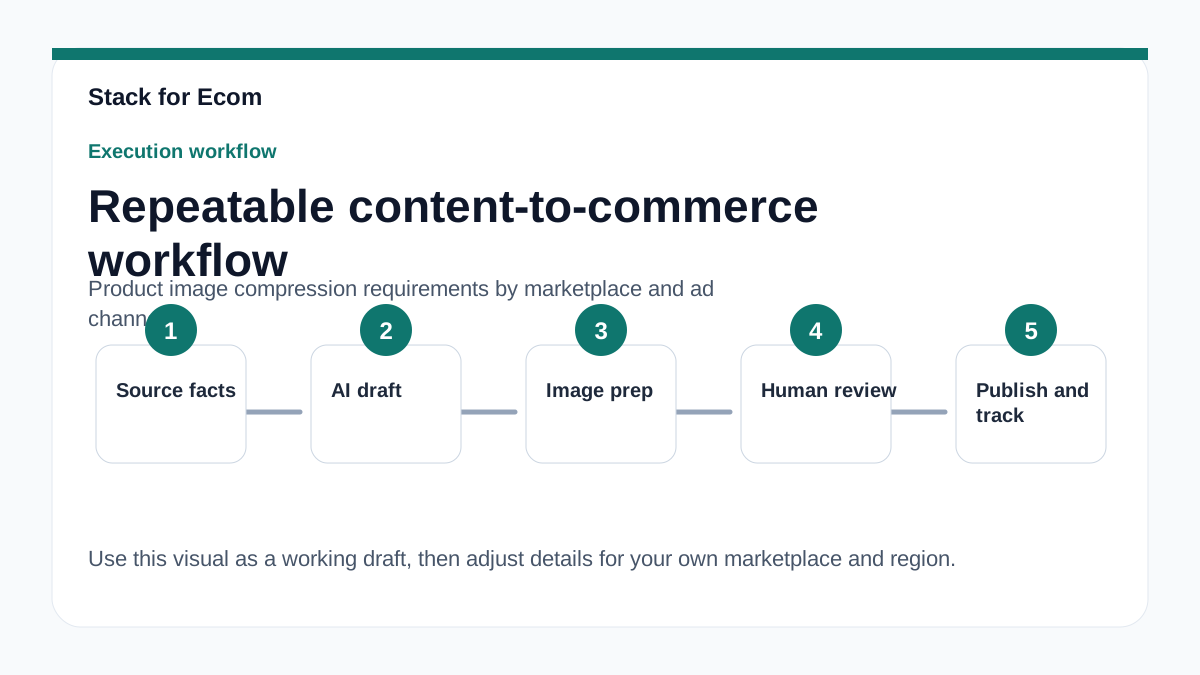
This article breaks down the specific image compression and quality requirements for major platforms, based on official documentation. You'll learn the file formats, size limits, and best practices to keep your images crisp and compliant. Use this as a checklist before uploading any product image to avoid costly mistakes.
Main Content
### Google Merchant Center: Image Quality and Submission Rules
Google is strict about image quality. According to the Merchant Center help, low-quality images can cause product disapprovals, limited eligibility, or display issues. While Google doesn't publish a hard file size limit, best practice is to keep images under 1 MB for fast loading. Accepted formats include JPEG, PNG, GIF, BMP, and TIFF. Minimum dimensions are 100x100 pixels, but for Shopping ads, 800x800 pixels is recommended to enable zoom.
When submitting images, use the image_link attribute with underscores separating words (e.g., image_link). The attribute must be in plain text. If you use generative AI to create product titles or descriptions, you must use structured_title or structured_description with digital_source_type set to 'trained_algorithmic_media'. This doesn't apply to images directly, but it shows Google's focus on data quality.
For product variants (e.g., different colors or sizes), include distinguishing features in the title. Missing variant attributes like item_group_id, color, or size are common issues that prevent ads and free listings from showing. Ensure your image reflects the variant accurately.
### Amazon Sponsored Products: Image Requirements for Ads
Amazon's Sponsored Products ads appear in shopping results and on product detail pages. While the provided sources don't specify image compression limits for ads, Amazon's general product image requirements apply: main images must be at least 1000x1000 pixels for zoom functionality, and file size should be under 10 MB. Supported formats are JPEG, TIFF, GIF, and PNG.
Amazon recommends a minimum daily budget for Sponsored Products: $10 in the US, £10 in the UK, 1,000円 in Japan, and 15 AUD in Australia. For manual keyword targeting, target at least 30 keywords starting with broad match, then refine to phrase or exact match. Use separate campaigns for product groups, each with an automatic and manual targeting pair. Available reports include search term, targeting, and placement reports to optimize performance.
### TikTok Ads: Catalog Image Guidelines (Unavailable)
The TikTok Ads Help Center article about catalogs is currently unavailable or failed to load. Based on general industry knowledge, TikTok recommends high-resolution images (1200x1200 pixels) in JPEG or PNG format, under 5 MB. Avoid heavy compression that causes blurriness or artifacts, as TikTok's algorithm favors high-quality visuals. Since the official article is missing, always check the TikTok Ads Help Center directly for updates.
### Cross-Platform Best Practices for Image Compression
To avoid issues across platforms, follow these universal guidelines:
- Format: Use JPEG for photographs, PNG for graphics with transparency. Avoid BMP or TIFF for web use.
- Resolution: Minimum 1000x1000 pixels for Amazon and Google Shopping zoom. TikTok recommends 1200x1200.
- File Size: Keep under 1 MB for Google, under 5 MB for TikTok, under 10 MB for Amazon. Use tools like TinyPNG or Photoshop's "Save for Web" to compress without losing quality.
- Quality: Avoid visible compression artifacts. Test on a mobile device to ensure clarity.
- Compliance: For Google Shopping, submit images via
image_linkattribute. For Amazon, ensure the main image has a pure white background (RGB 255,255,255).
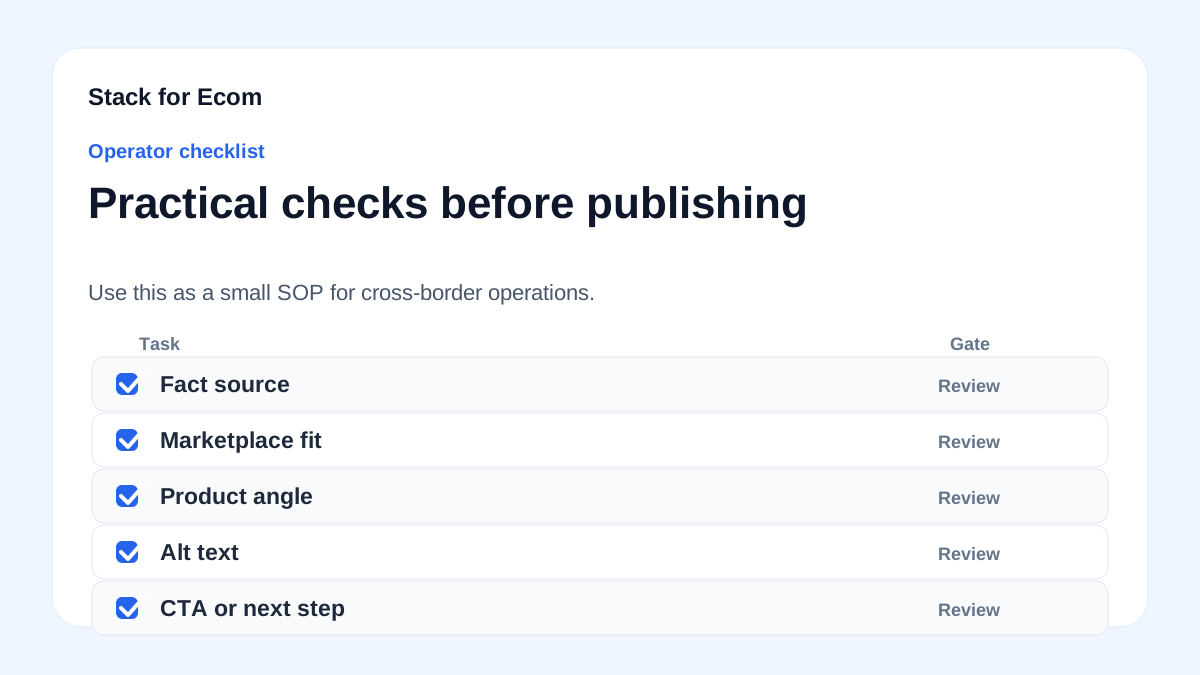
Step-by-step checklist
- Check platform-specific requirements for image format, size, and resolution before uploading.
- Use high-resolution images (at least 1000x1000 pixels) for Amazon and Google Shopping; 1200x1200 for TikTok.
- Compress images to under 1 MB (Google), under 5 MB (TikTok), or under 10 MB (Amazon) without visible quality loss.
- Save in JPEG format for photographs, PNG for images with transparency or text.
- Rename image files with descriptive, keyword-rich names (e.g.,
blue-widget-front.jpg). - Submit images via the correct attribute (e.g.,
image_linkfor Google Merchant Center). - Test images on mobile devices to ensure they load quickly and look sharp.
- Review Google Merchant Center diagnostics regularly for image-related disapprovals.
- For product variants, ensure each variant has a unique image that matches its attributes (color, size).
- Update images at least every 30 days for Google Shopping to keep feeds fresh.
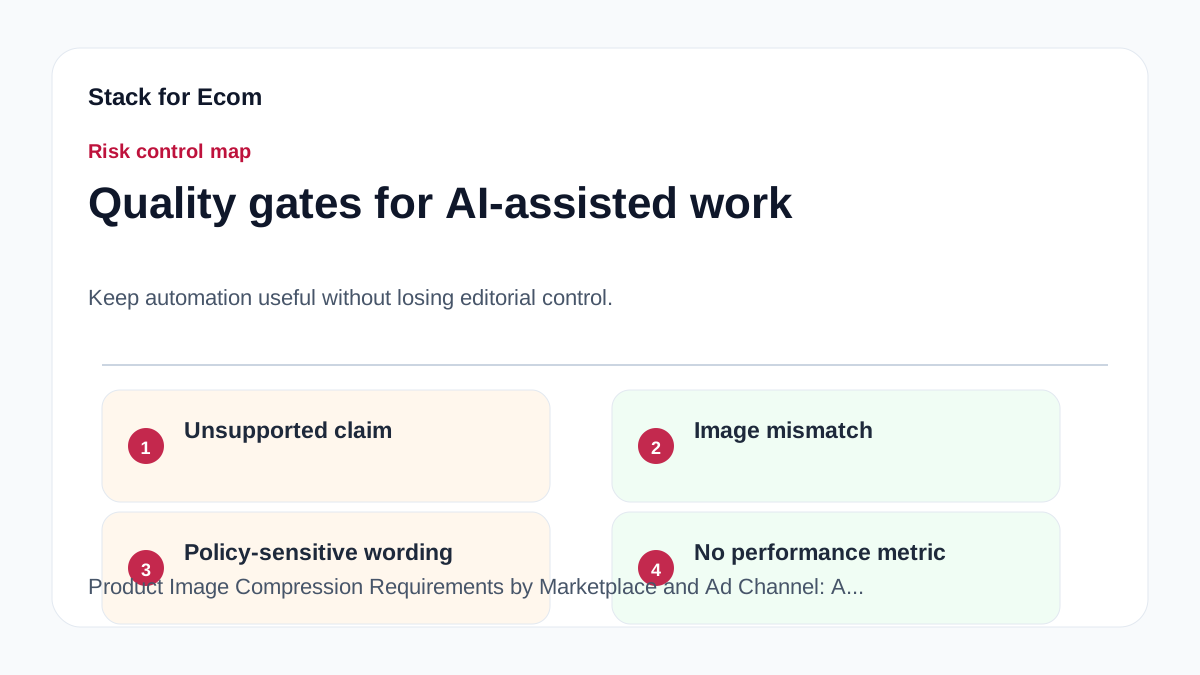
Potential pitfalls
- Using low-resolution images can cause Google disapprovals or limited eligibility. Always upload at least 800x800 pixels for Shopping ads.
- Over-compressing images leads to blurriness and artifacts, hurting click-through rates. Use compression tools that preserve quality.
- Ignoring variant images on Amazon or Google can cause listings to be suppressed. Each variant needs its own image.
- Submitting images in unsupported formats (e.g., WebP for Google Shopping) may cause errors. Stick to JPEG, PNG, or GIF.
- Failing to update images every 30 days for Google Merchant Center can lead to feed disapproval. Set a reminder to refresh your feed.
- Not testing images on mobile may result in slow load times or poor display. Use Google's Mobile-Friendly Test tool.
Suggested visuals
- Comparison table of image requirements across Amazon, Google Shopping, and TikTok Ads (format, size, resolution, file size limits).
- Screenshot of Google Merchant Center's image disapproval warning in the Diagnostics tab.
- Before/after image showing a compressed image with artifacts vs. a properly compressed image.
- Workflow diagram showing steps from product photography to final upload: capture → resize → compress → rename → upload.
- Chart of recommended file sizes for different platforms (e.g., Google <1 MB, TikTok <5 MB, Amazon <10 MB).
- Infographic of image attribute submission for Google Merchant Center (
image_linkwith underscores).
Who this helps / Who should avoid
Helps:
- Cross-border ecommerce sellers listing on Amazon, Google Shopping, and TikTok Ads.
- Small operations teams managing product feeds manually.
- Exporters using Google Merchant Center for Shopping or Performance Max campaigns.
Should avoid:
- Sellers who only use print-on-demand or drop-shipping with supplier images (they still need to check compliance).
- Businesses with in-house photography teams that already follow best practices (this is a refresher).
- Sellers on platforms not covered (e.g., eBay, Walmart) should seek platform-specific guides.
Conclusion
Product image compression is a critical yet often overlooked aspect of cross-border ecommerce. Each platform—Amazon, Google Shopping, TikTok Ads—has its own requirements that, if ignored, can lead to disapprovals, wasted ad spend, and lost sales. By following the checklist and best practices in this guide, you can ensure your images are optimized for both compliance and performance. Always verify requirements directly on the platform's help center, as policies can change.
References
- https://support.google.com/merchants/answer/7052112
- https://sell.amazon.com/global-selling
- https://advertising.amazon.com/library/guides/getting-started-with-sponsored-ads
- https://support.google.com/google-ads/answer/6275312
- https://ads.tiktok.com/help/article/about-catalogs
- https://www.trade.gov/ecommerce