TL;DR
- Google Merchant Center does not specify exact image compression thresholds (file size or pixel dimensions) in its product data specification. However, low-quality images are a common cause of disapprovals, limited eligibility, and incorrect displays.
- Amazon does not publish explicit compression limits in the provided sources, but product requirements vary by country and must be reviewed per market. Image quality is implied as critical for listing success.
- Ad channels (Google Shopping, Performance Max, Amazon Sponsored Products) rely on product feeds; image quality directly impacts ad eligibility and performance.
- Action items: Always use high-resolution, clear images; compress without visible quality loss; follow platform-specific attribute formatting (e.g.,
image_linkwith underscore); and regularly audit your feed for compliance. - Confirmed vs. to check: The provided sources confirm that Google focuses on image quality, not compression specs. For exact file size limits, check each platform's help center or seller central.
Introduction
As a cross-border ecommerce operator, you juggle multiple marketplaces and ad channels, each with its own product data requirements. One of the most common yet overlooked pain points is product image compression—how to balance file size for fast loading while maintaining the quality that platforms demand. A poorly compressed image can lead to product disapprovals on Google, suppressed listings on Amazon, and wasted ad spend. This article distills the available facts from official sources to help you navigate image requirements across Google Merchant Center, Amazon, and their advertising arms.
The business impact is direct: if your images don't meet quality standards, your products may not show in search results or ads, cutting off your primary traffic sources. For example, Google's product data specification warns that low-quality images can prevent ads and free listings from showing. Similarly, Amazon's Sponsored Products ads rely on your product listing images to attract clicks; a blurry image can hurt click-through rates and conversion. This guide will help you build a repeatable image optimization workflow that satisfies platform rules and improves ad performance.
Use this article as a practical reference. We'll break down what each platform officially states about images, provide a step-by-step checklist for image preparation, highlight common pitfalls, and suggest visuals to support your team's training. While the sources don't give exact compression numbers, we'll show you how to infer best practices and where to look for additional details.
Main Content
Google Merchant Center: Image Quality Over Compression Specs
Google Merchant Center's product data specification (source: Google Merchant Center help) does not list specific image compression thresholds like maximum file size or pixel dimensions. Instead, it emphasizes image quality as a critical factor. The documentation states that low-quality images are a common cause of product disapprovals, limited eligibility, incorrect displays, or other issues. This means that even if your image file is small, if it looks pixelated or stretched, Google may reject it.
What Google does specify is attribute formatting. For multi-word attributes, you must use an underscore in the attribute name—so it's image_link, not image link or imageLink. This is a simple but common mistake that can break your feed. Additionally, image-related attributes like image_link are free-form, meaning they should use the same language as your other feed attributes. This is relevant for cross-border sellers who might be tempted to use localized attribute names—don't; keep it consistent in English.
Practical example: A US-based seller expanding to Germany creates a feed with German product titles but forgets to keep image_link in English. Google will still accept it because it's free-form, but if you accidentally use a space instead of an underscore, the feed fails. Always validate your feed with Google's diagnostics to catch such errors.
Amazon Global Selling: Regional Account Structures and Image Implications
Amazon's global selling guide (source: Amazon Global Selling) focuses on account setup, not image compression. However, it highlights that product requirements, including taxes, regulations, compliance, safety, and listing, vary by country. This implies that image standards may also differ—for example, some marketplaces may require specific image backgrounds (like pure white) or additional image angles. The source does not provide specific image compression numbers, so you must check each marketplace's style guides.
Regional account structures affect how you manage images. For North America and Brazil, you need a unified account. For Europe, a single Europe account covers 28 countries. For Asia-Pacific, you need country-specific accounts for Australia, India, and Japan. Similarly, for the Middle East and North Africa, you need separate accounts for UAE, Saudi Arabia, and Egypt. This means you may need to upload the same product images to multiple accounts, and each may have its own image requirements. Plan your image assets to be versatile enough to meet regional variations.
Practical example: A seller using a Europe account to list in Germany and France might need to adjust image text if local regulations require language-specific labels. While the base image can be the same, any text overlays may need localization. Always review the specific marketplace's listing requirements before uploading.
Ad Channel Requirements: Google Shopping and Performance Max
To run Shopping or Performance Max campaigns, you must link your Google Merchant Center and Google Ads accounts (source: Google Ads Help). Your product images must comply with Shopping ads policies, which differ from standard Google Ads policies. These policies cover business type, products, promotions, and website requirements. While the source doesn't detail image compression, it's clear that image quality is part of the product data standards.
In EEA countries and Switzerland, Shopping ads are delivered through Comparison Shopping Services (CSSs). Some CSSs manage product data and campaigns on your behalf, which means they may handle image optimization. If you work with a CSS, ensure they follow Google's quality standards. Also, product data must be submitted at least every 30 days, so you need a regular feed refresh to keep images up to date.
Practical example: A seller running Performance Max campaigns must ensure images meet Google's quality guidelines. If you update a product image, you must update it in the Merchant Center feed and then ensure the change reflects in your campaigns. The source notes that changes must be made in both Shopping and Performance Max if you run both simultaneously. This double-update can be a source of errors if not managed carefully.
Amazon Sponsored Products: Image Relevance for Ad Performance
Amazon Sponsored Products are cost-per-click ads that appear in shopping results and on product detail pages (source: Amazon Advertising). While the guide focuses on campaign setup, it implies that your product listing—including images—is the foundation for ad relevance. If your image is low-quality, your ad may not get impressions or clicks, wasting your budget.
The guide recommends starting with automatic targeting, where Amazon matches ads to shopping queries based on product information. This includes your images? Not directly, but images affect click-through rate, which influences ad performance. Amazon also suggests running campaigns without an end date to keep products top of mind. This means your images need to be consistently high-quality over the long term.
Practical example: A seller with a Sponsored Products campaign for a kitchen gadget uses a compressed image that loses detail on the product's texture. Shoppers see a blurry thumbnail and don't click, lowering the ad's relevance score. By re-uploading a higher-quality image, the click-through rate improves, and Amazon may show the ad more often. While the source doesn't specify image compression, the implication is clear: invest in image quality.
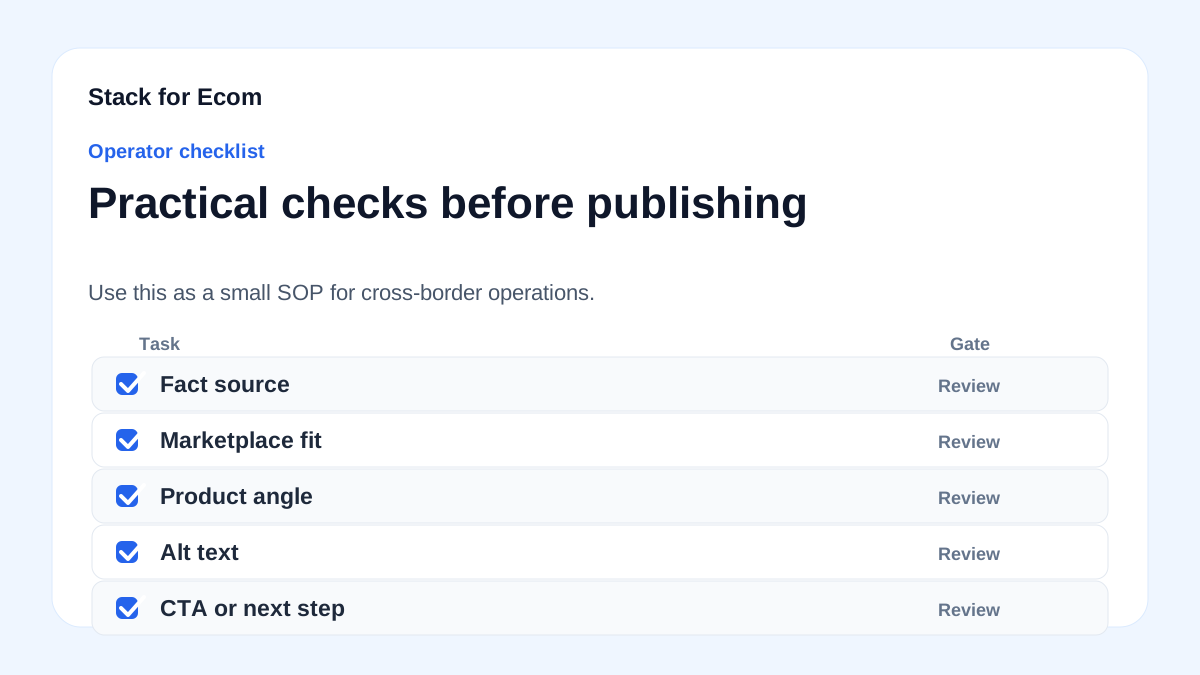
Step-by-step checklist
- Audit your current product images across all marketplaces and ad channels. Identify any that are blurry, stretched, or have poor resolution.
- Check Google Merchant Center feed for correct attribute naming: use
image_linkwith an underscore. Validate via the diagnostics tab. - Review Google's product data specification for any image quality notes. While no compression numbers are given, ensure images are clear and representative.
- For Amazon, review each target marketplace's style guide (US, Europe, Asia-Pacific, Middle East) for specific image requirements, including background and size.
- Compress images using tools that preserve quality. Aim for a balance between file size and clarity. Test by zooming in to ensure no artifacts.
- Upload images to all relevant accounts—unified for North America/Brazil, Europe account, or country-specific accounts as applicable.
- Link Google Merchant Center and Google Ads accounts to enable Shopping and Performance Max campaigns. Ensure the feed is linked correctly.
- Set up Sponsored Products with automatic targeting first. Monitor search term reports to see how your images perform in context.
- Update product data at least every 30 days in Google Merchant Center. If you change images, update both Shopping and Performance Max campaigns if running both.
- Document your image optimization process for your team, including compression settings and quality checks, to ensure consistency.
Potential pitfalls
- Using spaces in attribute names: Google requires underscores in multi-word attributes like
image_link. A space will cause a feed error. Prevention: Use a feed template that automatically formats attribute names correctly.
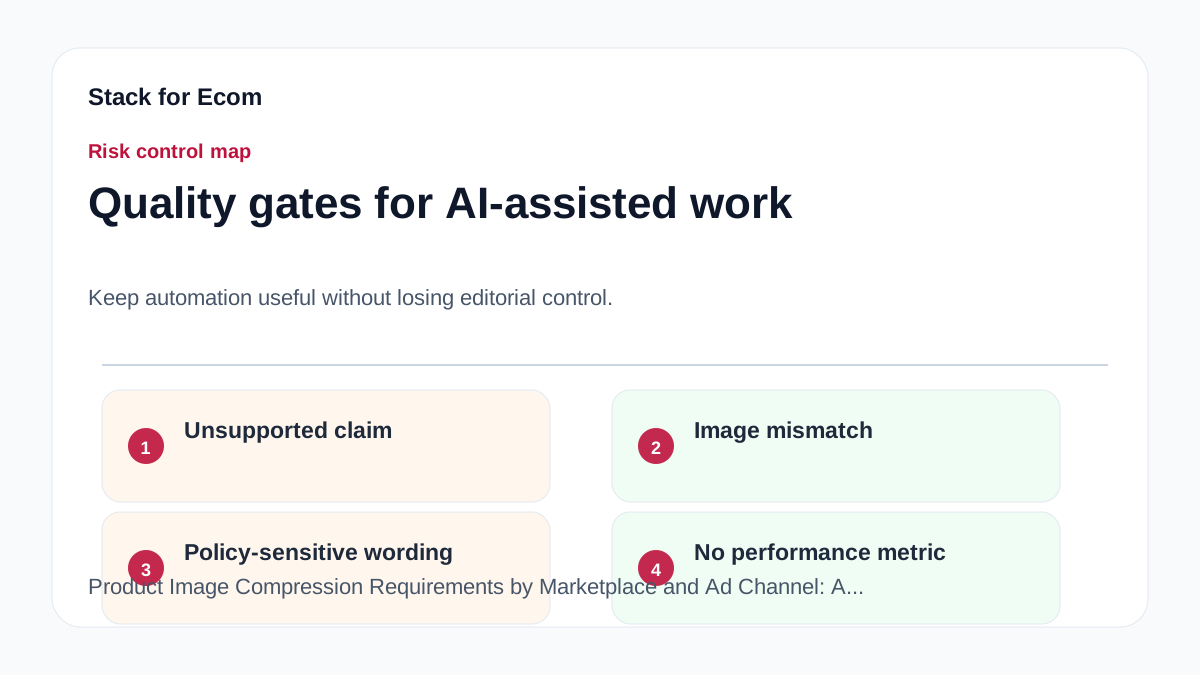
- Over-compressing images: Aggressive compression can make images look pixelated, leading to Google disapprovals. Prevention: Use lossless compression or adjust quality settings until the image is visually identical to the original.
- Ignoring regional differences: Amazon's requirements vary by country. An image that works in the US may not meet EU standards for text or background. Prevention: Review each marketplace's style guide before uploading.
- Forgetting to update all ad channels: If you change an image in Merchant Center but don't update your Performance Max campaign, you may see inconsistencies. Prevention: Maintain a change log and update all linked platforms simultaneously.
- Assuming compression specs exist: The sources don't provide exact numbers. Relying on unverified third-party advice may lead to non-compliance. Prevention: Always check official platform help centers for the latest requirements.
- Using localized attribute names: Even in non-English feeds, Google expects attribute names in English. Prevention: Keep attribute names in English and only translate values where required.
Suggested visuals
- Infographic: A comparison table of image requirements across Google Merchant Center, Amazon, and Sponsored Products, highlighting what is confirmed vs. to check.
- Screenshot: Google Merchant Center diagnostics showing an example of a low-quality image warning, with annotations on how to fix it.
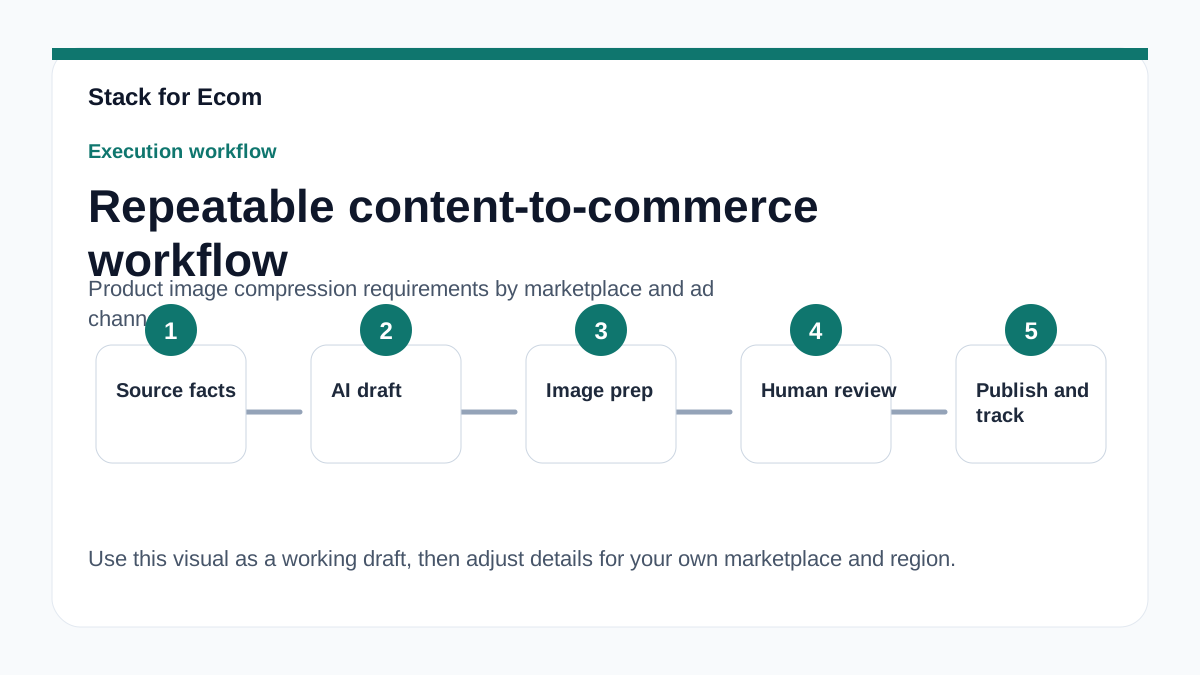
- Flowchart: Step-by-step workflow for image optimization, from original photo to final upload across multiple marketplaces.
- Chart: Graph showing the relationship between image file size and load time, with a recommended range based on common practices (not from sources).
- Screenshot: Amazon Seller Central listing page with image requirements highlighted, such as background color and minimum resolution.
- Diagram: Visual of the account structure for Amazon global selling, showing unified vs. country-specific accounts and how images flow to each.
Who this helps / Who should avoid
Who this helps:
- Cross-border ecommerce sellers managing listings on multiple marketplaces (Amazon, Google Shopping) and running ads.
- Small operations teams that need a clear, repeatable process for image optimization to avoid disapprovals.
- Ecommerce managers responsible for product data feeds and ad performance.
Who should avoid:
- Sellers looking for exact compression numbers (file size limits) because the provided sources do not contain them; they should check platform-specific technical documentation.
- Businesses that only sell on a single marketplace with no ad campaigns and already have a stable image workflow.
- Those who expect a one-size-fits-all solution; image requirements vary by region and platform.
Conclusion
Product image compression is more about quality than specific numbers. Google Merchant Center and Amazon do not publish exact compression thresholds in the sources we reviewed, but they both emphasize that low-quality images can harm your visibility and ad performance. The key takeaways are to follow attribute formatting rules, maintain high-resolution images, and regularly audit your feeds and listings. By using the checklist and avoiding common pitfalls, you can ensure your products display correctly across marketplaces and ad channels.
Remember that requirements can change, and regional variations exist. Always consult the official help centers for the latest updates. For cross-border sellers, staying organized with a documented image workflow will save time and reduce errors. Start by auditing your current images and implementing the checklist today.