TL;DR
- Use a structured template to compare international shipping carriers across postal, courier, and freight options, because CBP notes these are the three main methods for sending goods from abroad. Source: https://www.cbp.gov/trade/basic-import-export/internet-purchases
- Build your comparison around documented requirements: accurate declarations, duty assessment, and import regulations. Source: https://www.cbp.gov/trade/basic-import-export/internet-purchases
- Use official government resources to understand customs procedures and export basics, but remember that carrier-specific rates and operational guidance are not provided on those pages. Source: https://taxation-customs.ec.europa.eu/customs-4/customs-procedures-import-and-export_en
- The ITA's Global Business Navigator beta chatbot can help with general exporting information, but it cannot give company- or market-specific answers and may be inaccurate. Source: https://www.trade.gov/export-solutions
- Never enter PII, sensitive, or proprietary information into the chatbot. Source: https://www.trade.gov/ecommerce
- Always double-check chatbot responses and verify translations, especially acronyms and nuances. Source: https://www.trade.gov/export-solutions
Introduction
Small exporters often struggle to compare international shipping carriers because the information they need is scattered across carrier websites, customs pages, and internal spreadsheets. The problem is not a lack of options; it is a lack of a consistent framework. Without a template, teams compare quotes on price alone and miss duties, declaration requirements, and compliance risks that can delay shipments or create fines.
The business impact is real. CBP states that importing goods that are unsafe, fail to meet health code requirements, or violate quota restrictions could result in fines, penalties, detention, or destruction. Source: https://www.cbp.gov/trade/basic-import-export/internet-purchases. For exporters, a poor carrier choice can mean seized shipments, returned goods, or unhappy customers. A template forces you to evaluate carriers on documentation support, customs handling, and total landed cost, not just the headline rate.
This article gives you a repeatable template. It uses only official facts from the International Trade Administration (ITA), the European Commission's customs pages, and U.S. Customs and Border Protection (CBP). You will get a step-by-step checklist, a pitfalls section, and suggested visuals so you can build your own carrier comparison scorecard. Where carrier-specific rates or operational guidance are not provided by the sources, we say: "Details may vary; check references."
Main Content
Understand the three shipping methods before you compare carriers
CBP identifies three methods for sending goods from abroad: international postal service, courier service, and freight carriers. Source: https://www.cbp.gov/trade/basic-import-export/internet-purchases. Your template should start by classifying each carrier into one of these three buckets. A postal option may suit low-value parcels, a courier may fit time-sensitive ecommerce orders, and a freight carrier may be necessary for palletized or bulk export shipments.
For example, if you ship small consumer goods to the United States, the postal service may be an option for merchandise valued at less than $2,500 and not subject to quota or restriction, where a CBP official will usually prepare import paperwork, assess duty, and release it for delivery. Source: https://www.cbp.gov/trade/basic-import-export/internet-purchases. That does not mean postal is always best; it means your template should flag the value threshold and quota status as decision criteria.
For higher-value or restricted goods, courier or freight may be more appropriate, but the importer remains responsible for assuring that goods comply with state and federal government import regulations. Source: https://www.cbp.gov/trade/basic-import-export/internet-purchases. Your carrier comparison should therefore include a column for "who handles compliance documentation" and a column for "who is the importer of record." If the answer is unclear, mark it as a risk.
Build a carrier scorecard with customs-ready data fields
A useful template is a scorecard with weighted criteria. Start with the data CBP says should be on a declaration form: a full and accurate description of the merchandise in English, quantity of each item type, purchase price in U.S. dollars, weight, and country of origin of the product itself. Source: https://www.cbp.gov/trade/basic-import-export/internet-purchases. If a carrier cannot support capturing these fields accurately, that is a red flag.
Next, add columns for duty assessment, import paperwork support, and seizure risk. CBP notes that foreign shipments not accompanied by a U.S. Customs and Border Protection declaration form and an invoice may be subject to seizure, forfeiture, or return to sender. Source: https://www.cbp.gov/trade/basic-import-export/internet-purchases. Your scorecard should ask: does the carrier provide or accept the required declaration and invoice? If not, the shipment may not clear.
Finally, include a column for "confirmed vs. needs checking." The European Commission's customs procedures page is organized under the Customs menu, with sub-topics such as Rules of origin for goods, Customs Controls, Authorised Economic Operator (AEO), Prohibitions and Restrictions, Union Customs Code, Customs security, International affairs, and Electronic customs. Source: https://taxation-customs.ec.europa.eu/customs-4/customs-procedures-import-and-export_en. Use these sub-topics as prompts to verify what your carrier must handle for each market. Details may vary; check references.
Use official resources to fill knowledge gaps without over-relying on AI
The ITA offers a beta AI chatbot called Global Business Navigator, built with Microsoft Azure AI services, designed to provide general information on the exporting process and resources for U.S. exporters. Source: https://www.trade.gov/ecommerce. It can help you draft questions, but its knowledge is limited to public information on the Export Solutions web pages of Trade.gov and cannot provide responses specific to a company's product or a specific foreign market. Source: https://www.trade.gov/export-solutions. That means it is useful for orientation, not for carrier-specific rate comparisons.
As a beta product, the chatbot may occasionally produce inaccurate or incomplete information, and users are advised to double-check responses using provided references or by visiting Trade.gov. Source: https://www.trade.gov/ecommerce. The chatbot supports a wide range of languages, but because it is trained in English and responses are translated, users should verify translations, especially for acronyms, abbreviations, and nuances. Source: https://www.trade.gov/export-solutions. If you use it to understand customs terms, confirm the English term before you put it in a carrier contract or declaration.
Privacy matters too. The chatbot does not collect user information, does not use chat history to learn new information, and all feedback is anonymous. Source: https://www.trade.gov/ecommerce. However, users are instructed not to enter personally identifiable information (PII), sensitive, or proprietary information into the chatbot. Source: https://www.trade.gov/export-solutions. Conversations may be reviewed to help ITA improve the tool and address harmful, illegal, or otherwise inappropriate questions. Source: https://www.trade.gov/ecommerce. Treat the chatbot as a public forum, not a private advisory channel.
Compare landed cost and compliance, not just freight rates
A common mistake is to compare only the freight rate. Your template should calculate a simple landed cost: goods value, freight charge, duty estimate, and any customs brokerage or paperwork fees. CBP states that merchandise imported into the United States, whether used or new, must clear CBP and may be subject to duty payment and applicable import regulations. Source: https://www.cbp.gov/trade/basic-import-export/internet-purchases. If duty is not in your comparison, you are comparing incomplete numbers.
For example, a small exporter shipping to the EU should review the European Commission's customs procedures for importing and exporting goods. Source: https://taxation-customs.ec.europa.eu/customs-4/customs-procedures-import-and-export_en. The page does not contain carrier-specific comparison data, shipping rates, or operational guidance for small exporters. Source: https://taxation-customs.ec.europa.eu/customs-4/customs-procedures-import-and-export_en. So use it to understand the customs context, then go back to your carrier scorecard for operational details. Details may vary; check references.
Also assign responsibility. The importer, which is the buyer when purchasing from foreign sources, is responsible for assuring that goods comply with state and federal government import regulations. Source: https://www.cbp.gov/trade/basic-import-export/internet-purchases. In your template, add a column for "importer of record" and a column for "compliance owner." If the carrier claims they will handle everything, get that in writing and verify against official guidance.
Create a decision rule for choosing a carrier
Once your scorecard is filled, apply a simple decision rule. For low-value, unrestricted parcels, postal service may be viable because a CBP official will usually prepare import paperwork, assess duty, and release it for delivery when merchandise is valued at less than $2,500 and not subject to quota or restriction. Source: https://www.cbp.gov/trade/basic-import-export/internet-purchases. For higher-value or restricted goods, prioritize carriers that can support full declarations and duty payment.
Your decision rule should also include a "stop" condition. If a carrier cannot provide a full and accurate description of the merchandise in English, quantity, purchase price in U.S. dollars, weight, and country of origin, then the shipment may be at risk of seizure, forfeiture, or return to sender. Source: https://www.cbp.gov/trade/basic-import-export/internet-purchases. A stop condition prevents you from choosing a cheap carrier that creates expensive problems.
Finally, document your decision. Note the date, the carrier, the route, the value, and the source you used to verify requirements. If you used the ITA chatbot, note that its responses should not be used as legal or professional advice, and inaccurate advice from the chatbot would not be a defense to violating any export rules or regulations. Source: https://www.trade.gov/export-solutions. Your template should make it easy to show why you chose a carrier and what you checked.
Step-by-step checklist
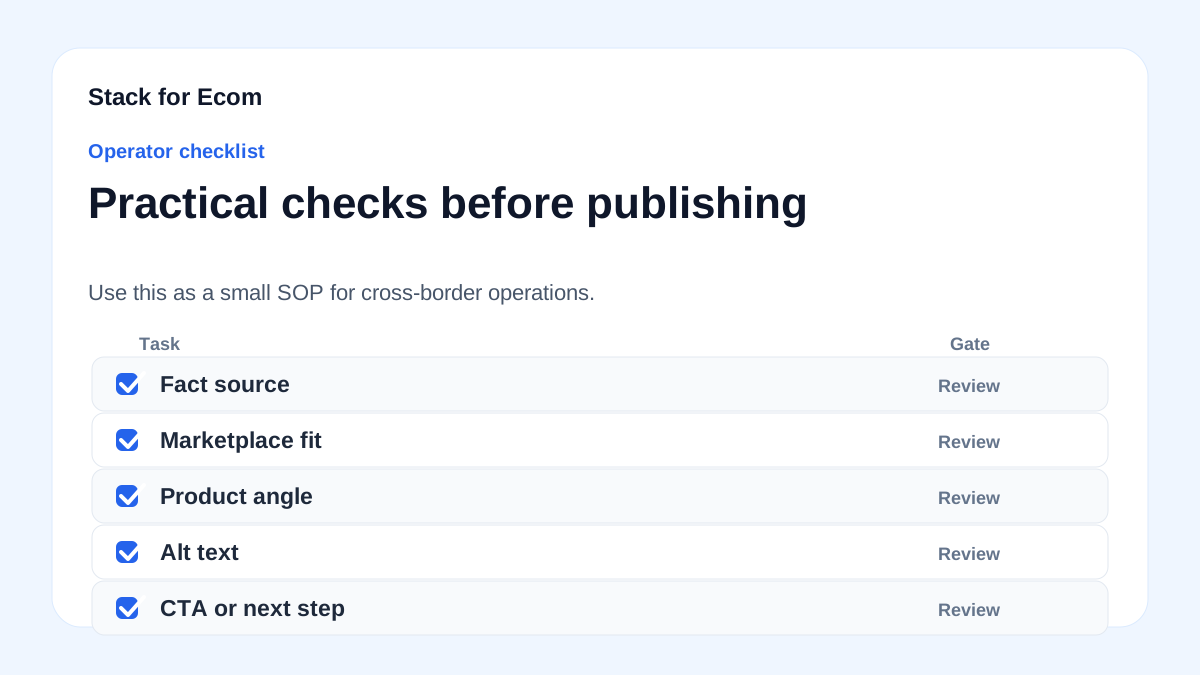
- Define the shipment profile: goods description, quantity, purchase price in U.S. dollars, weight, and country of origin of the product itself. Source: https://www.cbp.gov/trade/basic-import-export/internet-purchases
- Classify the carrier type: international postal service, courier service, or freight carrier. Source: https://www.cbp.gov/trade/basic-import-export/internet-purchases
- Check value and restrictions: if using postal service, confirm whether merchandise is valued at less than $2,500 and not subject to quota or restriction. Source: https://www.cbp.gov/trade/basic-import-export/internet-purchases
- Confirm declaration support: verify the carrier can include a full and accurate description in English, quantity, purchase price in U.S. dollars, weight, and country of origin. Source: https://www.cbp.gov/trade/basic-import-export/internet-purchases
- Verify invoice and declaration form handling: ensure shipments are accompanied by a U.S. Customs and Border Protection declaration form and an invoice to reduce seizure, forfeiture, or return risk. Source: https://www.cbp.gov/trade/basic-import-export/internet-purchases
- Assign importer responsibility: confirm who is the importer and who assures compliance with state and federal import regulations. Source: https://www.cbp.gov/trade/basic-import-export/internet-purchases
- Estimate duty and fees: include duty payment and applicable import regulations in your landed cost. Source: https://www.cbp.gov/trade/basic-import-export/internet-purchases
- Review destination customs context: for EU shipments, consult the European Commission's customs procedures for importing and exporting goods. Source: https://taxation-customs.ec.europa.eu/customs-4/customs-procedures-import-and-export_en
- Use official export resources for general questions: the ITA Global Business Navigator can provide general information on the exporting process. Source: https://www.trade.gov/export-solutions
- Double-check AI responses: verify chatbot answers using provided references or by visiting Trade.gov. Source: https://www.trade.gov/ecommerce
- Protect sensitive data: do not enter PII, sensitive, or proprietary information into the chatbot. Source: https://www.trade.gov/export-solutions
- Document your decision: record carrier, route, value, date, and sources checked.
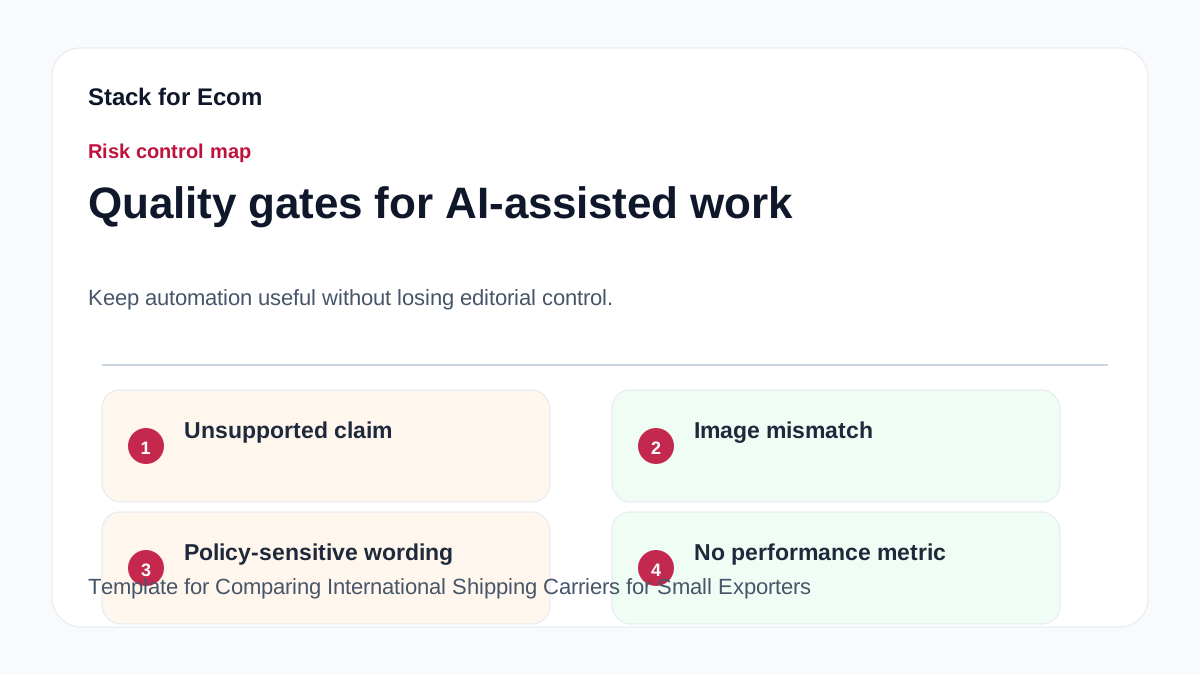
Potential pitfalls
- Comparing only freight rates. Prevention: include duty, brokerage, and paperwork fees in a landed cost column. CBP notes merchandise must clear CBP and may be subject to duty payment. Source: https://www.cbp.gov/trade/basic-import-export/internet-purchases
- Assuming the carrier handles all compliance. Prevention: confirm the importer is responsible for assuring goods comply with state and federal import regulations. Source: https://www.cbp.gov/trade/basic-import-export/internet-purchases
- Missing declaration forms or invoices. Prevention: verify every shipment is accompanied by a U.S. Customs and Border Protection declaration form and an invoice to avoid seizure, forfeiture, or return to sender. Source: https://www.cbp.gov/trade/basic-import-export/internet-purchases
- Using incomplete product descriptions. Prevention: require a full and accurate description in English, quantity, purchase price in U.S. dollars, weight, and country of origin. Source: https://www.cbp.gov/trade/basic-import-export/internet-purchases
- Over-relying on the ITA chatbot for specific decisions. Prevention: remember its knowledge is limited to public information on Export Solutions web pages and cannot provide company- or market-specific responses. Source: https://www.trade.gov/export-solutions
- Trusting translated chatbot answers without verification. Prevention: verify translations, especially acronyms, abbreviations, and nuances. Source: https://www.trade.gov/ecommerce
- Entering sensitive data into the chatbot. Prevention: do not enter PII, sensitive, or proprietary information. Source: https://www.trade.gov/export-solutions
- Treating chatbot output as legal advice. Prevention: responses should not be used as legal or professional advice, and inaccurate advice would not be a defense to violating export rules. Source: https://www.trade.gov/export-solutions
- Assuming EU customs pages include carrier rates. Prevention: the source page does not contain carrier-specific comparison data, shipping rates, or operational guidance for small exporters. Source: https://taxation-customs.ec.europa.eu/customs-4/customs-procedures-import-and-export_en
Suggested visuals
- A carrier comparison scorecard table with columns for carrier name, method (postal/courier/freight), value threshold, declaration support, duty handling, importer of record, and risk notes.
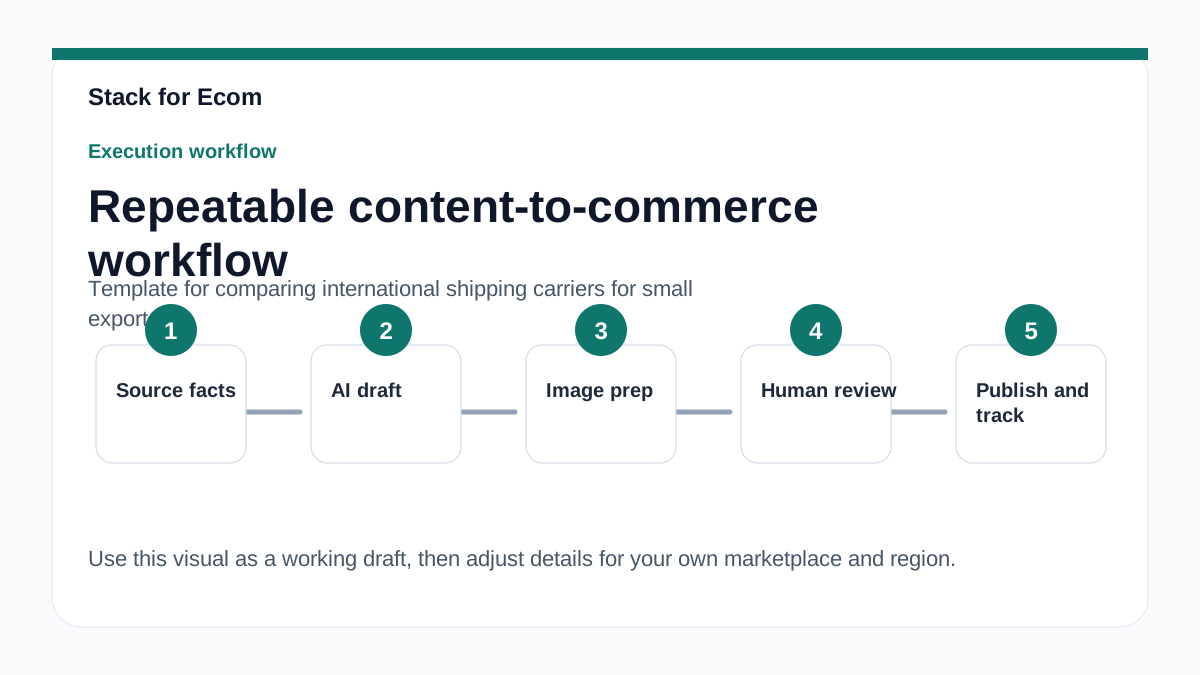
- A workflow diagram showing the three shipping methods from CBP and the decision point for postal service under $2,500 and not subject to quota or restriction. Source: https://www.cbp.gov/trade/basic-import-export/internet-purchases
- A screenshot-style mockup of a CBP declaration form field checklist: description in English, quantity, purchase price in U.S. dollars, weight, country of origin. Source: https://www.cbp.gov/trade/basic-import-export/internet-purchases
- A simple landed cost chart comparing goods value, freight, duty, and brokerage fees across three carriers.
- A decision tree for when to use the ITA Global Business Navigator chatbot and when to verify with Trade.gov. Source: https://www.trade.gov/export-solutions
- A privacy reminder card: no PII, no sensitive data, no proprietary information in the chatbot. Source: https://www.trade.gov/ecommerce
Who this helps / Who should avoid
This helps small exporters, ecommerce operators, and export coordinators who need a repeatable way to compare international shipping carriers. It is especially useful for teams shipping to the United States or the EU and for those who want to use official government resources without over-relying on AI. It also helps operations managers who need to document carrier decisions for audits or customer service.
This is not for companies looking for a definitive carrier ranking or exact shipping rates. The sources do not provide carrier-specific comparison data, shipping rates, or operational guidance for small exporters. Source: https://taxation-customs.ec.europa.eu/customs-4/customs-procedures-import-and-export_en. It is also not a substitute for legal or professional advice; the ITA chatbot's responses should not be used as legal or professional advice. Source: https://www.trade.gov/export-solutions. If you need binding legal or customs rulings, consult a qualified professional.
Conclusion
Comparing international shipping carriers for small exporters is not about finding the cheapest rate. It is about building a repeatable template that captures customs requirements, duty impact, declaration support, and compliance ownership. CBP's guidance on the three shipping methods and declaration requirements gives you the core data fields. Source: https://www.cbp.gov/trade/basic-import-export/internet-purchases. The European Commission's customs procedures page gives you the EU context, though not carrier rates. Source: https://taxation-customs.ec.europa.eu/customs-4/customs-procedures-import-and-export_en.
Use the ITA's Global Business Navigator as a general orientation tool, not as a decision engine. Its knowledge is limited, it may be inaccurate, and it cannot provide company- or market-specific answers. Source: https://www.trade.gov/export-solutions. Double-check every response, protect sensitive data, and verify translations. With this template, your team can compare carriers consistently, reduce shipment risk, and make faster, better-documented logistics decisions. Details may vary; check references.
References
- https://www.trade.gov/ecommerce
- https://www.trade.gov/export-solutions
- https://taxation-customs.ec.europa.eu/customs-4/customs-procedures-import-and-export_en
- https://www.cbp.gov/trade/basic-import-export/internet-purchases