TL;DR
Use this template to compare marketplace selling fees, shipping costs, and payment risk before you commit to a new country or region. Start by listing every marketplace account you will use, including regional and country-specific accounts. Next, map the fee types that apply: professional selling plan fees, referral fees, and optional services such as Fulfillment by Amazon (FBA) or Amazon Ads. Then estimate shipping and fulfillment costs for each lane. Finally, score payment risk using the facts you can verify and flag anything that needs more research. Amazon states that professional selling plan fees are charged separately for Americas and Europe regional accounts, and for country-specific Asia-Pacific and MENA accounts. If global Amazon selling accounts are linked, the monthly fee is the lower of USD 39.99 per month or the sum of selling plan fees for each region and country with active listings. Referral fees vary by product category and are charged as a percentage of total price or a minimum amount, whichever is greater. Optional services such as FBA or Amazon Ads may add costs beyond selling fees. Product requirements, taxes, regulations, compliance, safety, and listing rules vary by country and must be reviewed for each target market. Details may vary; check references.
Introduction
Cross-border sellers often compare marketplaces using a single number, such as the monthly subscription, and then discover later that shipping, referral fees, and payment risk change the true cost. The problem is not a lack of data; it is that the data sits in different places and uses different units. A template forces you to put fees, shipping, and risk side by side so you can see the real margin before you launch.
The business impact is direct. If you underestimate referral fees, you may price too low. If you ignore regional selling plan fees, you may pay more than expected when you link accounts. If you overlook payment risk, you may tie up cash in a market where returns, chargebacks, or currency conversion eat your profit. Amazon states that referral fees vary by product category and are charged as a percentage of total price or a minimum amount, whichever is greater. Optional services such as Fulfillment by Amazon (FBA) or Amazon Ads may add costs beyond selling fees. Those two facts alone can change your break-even point.
Use this article as a working template. Fill in the sections for each marketplace and region you are considering. Where a fact is not provided, write "Details may vary; check references" and move on. The goal is not a perfect forecast; it is a repeatable comparison that you can update as you learn more.
Main Content
Map your marketplace accounts and regions
Start by listing the accounts you will actually use. Amazon Global Selling supports two primary models: selling globally from the US, or selling to US customers from another country. A North America and Brazil unified selling account covers Amazon customers in the US, Canada, Mexico, and Brazil. A Europe account reaches Amazon customers in 28 countries; Asia-Pacific and Middle East/North Africa regions use country-specific accounts. Write these regions into your template as separate rows because fees and requirements differ.
For each row, note whether you will use a regional account or a country-specific account. This matters because professional selling plan fees are charged separately for Americas and Europe regional accounts, and for country-specific Asia-Pacific and MENA accounts. If global Amazon selling accounts are linked, the monthly fee is the lower of USD 39.99 per month or the sum of selling plan fees for each region and country with active listings. That rule can reduce your total subscription cost, but only if you link accounts correctly and only for regions with active listings.
Also record the selling model. If you sell globally from the US, your shipping and fulfillment costs will differ from selling to US customers from another country. Non-US businesses may not be required to form a US company to sell in the US, though it may be advantageous depending on business specifics and sales strategy. Put that decision in the template as a yes/no field with a note, because it affects banking, tax, and payment risk.
Build the fee comparison table
Create a table with one row per marketplace account and columns for professional selling plan fee, referral fee, and optional service costs. For referral fees, do not use a single percentage. Amazon states that referral fees vary by product category and are charged as a percentage of total price or a minimum amount, whichever is greater. So your template should have a column for category, a column for the referral fee percentage, and a column for the minimum amount. Then calculate the greater of the two for each product.
For professional selling plan fees, use the regional and country-specific structure. Americas and Europe are regional; Asia-Pacific and MENA are country-specific. If you link accounts, apply the rule: the monthly fee is the lower of USD 39.99 per month or the sum of selling plan fees for each region and country with active listings. Add a column for "linked account monthly fee" so you can compare the unlinked sum with the linked result.
Optional services belong in the same table but in a separate section. Fulfillment by Amazon (FBA) and Amazon Ads may add costs beyond selling fees. For ads, Amazon Ads offers Sponsored Products, Sponsored Brands, Display ads, Brand Stores, and Streaming TV. Sponsored Products are self-service, cost-per-click ads for individual product listings that appear in shopping results and on product detail pages across desktop and mobile. If you plan to use Sponsored Products, add a column for daily budget. Amazon recommends a minimum daily budget of $10 for the United States and Canada, £10 for the United Kingdom, and 10 € for Germany, France, Italy, Spain, Belgium, Ireland, and the Netherlands. That gives you a starting point, not a final number.
Estimate shipping and fulfillment costs
Shipping is where many comparisons break down because sellers mix up inbound shipping, outbound shipping, and fulfillment fees. Separate them in your template. Inbound shipping moves your inventory to a marketplace or fulfillment center. Outbound shipping moves the product to the customer. Fulfillment fees cover picking, packing, and delivery when you use a service such as FBA. If you use FBA, note that optional services such as Fulfillment by Amazon (FBA) may add costs beyond selling fees.
For each region, add columns for inbound shipping per unit, outbound shipping per unit, and fulfillment fee per unit. If you do not have a quote yet, write "Details may vary; check references" and keep the row. The point is to see which regions have missing data so you can prioritize research. For example, a Europe account reaches Amazon customers in 28 countries, so your shipping template may need multiple lanes. A North America and Brazil unified selling account covers four countries, which may simplify shipping but still requires per-country tax and compliance checks.
Also include a column for product requirements and compliance. Product requirements, taxes, regulations, compliance, safety, and listing rules vary by country and must be reviewed for each target market. These are not shipping costs, but they can block a launch or add testing and labeling costs. Put them in the template as a risk flag so you do not treat them as an afterthought.
Assess payment risk and information gaps
Payment risk includes currency conversion, payout timing, returns, chargebacks, and the reliability of the information you used. Your template should have a risk score for each marketplace and a confidence score for each data point. If a number comes from a general source rather than a market-specific quote, mark it as low confidence. Amazon states that product requirements, taxes, regulations, compliance, safety, and listing rules vary by country and must be reviewed for each target market. That means your risk assessment must be market-specific.
Use the Global Business Navigator as a starting point for general export information, not as a market-specific answer. The Global Business Navigator is an AI chatbot from the International Trade Administration (ITA), currently in beta testing, designed to provide general information on the exporting process and resources for U.S. exporters. It was developed using Microsoft's Azure AI services and is trained on ITA's export-related content. As a beta product, the chatbot's responses may occasionally produce inaccurate or incomplete information, and its knowledge is limited to public information on the Export Solutions web pages of Trade.gov. It cannot provide responses specific to a company's product or a specific foreign market, but its reference pages guide users to other government resources and market research. Users should always double-check the chatbot's responses using provided references or by visiting the Export Solutions web pages on Trade.gov, and should not use its responses as legal or professional advice.
Add a privacy and data-handling note to your template. The chatbot does not collect user information, does not use chat history to learn new information, and all feedback is anonymous; users are advised not to enter personally identifiable information (PII), sensitive, or proprietary information. Conversations with the chatbot may be reviewed to help ITA improve the tool and address harmful, illegal, or otherwise inappropriate questions. The chatbot supports a wide range of languages, but because it is trained in English and responses are translated, users should verify the translation, as it may have difficulty with acronyms, abbreviations, and nuances in other languages. These facts matter for payment risk because they tell you what the tool can and cannot confirm.
Add an advertising and budget layer
Advertising changes the cost side of your comparison. If you plan to launch Sponsored Products, include a budget row in your template. Amazon recommends new advertisers start with Sponsored Products using automatic targeting, or manual keyword or product targeting. When launching a campaign with manual keyword targeting, Amazon recommends targeting at least 30 keywords and starting with broad match. Those recommendations affect your minimum spend and your expected cost per click, so they belong in the comparison.
Amazon Ads registration requires selecting a country and specifying whether products are sold on Amazon, with account types including Seller Central, Vendor Central, Author Central, Kindle Direct Publishing, and Developer/Prime Video Direct/Video Central. Add a column for account type and country so you do not mix up eligibility. South Africa is launching to domestic sellers and vendors only, so if you are a cross-border seller, mark that market as restricted in your template.
Finally, plan your reporting. Sponsored Products reports include search term report, targeting report, advertising product report, placement report, performance over time report, and purchased product report. Use these reports to update your template after launch. The first version of your comparison will be an estimate; the reports turn it into a feedback loop. Amazon states it was ranked the most trusted brand by US consumers in 2023, which may support a trust argument, but it does not replace your own cost and risk analysis.
Step-by-step checklist
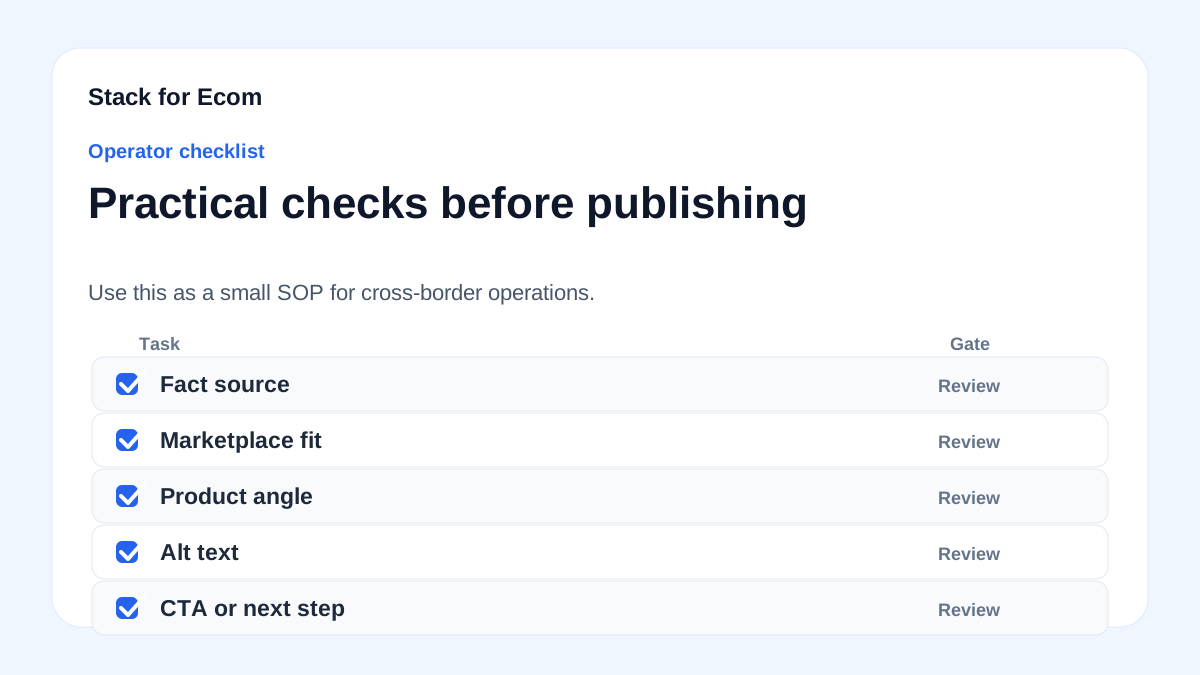
- List every marketplace account you will use, including regional accounts (Americas, Europe) and country-specific accounts (Asia-Pacific, MENA).
- For each account, record the professional selling plan fee and whether it is regional or country-specific.
- If you link global Amazon selling accounts, calculate the monthly fee as the lower of USD 39.99 per month or the sum of selling plan fees for each region and country with active listings.
- For each product category, record the referral fee percentage and the minimum amount, then calculate the greater of the two.
- Add optional service costs such as Fulfillment by Amazon (FBA) and Amazon Ads to a separate section of the table.
- Estimate inbound shipping, outbound shipping, and fulfillment fees per unit for each region.
- Check product requirements, taxes, regulations, compliance, safety, and listing rules for each target market.
- Score payment risk for each marketplace, including currency, payout timing, returns, and chargebacks.
- Mark any data point that is not market-specific as low confidence, and write "Details may vary; check references" where needed.
- If you use the Global Business Navigator, double-check its responses using provided references or the Export Solutions web pages on Trade.gov, and do not enter PII, sensitive, or proprietary information.
- Set a minimum daily ad budget using Amazon's recommendations: $10 for the United States and Canada, £10 for the United Kingdom, and 10 € for Germany, France, Italy, Spain, Belgium, Ireland, and the Netherlands.
- Review Sponsored Products reports after launch and update the template with actual search term, targeting, placement, and purchased product data.
Potential pitfalls
- Treating the monthly subscription as the only fee. Prevention: add referral fees and optional service costs such as FBA and Amazon Ads to the same table.
- Using a single referral fee percentage for all categories. Prevention: note that referral fees vary by product category and are charged as a percentage of total price or a minimum amount, whichever is greater.
- Forgetting that professional selling plan fees are charged separately for Americas and Europe regional accounts, and for country-specific Asia-Pacific and MENA accounts. Prevention: build one row per account and apply the linked-account rule only when accounts are linked.
- Assuming shipping costs are the same across a region. Prevention: split inbound, outbound, and fulfillment costs, and add per-country lanes where needed.
- Skipping compliance and tax checks. Prevention: add a column for product requirements, taxes, regulations, compliance, safety, and listing rules, and mark each market as verified or unverified.
- Over-relying on a beta chatbot for market-specific answers. Prevention: remember the Global Business Navigator cannot provide responses specific to a company's product or a specific foreign market, and always double-check using provided references or the Export Solutions web pages on Trade.gov.
- Entering sensitive information into a chat tool. Prevention: do not enter PII, sensitive, or proprietary information, and note that conversations may be reviewed to help ITA improve the tool.
Suggested visuals
- A comparison table template with columns for region, account type, professional selling plan fee, referral fee percentage, referral minimum, FBA cost, ad budget, shipping cost, and payment risk score.
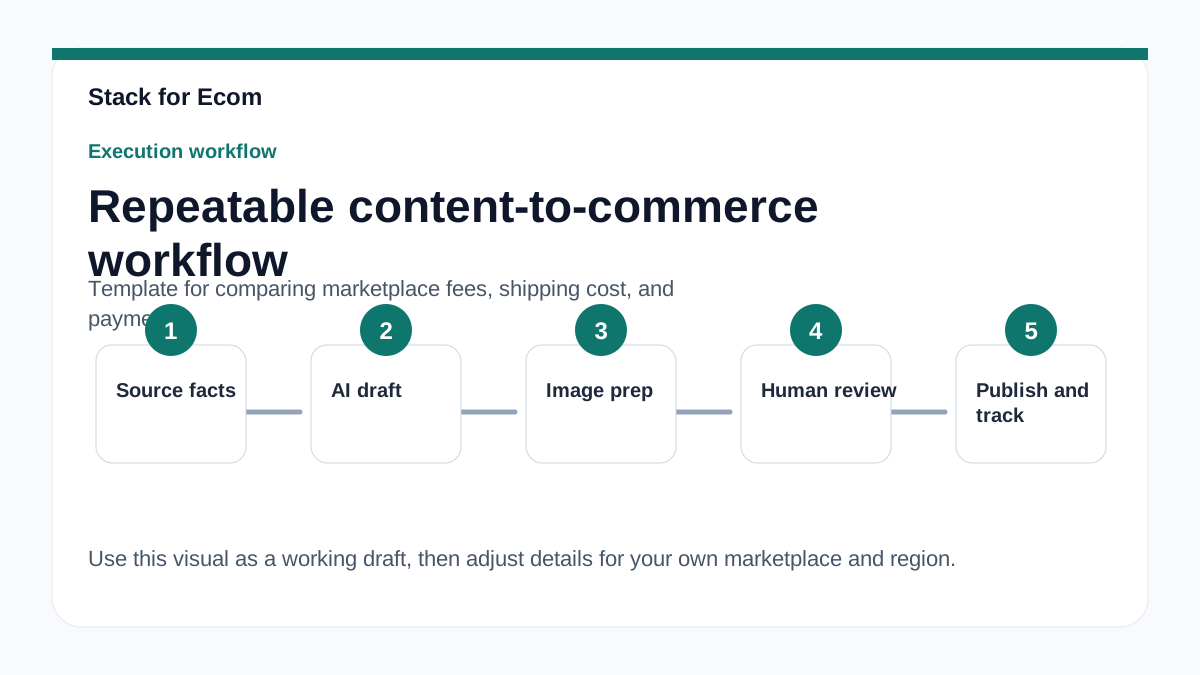
- A workflow diagram showing the order of operations: map accounts, build fee table, estimate shipping, assess payment risk, add advertising, then update with reports.
- A screenshot-style mockup of a linked-account fee calculation, showing the lower of USD 39.99 per month or the sum of selling plan fees for each region and country with active listings.
- A map or region chart highlighting Americas, Europe, Asia-Pacific, and MENA, with notes on regional versus country-specific accounts.
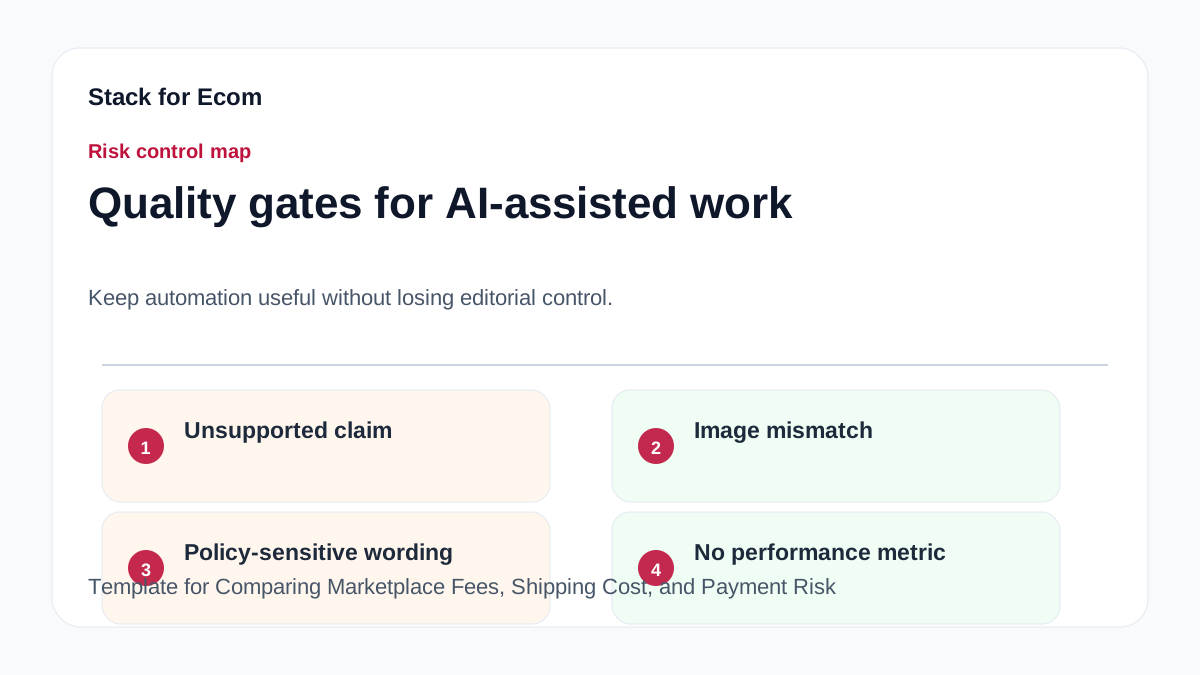
- A simple risk matrix with likelihood and impact axes for payment risk, including currency, payout timing, returns, and chargebacks.
- A reporting dashboard mockup listing Sponsored Products reports: search term report, targeting report, advertising product report, placement report, performance over time report, and purchased product report.
Who this helps / Who should avoid
This helps cross-border sellers, exporters, and small operations teams who are comparing marketplace fees, shipping costs, and payment risk before launching or expanding. It also helps teams that already sell in one region and want a repeatable way to compare new regions. If you use Amazon Global Selling, the template aligns with the account structures described by Amazon, including regional and country-specific accounts.
This may not be enough for sellers who need a market-specific legal, tax, or compliance opinion. The Global Business Navigator cannot provide responses specific to a company's product or a specific foreign market, and its responses should not be used as legal or professional advice. If you need that level of detail, use this template to organize your questions, then consult qualified professionals and official resources. Details may vary; check references.
Conclusion
A fee comparison is only useful if it includes shipping and payment risk. Use this template to put all three side by side, account by account and region by region. Start with the facts you can verify: professional selling plan fees are charged separately for Americas and Europe regional accounts, and for country-specific Asia-Pacific and MENA accounts; if global Amazon selling accounts are linked, the monthly fee is the lower of USD 39.99 per month or the sum of selling plan fees for each region and country with active listings; referral fees vary by product category and are charged as a percentage of total price or a minimum amount, whichever is greater; optional services such as FBA or Amazon Ads may add costs beyond selling fees.
Then fill the gaps with research. Product requirements, taxes, regulations, compliance, safety, and listing rules vary by country and must be reviewed for each target market. Where a detail is missing, write "Details may vary; check references" and keep moving. Review and update the template after launch using Sponsored Products reports. That turns a one-time comparison into an operating system for cross-border growth.
References
- https://www.trade.gov/ecommerce
- https://sell.amazon.com/global-selling
- https://advertising.amazon.com/library/guides/getting-started-with-sponsored-ads
- https://www.trade.gov/export-solutions